


Hot Services


Contact Us
Contact us now for your questions>
Download Center

Revo Scan
Make 3D model scanning easier and more convenient.
Accessory Support Software
Download Revo Assistant for easy palm-side control of dual-axis rotary tables and motorised rotary tables.
Documentation & Guides
Find product quick start guides and manuals to help you get startedProduct Support
Find your product through browsing by the product name


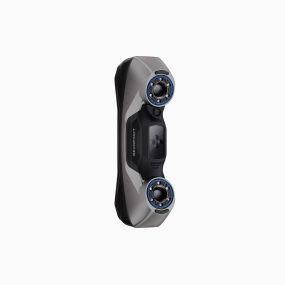

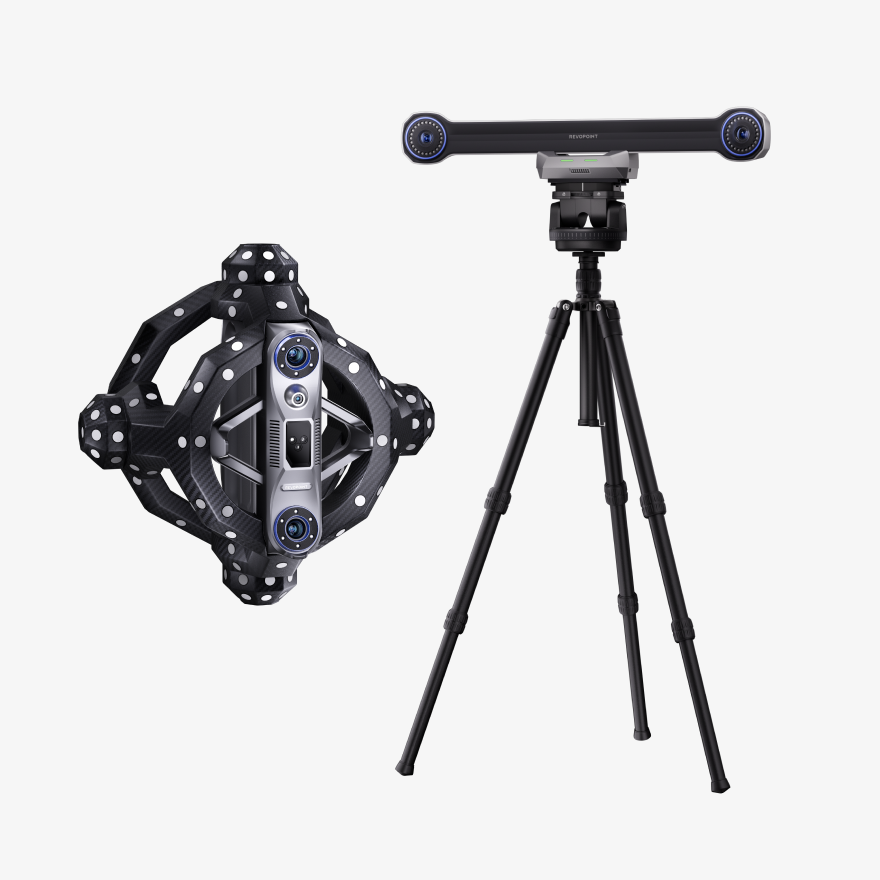

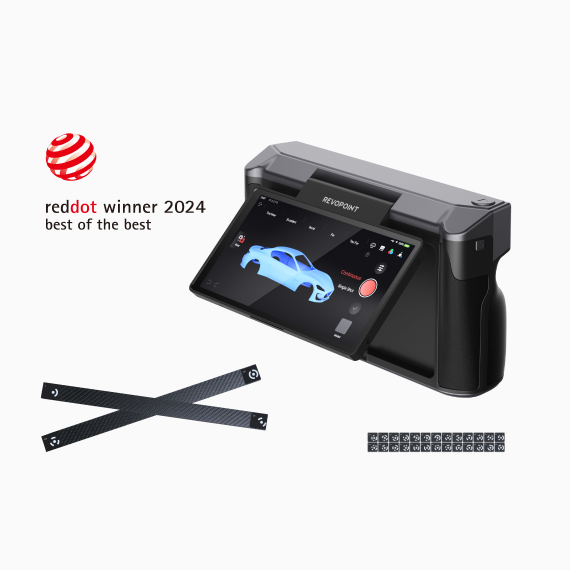
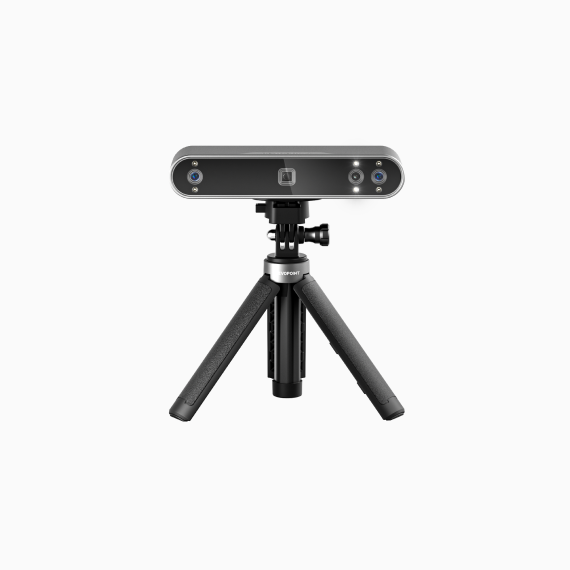

Revopoint's Channel
Learn everything you want to know about Revopoint's 3D scanners
Full Tutorial
Full Tutorial
update Overview
Mobile for iOS Tutorial
FAQ
What are the recommend scanning scenarios for Revopoint 3D scanners?
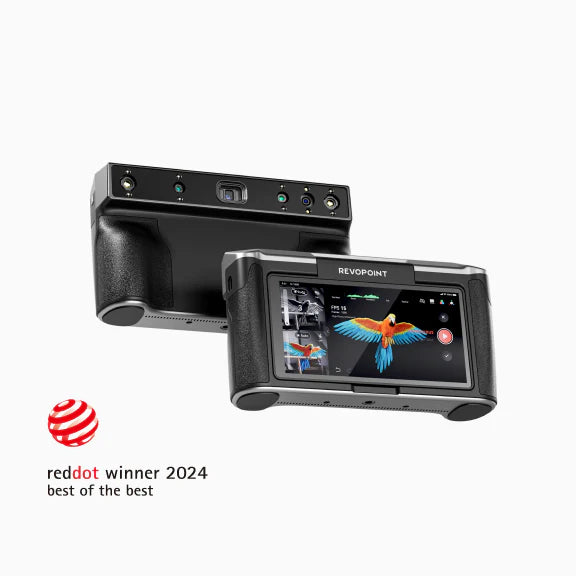
POP 4: Hybrid blue laser and infrared 3D scanner for various indoor and outdoor scenarios, powered by the world's first AI object segmentation and tracking technology, it identifies your target area with a single click and tracks it throughout the scan. Suitable for small indoor objects to medium workpieces.
Trackit: An advanced optical tracking and blue laser 3D scanning system designed for marker-free industrial applications, capable of scanning small to large workpieces and ensuring volumetrically accurate measurements.
MetroY Series: Pro multi-line blue laser modes and full-field structured light (Pro Only) 3D enable fast scans, simplifying 3D measurement of small to medium complex workpieces.
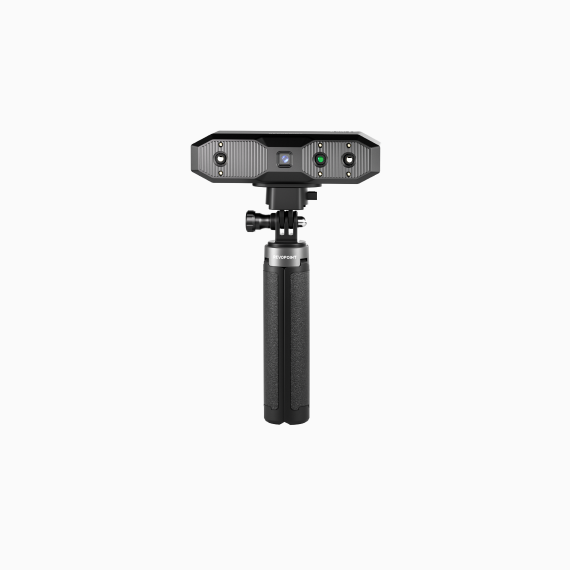
INSPIRE 2: Entry-level infrared laser and structured light 3D scanner for small to medium objects, ideal for 3D printing, design, and hobbies.
MetroX Series: Hybrid multi-line laser and structured light 3D scanner for industrial-grade blue light scanning, ideal for small to medium objects.
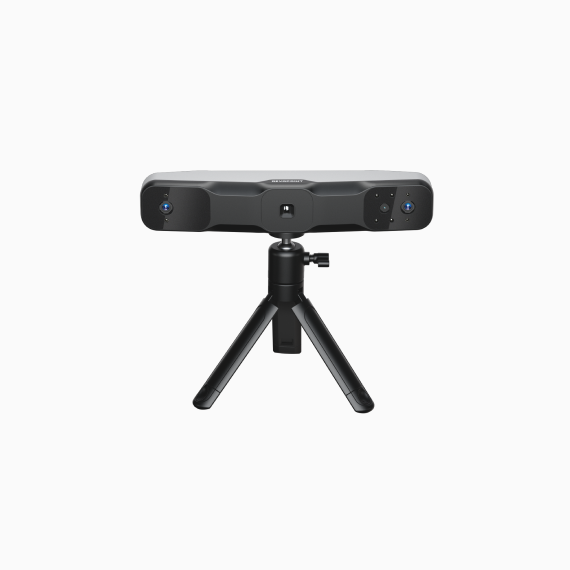
MIRACO Series: All-in-one 3D scanner that captures small to large objects.
MINI Series: High-precision blue light 3D scanners for scanning small objects such as jewelry, miniature figurines, or small hardware components.
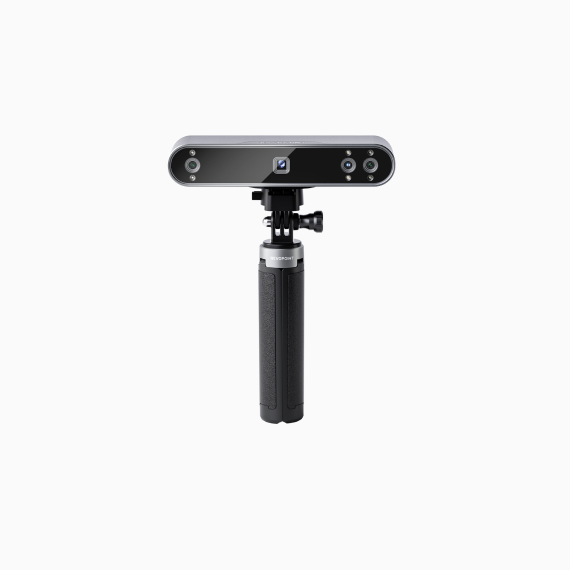
POP Series: High-precision portable 3D scanners for scanning medium-sized objects like engine parts or vases.
RANGE Series: Portable 3D scanner for large objects such as furniture, vehicles, and human bodies.
INSPIRE: Entry-level 3D scanner for scanning medium-sized objects. It is suitable for 3D printing, creative design, and hobbyists.
For more product parameter information, please click the link below to view the Revopoint scanner comparison
What are the system requirements for Revopoint 3D scanners?
1. MIRACO Series , MINI Series , RANGE Series , POP Series and INSPIRE
Windows
RAM: ≥ 16 GB
CPU: Intel i7 12th Gen or better
macOS
RAM: ≥ 8 GB
CPU: M1 Pro or better
2. MetroX
macOS
Processor: M1 Pro/Max/Ultra
Memory ≥ 16 GB
Windows
Processor: Intel i7 13th Gen or AMD Ryzen 7 5800
Memory ≥ 32 GB
Graphics Card: NVIDIA GeForce RTX 3060 (8 GB)
Note:
① If you are unsure about the specific CPU configuration, please ensure that the CPU has ≥ 8 cores, ≥ 16 threads, and a base frequency ≥ 2.4 GHz.
② Dedicated graphics card acceleration is only required for laser line scanning mode. AMD and Mac GPUs are not supported for acceleration.
3. MetroY Series / MetroX Pro
macOS
Processor: M2 Pro
Memory ≥ 16 GB
Windows
Processor: Intel i7 13th Gen or AMD Ryzen 7 5800
Memory ≥ 32 GB
Graphics Card: NVIDIA GeForce RTX 3060 (8GB)
Note:
① If you are unsure about the specific CPU configuration, please ensure that the CPU has ≥ 8 cores, ≥ 16 threads, and a base frequency ≥ 2.4GHz.
② Dedicated graphics card acceleration is only required for laser line scanning mode. AMD and Mac GPUs are not supported for acceleration.
4. INSPIRE 2
macOS
Processor: M1 Pro/Max/Ultra
Memory ≥ 16 GB
Windows
Processor: Intel i7 13th Gen or AMD Ryzen 7 5800
Memory ≥ 16 GB
Graphics Card: NVIDIA GeForce RTX 3060 (8 GB)
Note:
① If you are unsure about the specific CPU configuration, please ensure that the CPU has ≥ 8 cores, ≥ 16 threads, and a base frequency ≥ 2.4GHz.
② Dedicated graphics card acceleration is only required for laser line scanning mode. AMD and Mac GPUs are not supported for acceleration.
What operating systems are compatible with Revopoint 3D scanners?
1.Android
System: Android 9.0 or better
2. iOS
Models: Models after iPhone X; 10th generation iPad or later
3. Windows
System: Windows 10/11 (64-bit)
4. macOS
System: macOS 11.0 or better
Note: Metro Series and Trackit 3D scanner are not compatible with mobile devices.
How do I connect Revopoint’s 3D Scanner?
Depending on the scanner and system, the connection method is as follows:
1. Mobile phone connection:
① Android phone: supports USB and Wi-Fi connection methods
② iOS phone: only supports Wi-Fi connectionApplicable products: MINI series, RANGE series, POP series, and INSPIREseries.
2. Computer connection:
Windows / macOS both support USB and Wi-Fi connection methods, and the specific applicable models are as follows.
① USB connection supports: MIRACO series, MINI series, RANGE series, POP series, INSPIRE series, MetroX series, Trackit, and MetroY series.
② Wi-Fi connection supports: MIRACO series, MINI series, RANGE series, POP series, INSPIRE series, and MetroY series.
Which file formats can I export from Revopoint's scanning software?
All Revopoint scanning software (Revo Scan, Revo Track, Revo Metro) can export your models in PLY, OBJ, STL, ASC, 3MF, GLTF, and FBX for compatibility with most 3D modeling, slicer, and CAD software.
Point Cloud model: PLY, OBJ, ASC
Mesh model: PLY, OBJ, STL, FBX, GLTF, 3MF
Texture model: PLY, OBJ, FBX, GLTF
There are many versions of scanning software in the Revo series. Which one should I use? Are these all free?
Free Scanning Software
Revo Scan 6 = POP 4, POP 3 Series, INSPIRE , RANGE 2, MINI 2, MIRACO Series
Revo Scan 5 = POP Series(Excluding POP 4) , MINI Series , RANGE Series , INSPIRE , MIRACO Series
Revo Metro = MetroX, MetroX Pro, MetroY, MetroY Pro, MetroY Ultra, INSPIRE 2
Revo Track = Trackit
Free Casting Software
Revo Mirror - Letting you preview and monitor your 3D scanning process in real-time when paired with Revo Metro.
Paid Professional Software
In addition to the free scanning software, Revopoint also offers:
Revo Design - Professional reverse engineering software
Revo Measure - Professional measurement software
These professional software require purchase, but you can apply for a free trial to test their features before buying.
Can Revopoint's 3D scanners perform human body scans?
Yes, the following scanners are suitable for human body scans:
POP 4:
It is suitable for human body scanning. It supports marker-free scanning and feature-tracking scanning for bodies, faces, and feature-rich objects. It also supports Full-Field HD Scanning and VCSEL Rapid Scanning for smooth and fast bodies data capture.
MIRACO Series:
This all-in-one scanner can freely switch between Far-modes and Near-modes. Its simple and convenient operation makes it ideal for partial or full-body scanning.
RANGE Series:
It is specially designed for large objects and has a large scanning range, making it great for fast full-body scans.
POP 3 Series:
It is suitable for scanning medium-sized objects and can scan partial details such as faces, limbs, and the torso.
Can I use Revopoint 3D scanners outdoors?
Most Revopoint 3D scanners (except MINI, Metro, and Trackit series) support outdoor scanning but cannot be used in direct sunlight.
Especially POP 4 and INSPIRE 2 scanner both comes with outdoor filters that enable outdoor scanning.
Outdoor Scanning Tips:
Choose after sunset/before sunrise or on cloudy days.Scan in shaded areas whenever possible to avoid direct intense light.
How do I scan shiny, metal, or dark surfaces?
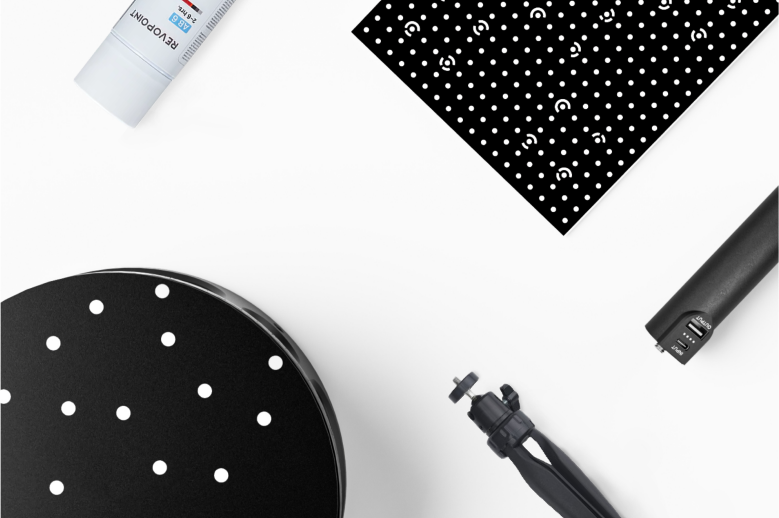
Note: Metro series and Trackit can directly scan the objects above without using scanning spray in Blue laser scanning modes.
Can I make a tax‑exempt purchase from Revopoint?
We provide tax-exempt services for companies that meet the requirements. For more information, please check the tax exemption application
Contact Us

We’re Here to Help
Speak to an Revopoint expert now. Whether by phone, chat, or email, we’re ready to help you with all of your product questions and issues.


