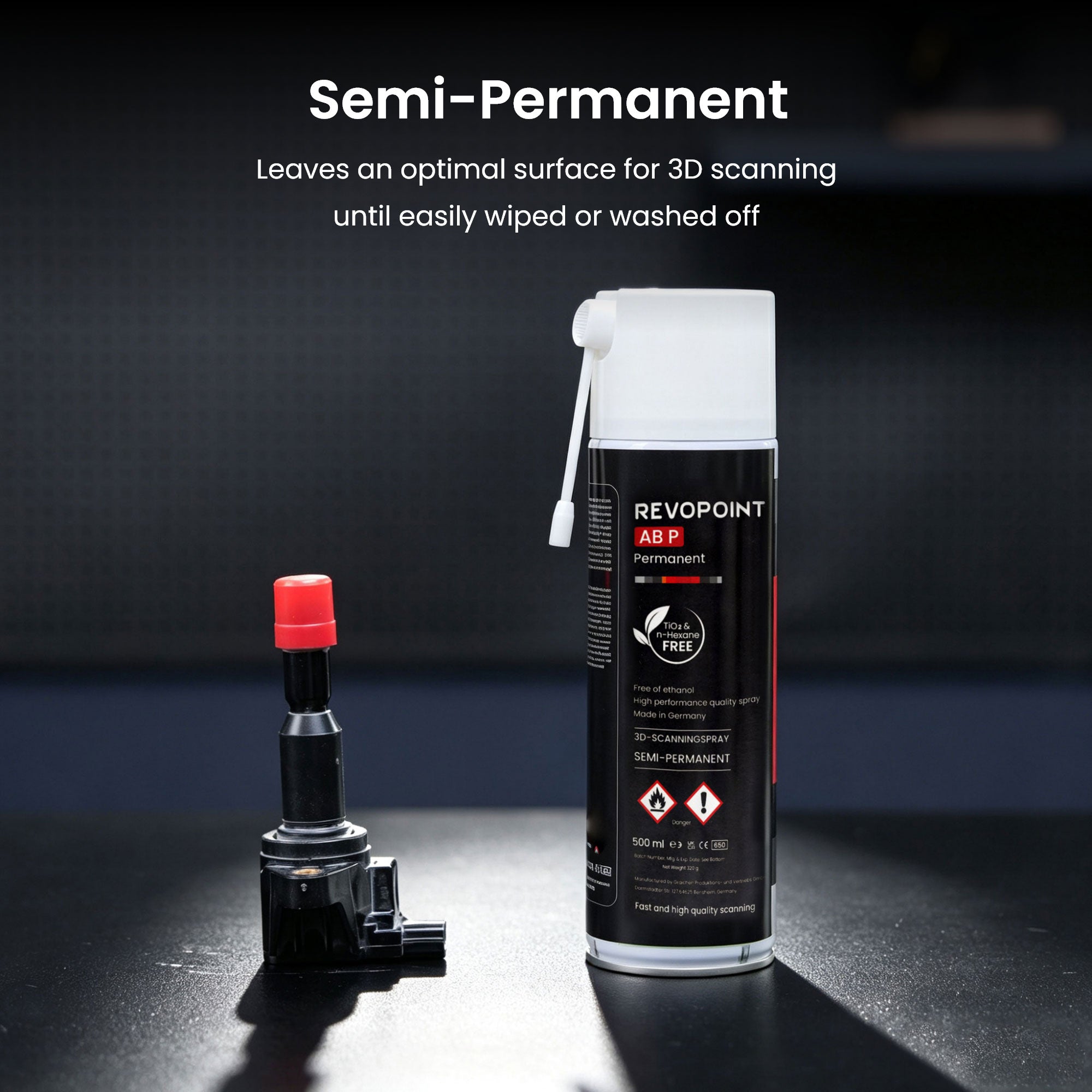
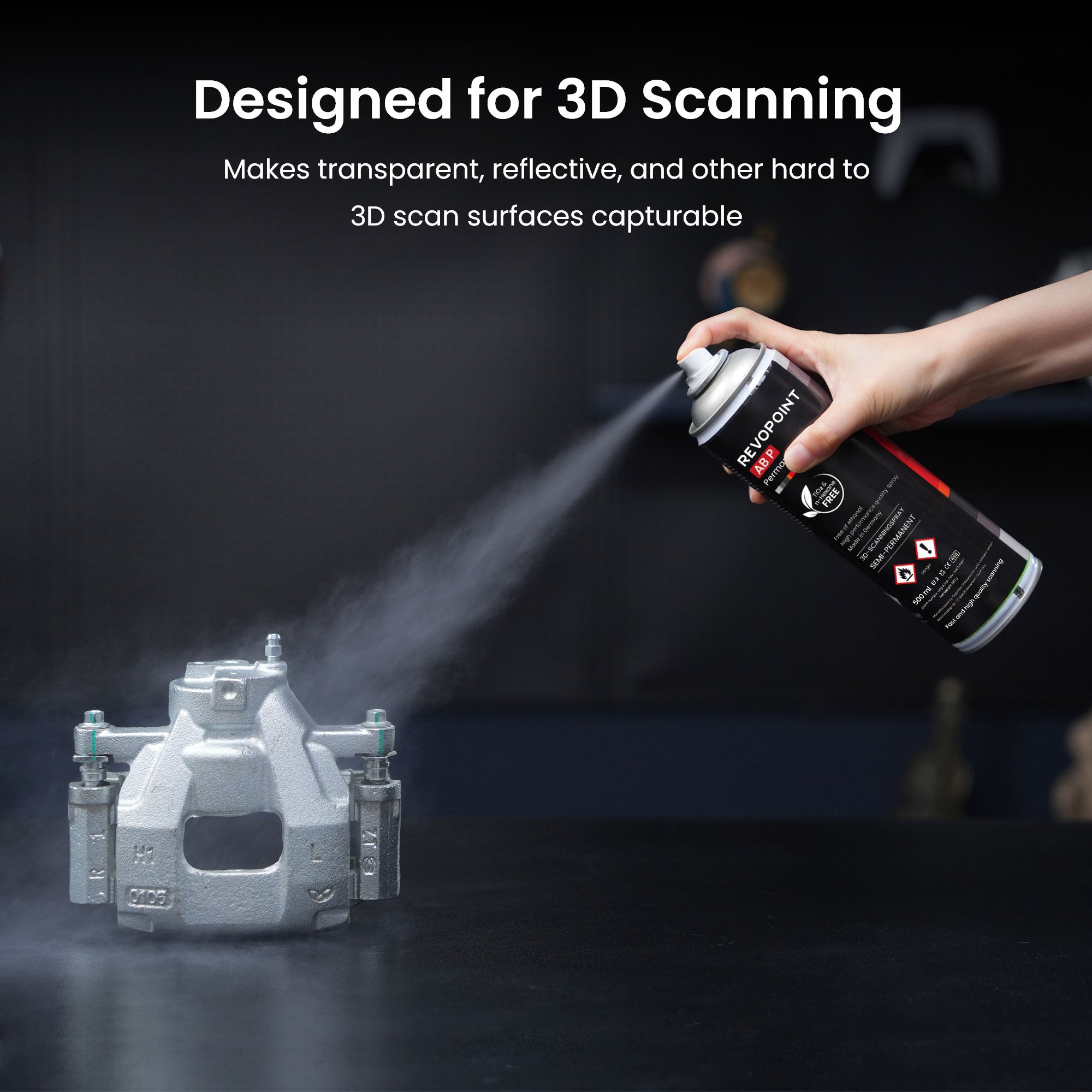
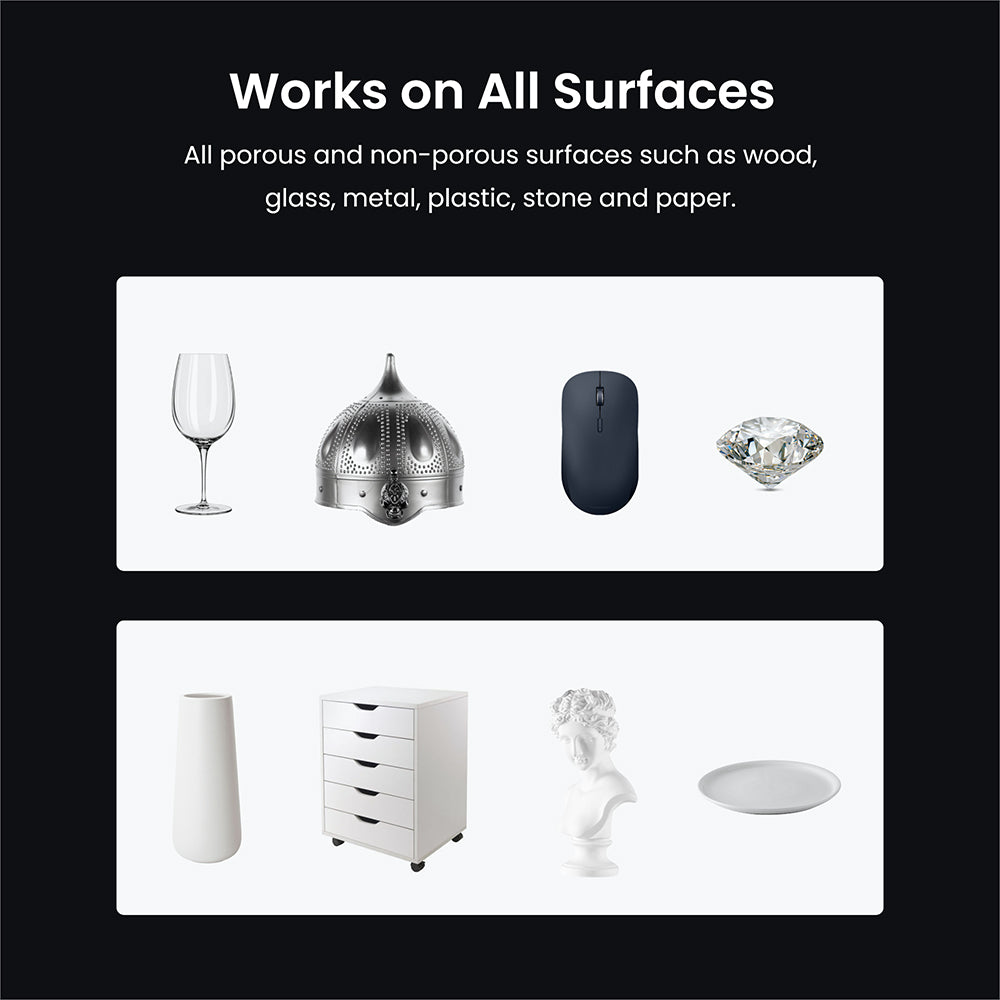


- Photos
REVOPOINT Scanning Spray
Usually, free shipping for most 3D scanners, 3-5 working days fast receipt. Software is non-refundable, fast digital delivery via email.

Revopoint 3D Scanning Spray
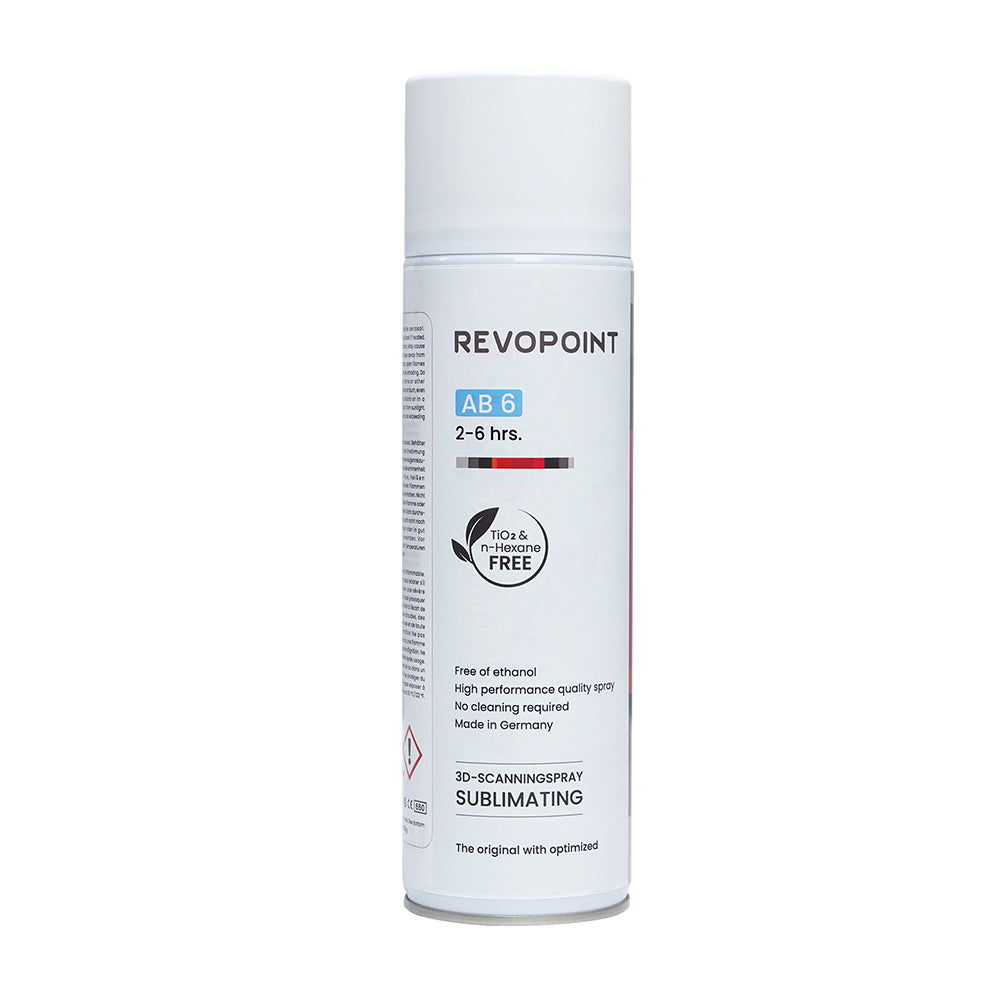
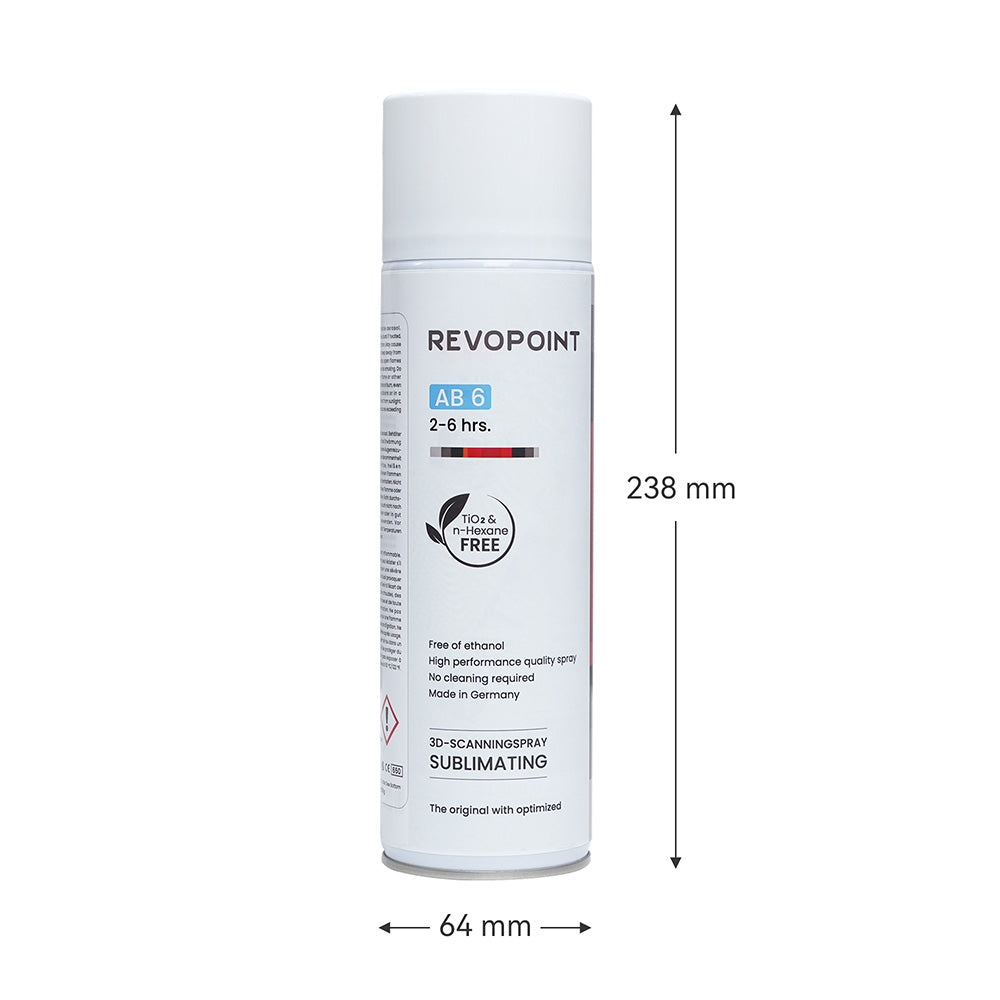
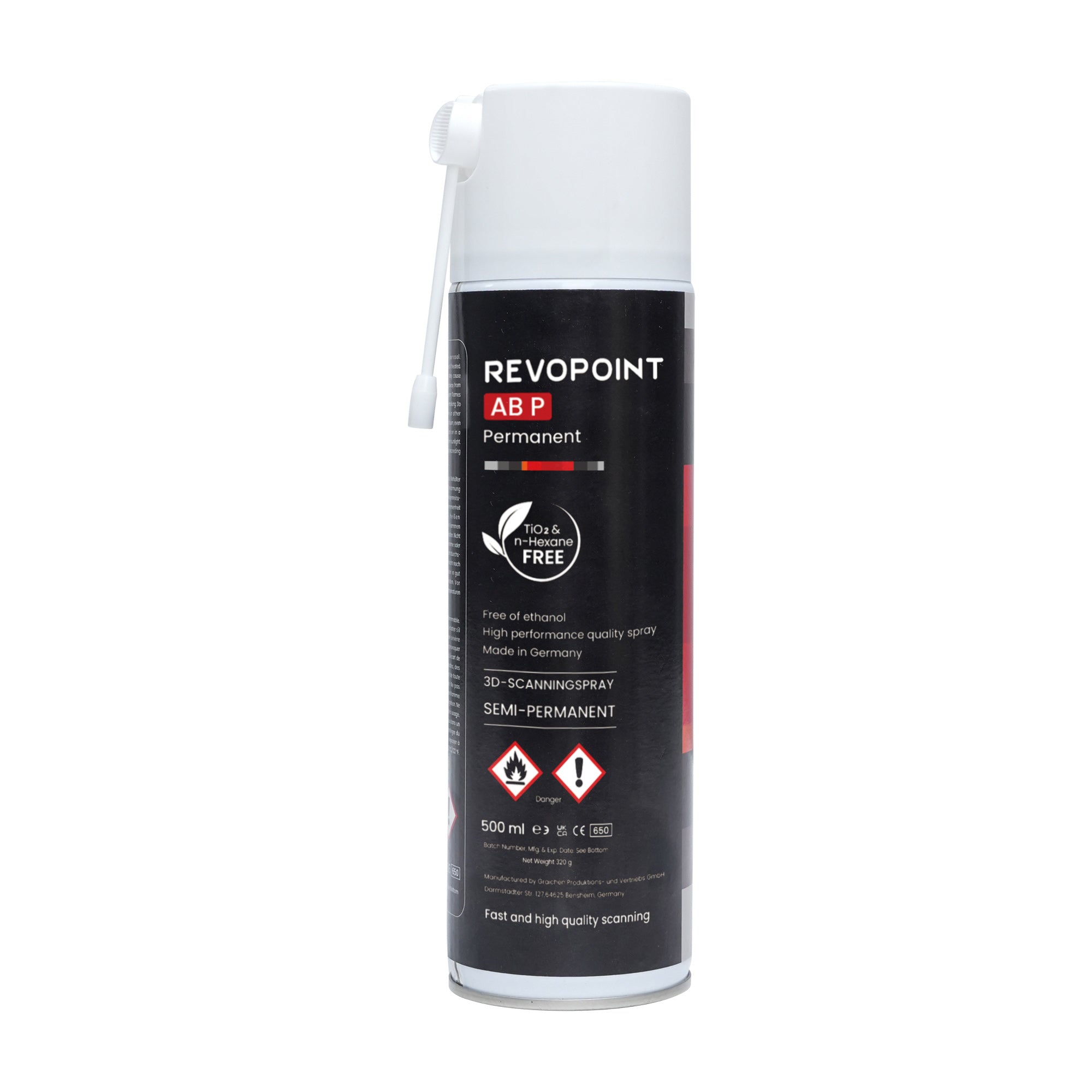
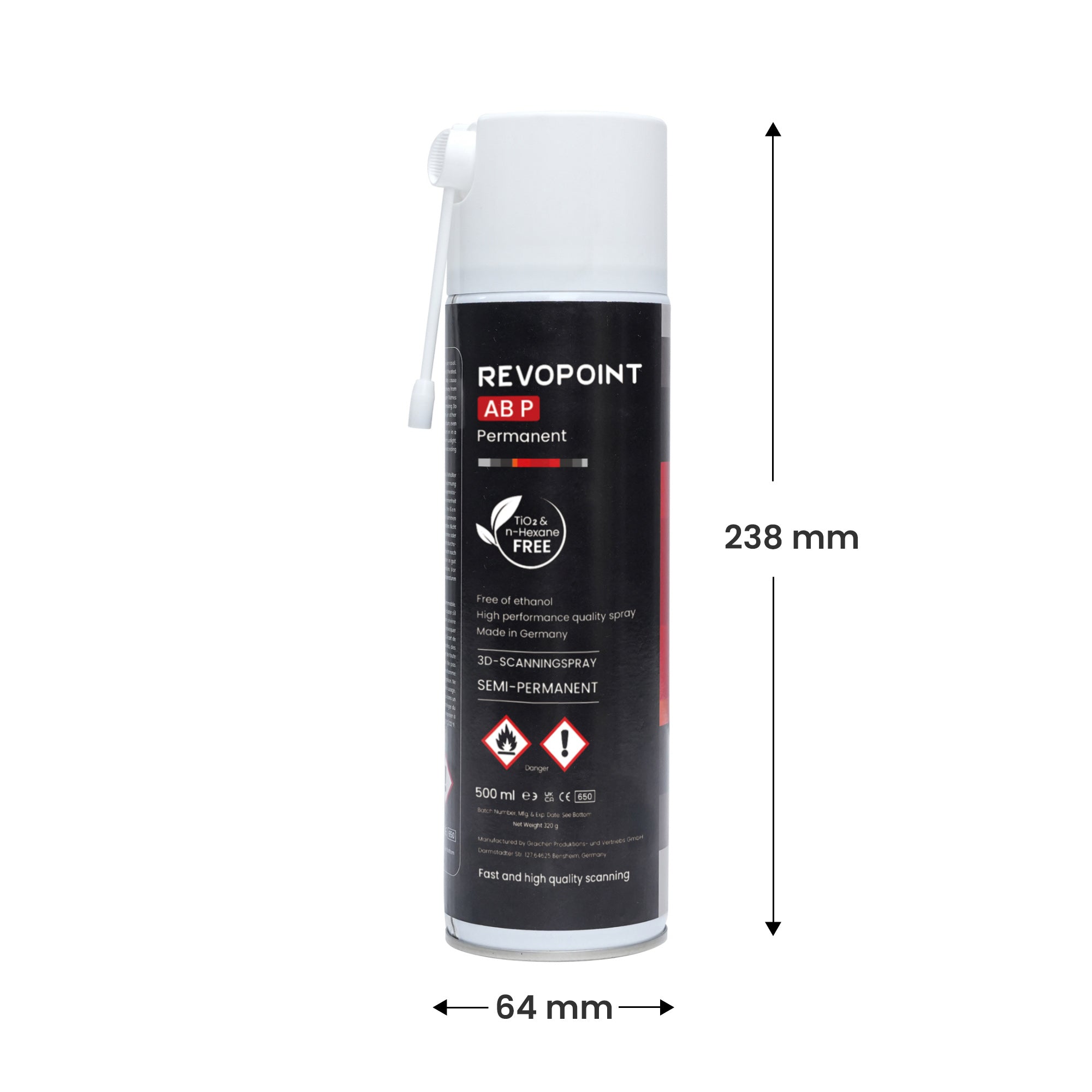
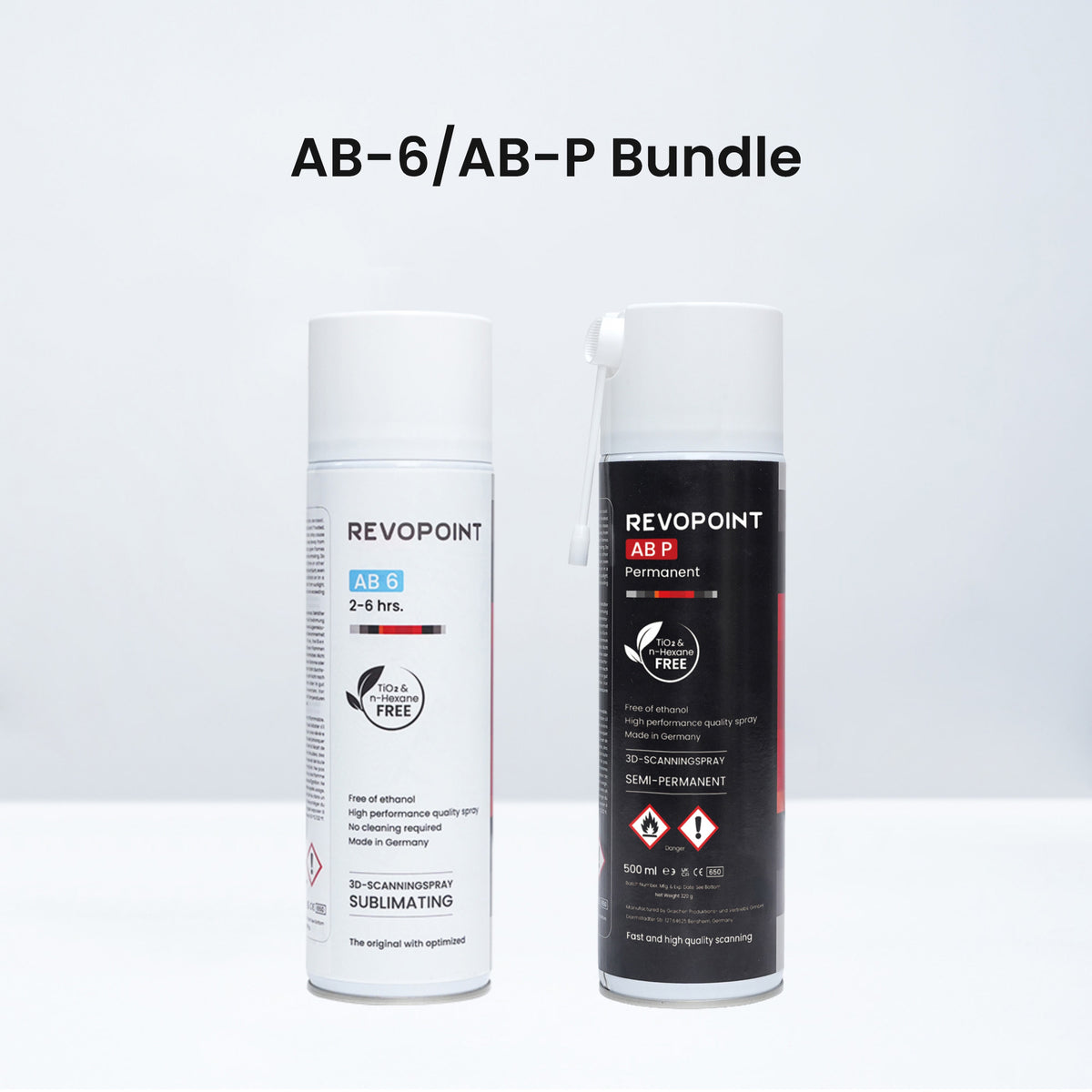
Revopoint's AB-6 and AB-P scanning sprays allow you to capture transparent, reflective, dark, and other difficult-to-scan surfaces. Choose from two types of scanning spray: fast sublimating (disappears in 6 - 24 hours) and semi-permanent, tailored to meet diverse scanning needs.
Large Volume
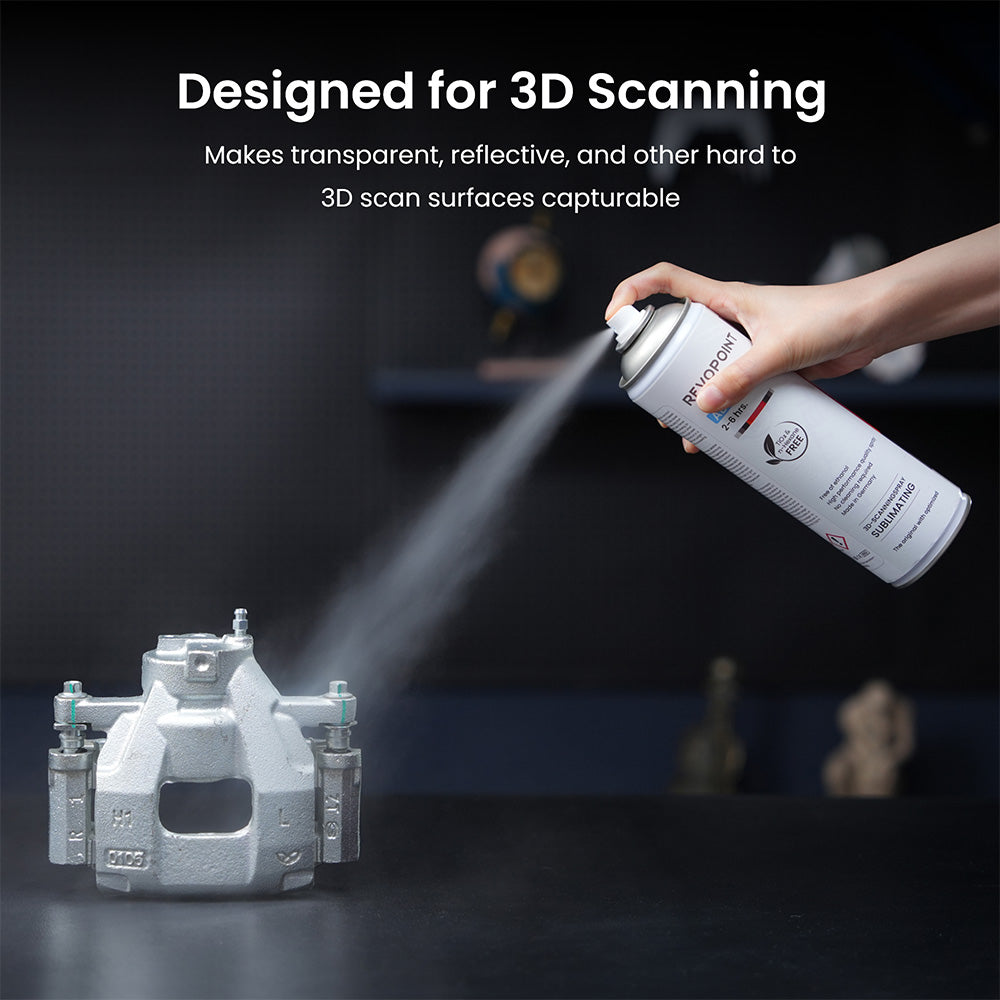
Scan Transparent,
Reflective, or Dark Objects
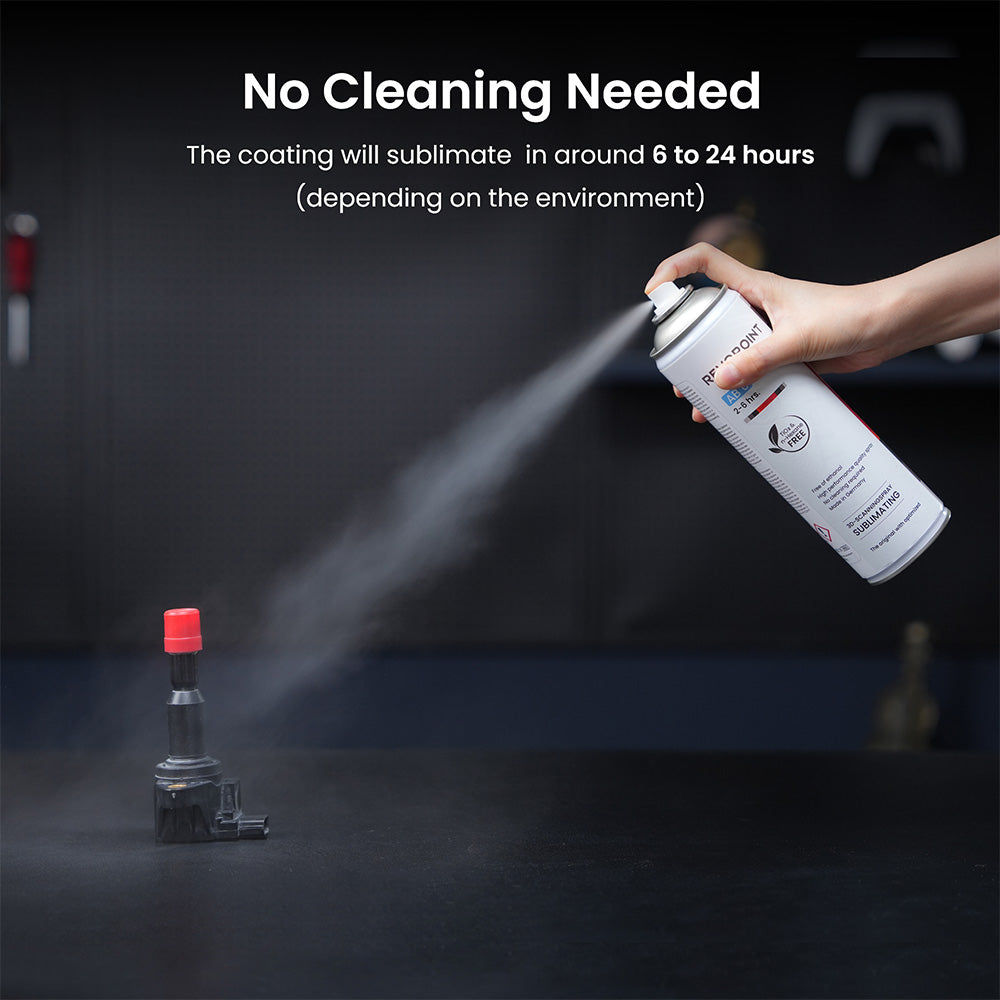
No Cleaning Needed: Coating Sublimates in 6 to 24 hours
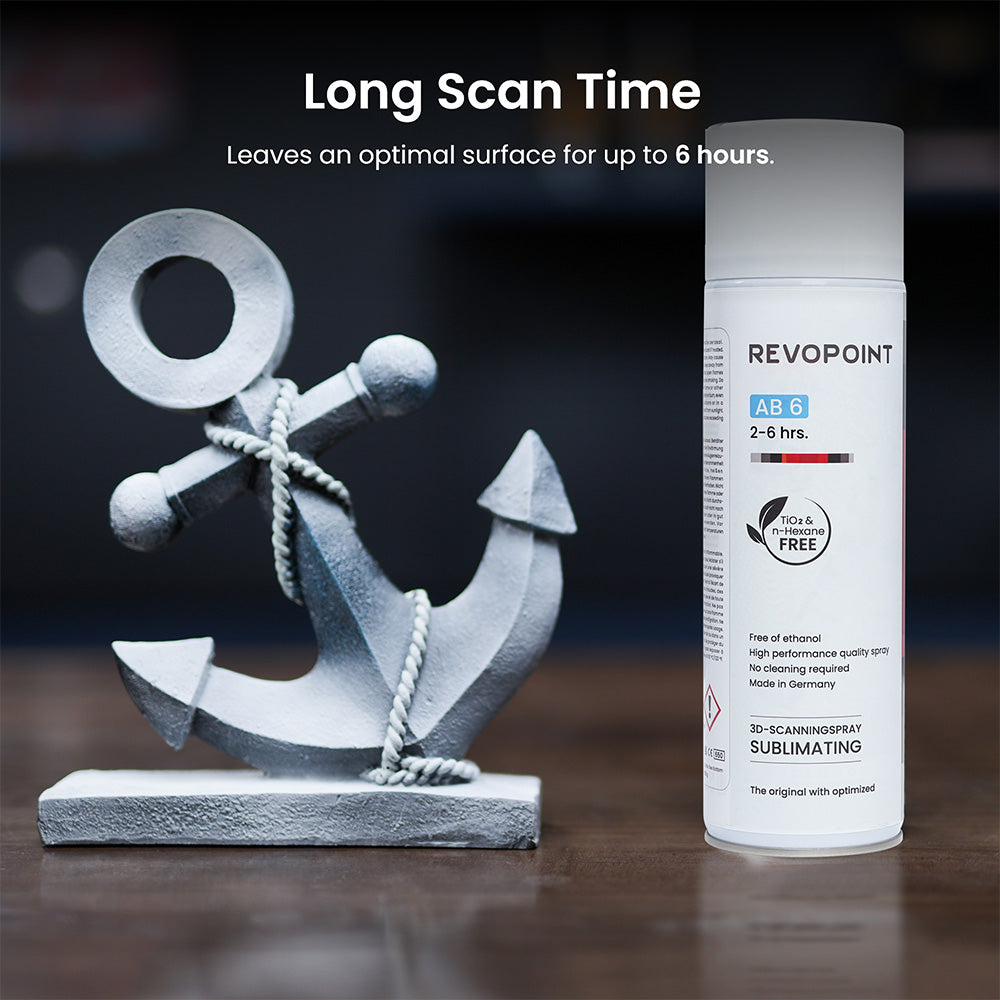
Long Scan Time: Stays on the Surface for Up to
6 Hours
Pigment-free:
Safe for Delicate Equipment
AB-P Scanning Spray
Large Volume
Scan Transparent,
Reflective, or Dark Objects
Semi-Permanent:
Easily Wiped or Washed Off
Pigment-free:
Safe for Delicate Equipment
Works on All Surfaces
Adheres to all porous and non-porous surfaces, such as wood,
glass, metal, plastic, stone, and paper.
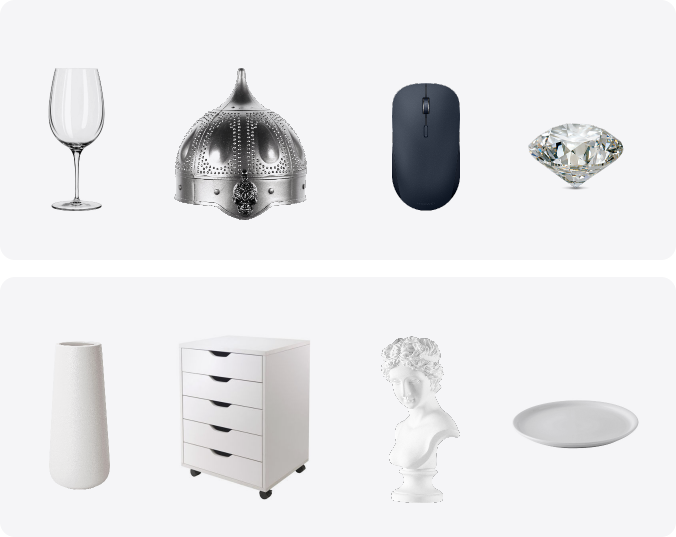
How to Use Scanning Spray?
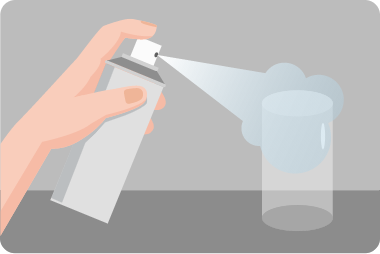
Spray
Apply AB-6 from 10 - 20 cm away.
Apply AB-P from 15 - 20 cm away.
Gently press the spray button and move the can steadily back and forth to ensure an even coating across the entire scanning area.
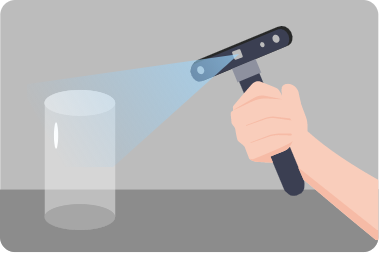
Scan
Start the scan as soon as you have an even coating.
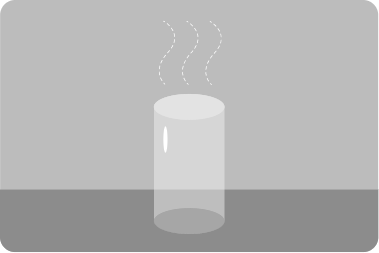
Done
AB-6: No Cleaning Needed: It'll sublimate in 6 to 24 hours.
AB-P: Semi-Permanent: Remains until wiped or washed off.
Specification
Trackit Tracking 3D Scanner
Trackit SR Tracking 3D Scanner
1 Blue Single Laser Line
Far Mode: 17 Blue Parallel Laser Lines
Deep Hole Mode: 1 Blue Single Laser Line
Parallel Laser Lines: 250 - 500 mm
Single Laser Line: 200 - 400 mm
Housing: Polycarbonate
Tracker has an auto gimbal calibration system. The scanner requires manual calibration.
② Class 1 Laser Safety Tips:
1) The product uses a Class 1 laser projector. Avoid looking directly at it at close range! Please refer to the Class 1 laser standard document for details.
2) To avoid retina damage, don't look directly into the laser beam through optical instruments capable of magnifying it (e.g., telescopes and camera lenses).
3) To prevent laser reflection, avoid placing reflective surfaces like mirrors or glass in the path of the laser beam.
③ To ensure accuracy, it's recommended to use the product within an environmental temperature range of 20℃ to 25℃ (68℉ to 77℉).
④ This product has flashing lights, which may not be suitable for people with photosensitive epilepsy.
② Class 2 Laser Safety Tips:
1) The product uses a Class 2 laser projector. Avoid looking directly at it at close range! Please refer to the Class 2 laser standard document for details.
2) To avoid retina damage, don't look directly into the laser beam through optical instruments capable of magnifying it (e.g., telescopes, and camera lenses).
3) To prevent laser reflection, avoid placing reflective surfaces like mirrors or glass in the path of the laser beam.
③ To ensure accuracy, it's recommended to use the product within an environment temperature range of 20℃ to 25℃ (68℉ to 77℉).
④ This product has flashing lights, which may not be suitable for people with photosensitive epilepsy.