


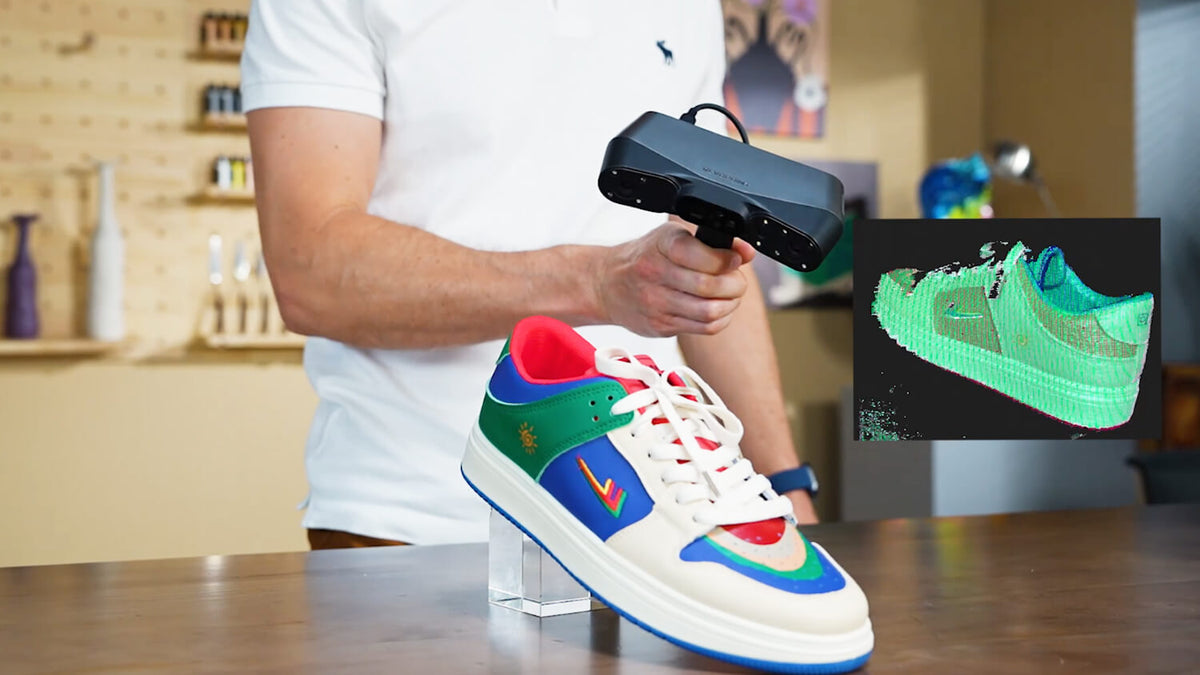
Choosing a 3D scanner is easier when the workflow comes first. A metrology-led mechanical inspection, a scan around a vehicle-sized workpiece, and a product-development project that ends in 3D printing may all begin with the same question, but they require different ways to capture, align, and use the data. This guide maps three Revopoint options to the jobs they are designed to support: the MetroY Ultra for precision-led industrial work, Trackit SR for large or fixed workpieces, and POP 4 for flexible design and everyday scanning.
The right question is what the scan will be used for
If you arrived here searching for the best 3D scanner for reverse engineering, start by defining the output rather than ranking every product by one specification. Will the scan become a CAD reference for a mechanical part? Will an operator move around a machine or vehicle that cannot be placed on a turntable? Or will the same scanner support product edits, prototypes, 3D printing, and general design? The workflow determines which product category makes sense.
Revopoint product roles at a glance
|
Product |
Product category |
Best-fit workflow |
Key strength |
Choose it when |
|---|---|---|---|---|
|
Industrial blue-laser / metrology |
Reverse engineering, inspection and scan-to-CAD for small-to-medium mechanical parts |
Dimensional confidence around detailed features |
Interfaces, holes and mating surfaces drive the project |
|
|
Industrial optical tracking |
Large or fixed workpieces, vehicles and production-floor scanning |
Movement, coverage and marker-free tracking |
The operator must move around an object that cannot be repositioned |
|
|
Versatile hybrid handheld |
Product design, 3D printing, prototyping and general scanning |
Flexible capture across changing outputs |
One scanner must support varied, non-metrology-led projects |
Use the table as a first filter. These products are not interchangeable categories: MetroY Ultra and Trackit SR are the more natural starting points for industrial workflows, while POP 4 is best considered when portability and multi-purpose use are the priority. The goal is to match the scanner to the work that will be repeated most often.
MetroY Ultra: precision-led work on mechanical parts
The Revopoint MetroY Ultra is the natural starting point when the project depends on small-to-medium mechanical parts, controlled capture, and dimensional confidence. Typical workflows include rebuilding a legacy component, checking mating interfaces, preparing data for CAD, and inspecting whether a manufactured part matches its intended geometry. The important question is not whether the scanner can scan a large object in theory; it is whether the workflow gives the team confidence in the features that must fit.

When MetroY Ultra is the right fit
Choose MetroY Ultra when holes, slots, sealing faces, edges, or other interfaces need to remain dimensionally related in the final model. A precision-led workflow usually benefits from a controlled setup, clear calibration, careful surface preparation, and a defined hand-off into CAD or measurement software. In this setting, the scanner is part of an engineering process rather than simply a way to create a visual 3D mesh.
Trackit SR: capture large or fixed workpieces
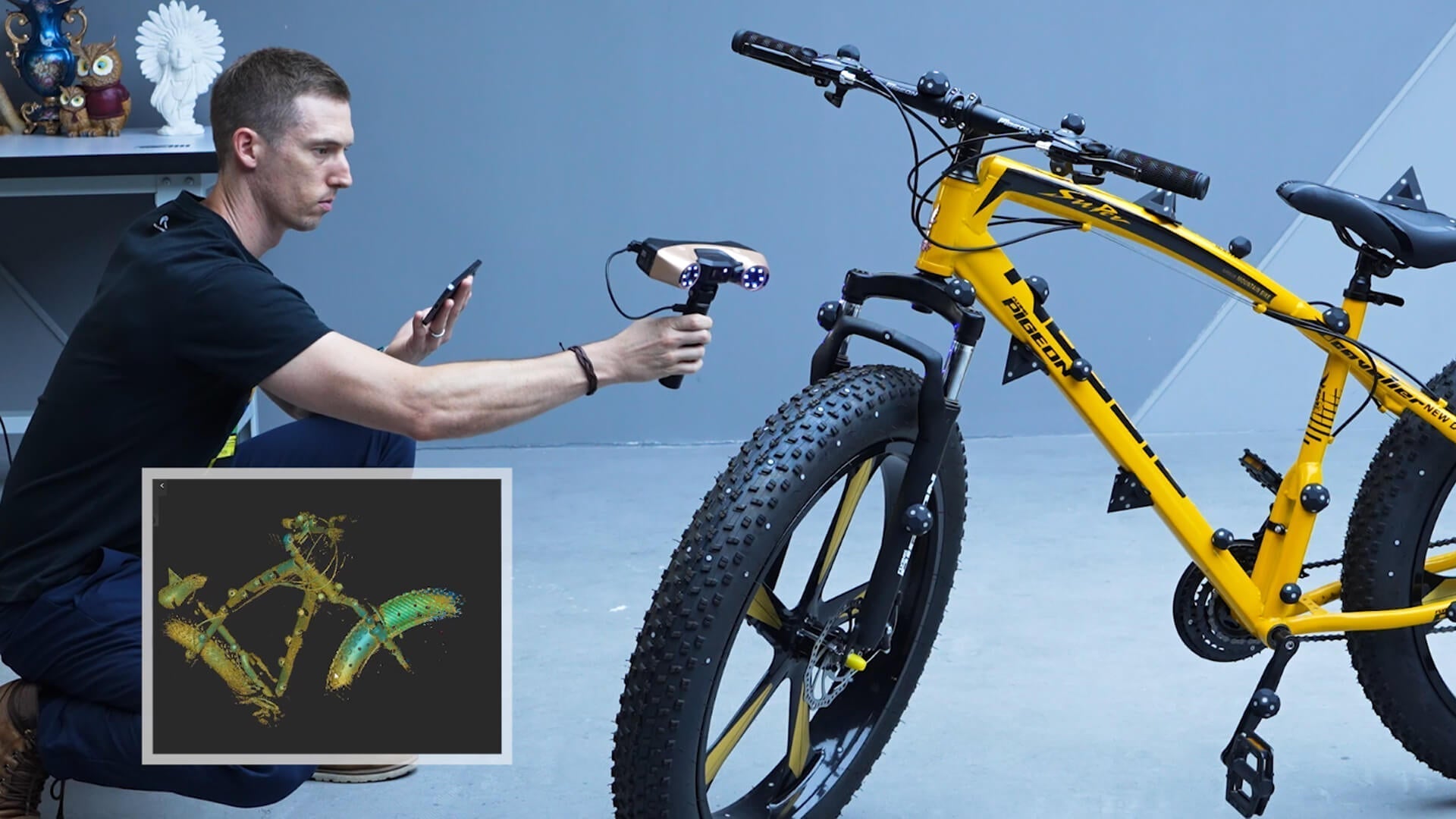
Trackit SR is designed for a different physical problem: the object is large, fixed in place, or awkward to cover from a bench. It suits workflows involving vehicle components, machine housings, frames, tooling, and assemblies where the operator needs to move around the workpiece. Optical tracking and a wireless setup can reduce the interruption caused by repeatedly repositioning the scanner or applying markers, subject to the surface and environment.

When Trackit SR is the right fit
Select Trackit SR when coverage, movement, and alignment across a large surface are the main constraints. The workflow may start on a production floor or in a workshop, capture broad surfaces first, then move into recesses and critical details. It is less about creating a bench-top precision routine and more about maintaining a usable reference while the operator walks around an object that cannot be moved easily.
MetroY Ultra or Trackit SR for industrial work?
For industrial applications, MetroY Ultra and Trackit SR are the more relevant pair to consider because they address related professional needs. MetroY Ultra is the better starting point when the part is manageable in size and the main risk is dimensional uncertainty around interfaces. Trackit SR is the better starting point when the workpiece is large, fixed, or difficult to cover from one position. If both part accuracy and large-object mobility matter, assess the largest and most measurement-sensitive workpieces in the planned workflow before choosing one.
POP 4: a flexible workflow for design and 3D printing
POP 4 belongs in a different part of the selection conversation. It is a versatile hybrid handheld scanner for users who move between product design, fit checks, creative projects, 3D printing, and general object capture. Its strength is flexibility: the same team can create a mesh for a quick reference, modify a product concept, prepare a prototype, or share a model without needing every project to follow a metrology-led process.

When POP 4 is the right fit
Choose POP 4 when the output may change after the first scan and the team values a straightforward, portable workflow. It can be a practical choice for designers, makers, educators, and small teams that need one scanner for several types of work. For an industrial inspection brief with strict dimensional requirements, however, it should be evaluated against that specific requirement rather than treated as a like-for-like alternative to MetroY Ultra or Trackit SR.
How the workflow continues after capture
A scanner only starts the process. Plan how the data will be cleaned, aligned, meshed, checked, and exported. A scan-to-CAD workflow may require reference geometry and measurement checks; a large-object workflow may require reliable registration across multiple viewpoints; a 3D-printing workflow may prioritise a watertight mesh and practical editing. The model that best supports the next software and review step will often save more time than the model that looks strongest on a single headline specification.
A practical selection checklist
Before choosing a Revopoint 3D scanner, answer four questions:
1) What is the largest object you will scan regularly?
2) Which dimensions or surfaces must be trusted?
3) Can the workpiece be moved, or must the operator move around it?
4) Will the final file go to CAD, inspection, product design, or 3D printing?
If the answers point to industrial dimensional work, begin with MetroY Ultra or Trackit SR. If they point to mixed design and print tasks, consider POP 4.
Do not choose by product category alone
The most efficient purchase is the one that matches the work you will repeat, not the one with the longest feature list. A team scanning small engineered components should prioritise dimensional confidence and a repeatable capture process. A team documenting large assemblies should prioritise tracking, coverage, and operator mobility. A team switching among prototypes and 3D printing should prioritise flexibility and ease of use. Treating these as separate workflows makes the product choice clearer and sets more realistic expectations.
Conclusion
Revopoint's product range is easier to understand when each scanner is matched to its intended workflow. MetroY Ultra is the precision-led option for industrial parts, reverse engineering, inspection, and scan-to-CAD. Trackit SR is the better fit for large or fixed workpieces that require movement around the object. POP 4 is the flexible option for product design, 3D printing, and general scanning. Rather than asking which scanner is universally best, identify the workpiece, the required output, and the next step after capture; then choose the Revopoint product category that supports that process.


Leave a comment
This site is protected by hCaptcha and the hCaptcha Privacy Policy and Terms of Service apply.