


Even experienced makers and designers know the frustration. You measure carefully, model your part, and hit print or cut, only to find it doesn't fit or has a detail missing. Hours of work and materials can be wasted in an instant.
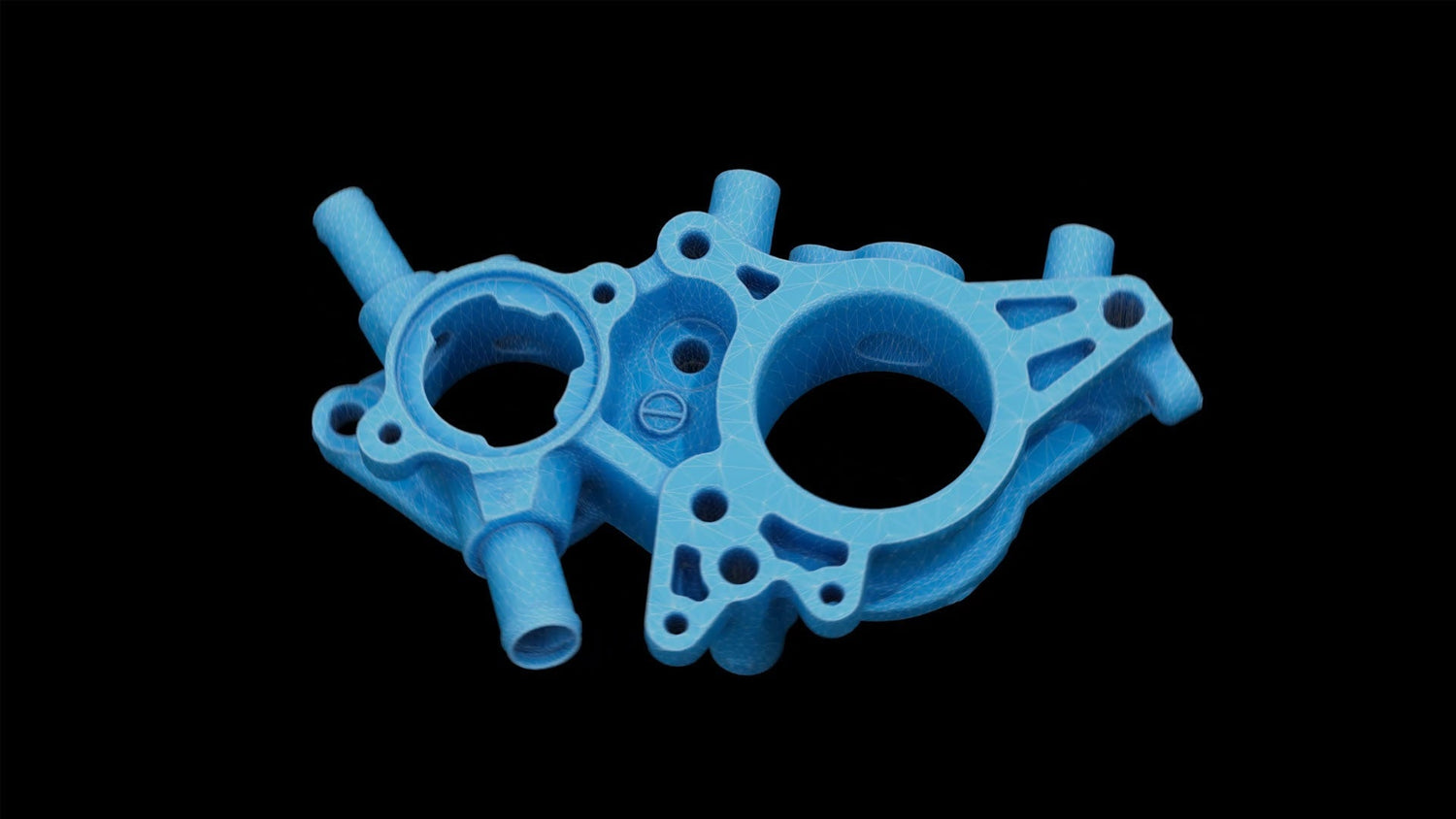
But it doesn’t have to be like that. With a Revopoint 3D scanner, you can capture objects exactly as they are, including every curve and edge. The result is accurate digital models that reduce errors, save time, and reduce waste.
Why Mistakes Happen Without a Scanner
Even with careful planning and experience, errors can still creep in:
Manual measurements are never perfect, especially for complex shapes.
Momentary lapses in focus occur.
Hand-modeled designs can miss subtle curves or small details.
Manual workflows make it hard to verify accuracy early.
3D scanning solves these problems by letting you quickly digitally capture the real object before you commit to printing, molding, or modifying it.
How 3D Scanning Improves Accuracy
Unlike us, 3D scanners like Revopoints never make mistakes (other than those caused by operator error), while maintaining high volumetric accuracy and precision. They effortlessly capture complex geometry, textures, and indentations during scans, ensuring the final model accurately reflects the original. This eliminates the need to use rulers or calipers to determine the exact dimensions of complex shapes and removes any guesswork from the process.

Spot Issues Before They Become Problems
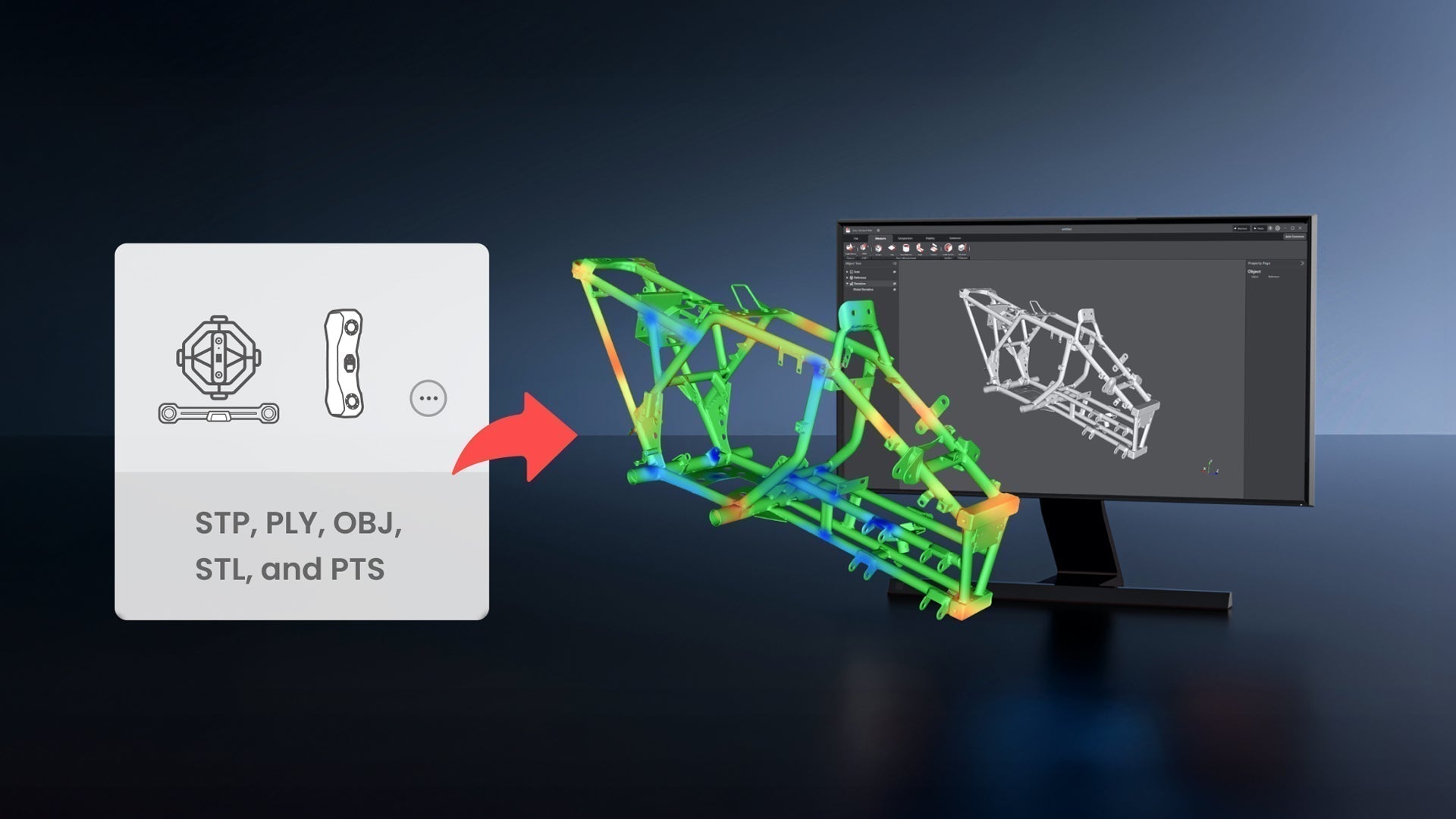
You can compare scanned models with your original design or CAD file using software like Revo Measure or Geomagic Control X to immediately identify misalignments, scaling errors, or surface issues. Catching mistakes early prevents wasted time, material, and frustration.

Reduce Trial and Error
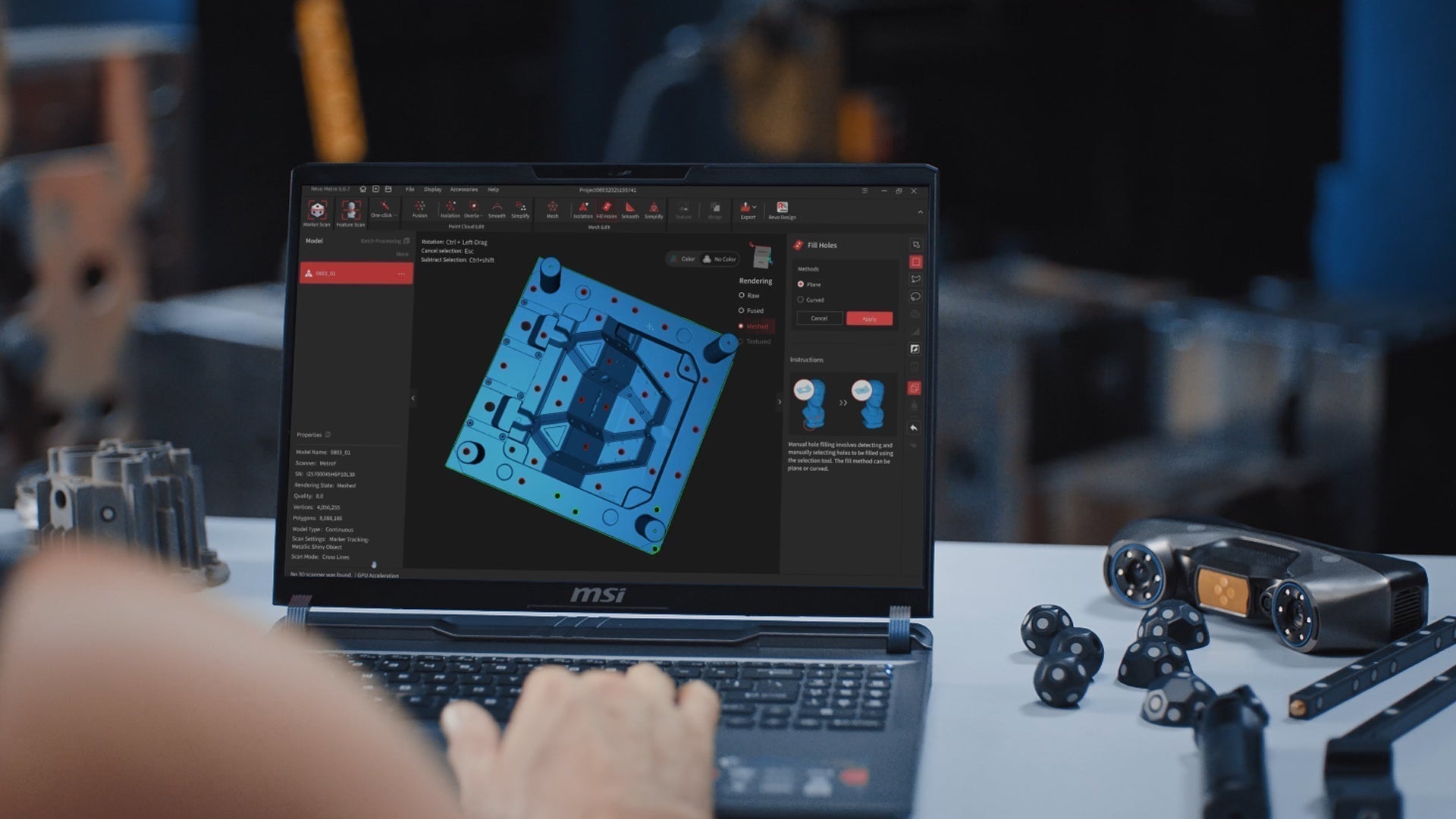
Once you have an accurate scan, all adjustments and corrections can be made in software rather than on the physical object. For instance, if a surface is slightly uneven or a dimension is off, you can do it digitally rather than sanding, cutting, or reshaping the actual piece. This streamlines refinements and prevents unnecessary rework on physical parts.
Additionally, the workflow becomes faster and more predictable because you can quickly iterate designs, try different options, and finalize the model entirely on a computer before committing to a physical print. The process becomes cleaner, more efficient, and less frustrating since mistakes are resolved in a digital space rather than the real world.
Save Time and Material
Accuracy is convenient and cost-effective. Fewer mistakes mean less filament, resin, or raw materials are wasted. That leads to faster projects, lower costs, and more time to focus on the creative side of your work.
Tips for Getting the Most Accurate Scans

Use the right scanner for the job. A scanner's specifications determine the sizes of objects it is suited to capturing.
Slow and steady movements ensure better tracking and frame stitching.
Use consistent lighting to minimize shadows and reflections.
Scan from multiple angles to capture all surfaces.
Clean up isolated points or noise.
Even beginners can achieve highly accurate scans with a bit of practice and know-how.

Leave a comment
This site is protected by hCaptcha and the hCaptcha Privacy Policy and Terms of Service apply.