


Precision, repeatability, and workflow efficiency are all within reach for small-scale manufacturers with the right approach to 3D scanning. By adopting a fit-for-purpose setup—combining accurate hardware, intuitive software, and automation where possible—you can transform complex physical components into detailed digital assets ready for design, inspection, and production. Streamlined scanning workflows not only accelerate development cycles but also ensure consistent quality and reliable documentation, unlocking new levels of productivity without the need for large teams or excessive resources.
Laying the Groundwork: Strategic Workflow Planning
Building a resilient 3D scanning process starts with clearly outlining production objectives. Whether you're digitizing custom components for reverse engineering, validating small batches against CAD standards, or archiving intricate parts for future reference, your workflow should support these goals with minimal friction. For the diverse range of geometries common in small-scale manufacturing—think gears, housings, brackets, and bespoke assemblies—a flexible scanner and modular workflow are essential.
Selecting Technology to Match Manufacturing Demands
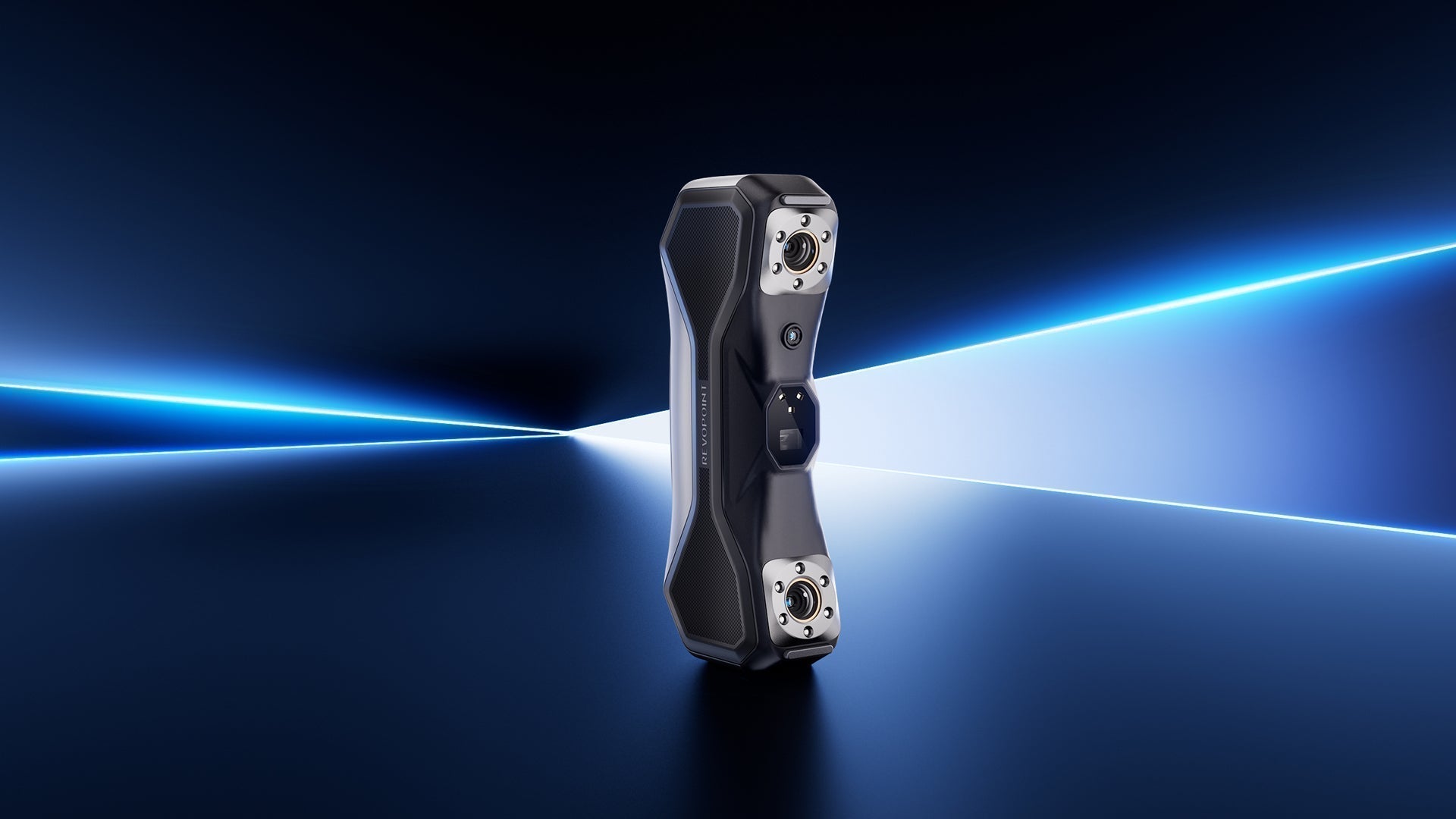
Choosing the right 3D scanner is pivotal. Multi-line blue laser scanners, like Revopoint’s MetroY and MetroY Pro, deliver the versatility and accuracy needed to handle a variety of surfaces and shapes without labor-intensive preparation. MetroY covers handheld scanning with dedicated modes for flat surfaces, fine features, and deep recesses, while MetroY Pro adds full-field structured light and auto turntable capabilities for automated, marker-free workflows. This duality ensures that both simple and complex components are captured efficiently, reducing manual intervention and maintaining high data fidelity.

Optimizing the 3D Scanning Process
A streamlined process is built on consistent object preparation, calibration, and scanning techniques:
Preparation: Clean each part and, if necessary, apply a light matte spray to reflective surfaces. Secure parts using fixtures or automated turntables for repeatable positioning.
Calibration: Periodic recalibration ensures measurement reliability, especially when scanning different material types or shifting between workshop and office environments.
Scanning: Use real-time feedback to monitor scan coverage and adjust parameters on the fly. MetroY Pro’s wireless operation and Wi-Fi 6 connectivity support greater mobility and instant data visualization, which is invaluable when scanning prototypes or small production runs.
Data Processing and Digital Model Refinement
After scanning, raw point clouds or meshes require processing to ensure usability:

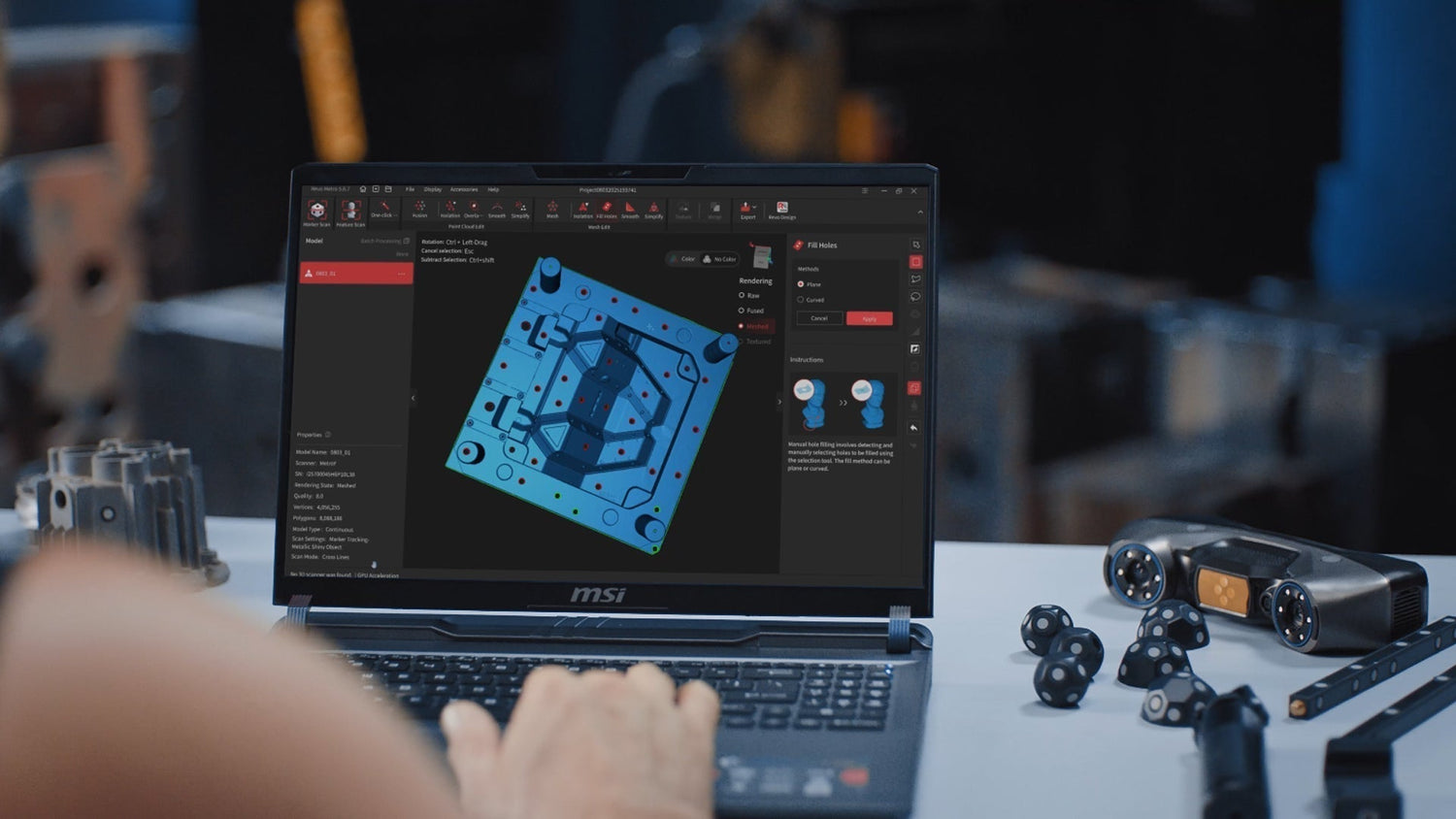
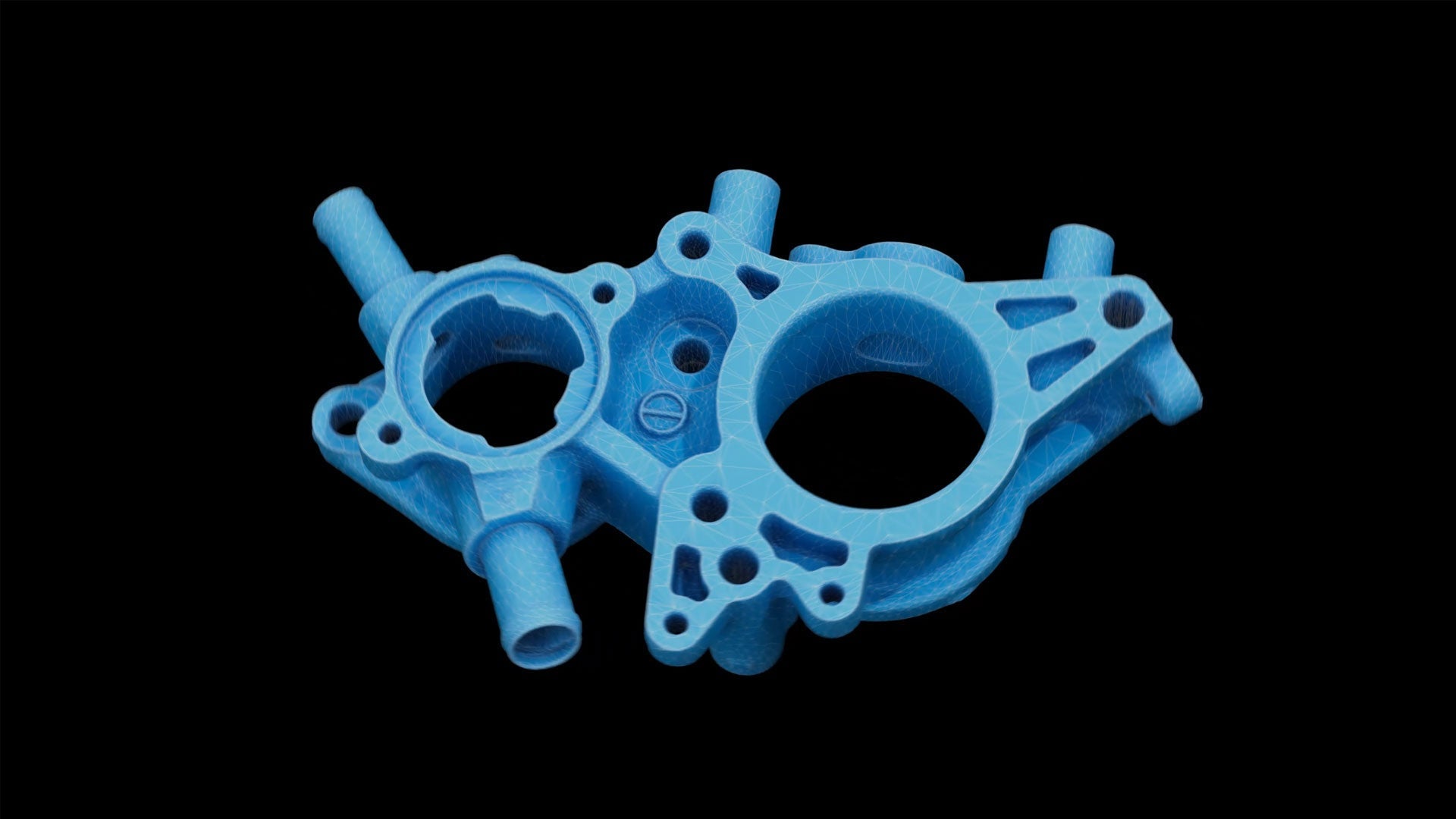
Leverage software like Revo Metro for aligning, merging, and editing scan data. Automated mesh cleanup, hole filling, and simplification reduce manual workload and prepare files for downstream use.
For scan-to-CAD conversion, Revo Design transforms mesh or point cloud data into editable CAD models, streamlining downstream design and manufacturing processes. Revo Measure, on the other hand, is designed for inspection and quality control, offering dimensional checks, deviation analysis, and reporting to support accurate measurements throughout the workflow. Both tools are compatible with common mesh file formats such as STL, OBJ, and PLY, accommodating a range of applications from 3D printing to digital archiving.
Integrating Scanning with Small-Business Manufacturing Operations
An efficient workflow is more than just digitizing parts; it’s about embedding 3D scanning in your entire production ecosystem:

Reverse Engineering: Capture legacy or one-off parts and convert them to CAD for redesign or production, even in the absence of original drawings.
Quality Control: Rapidly compare physical parts to digital models, identify deviations, and generate inspection reports directly from your scan data.
Rapid Prototyping: Accelerate design iteration by capturing, modifying, and fabricating prototypes quickly and with confidence in their dimensional fidelity.
Digital Asset Management: Build a searchable, shareable archive of parts, tools, and assemblies for future reference, compliance, or customer support.
MetroY and MetroY Pro make these scenarios accessible for small businesses, offering industrial-grade accuracy, multiple scanning modes, and automation-friendly accessories—all in a form factor suitable for workshops or offices with limited space.
MetroY and MetroY Pro: Key Benefits for Small-Scale Manufacturing
When selecting 3D scanning technology for your workflow, MetroY and MetroY Pro provide a balanced blend of flexibility, precision, and ease of use:
Multiple Scan Modes:
MetroY: Cross-line, parallel-line, and single-line laser scanning for comprehensive coverage of flat, detailed, or deep-featured parts.
MetroY Pro: Adds full-field structured light and automated turntable modes for high-speed, marker-free, and hands-off scanning.
High-Speed and High-Accuracy:
Up to 1.7 million points per second (laser mode) and up to 7 million points per second (structured light).
Volumetric accuracy up to 0.02 mm + 0.04 mm x L (object length), capturing even the smallest features.
Wireless Scanning:
Wi-Fi 6 connectivity for real-time, cable-free operation—ideal for dynamic shop floors or collaboration between teams.
Intuitive Software Ecosystem:
Revo Metro for scan processing and mesh editing.
Revo Design for scan-to-CAD workflows and reverse engineering.
Revo Measure for fast metrology and inspection.
Automated Accessories:
Dual-axis turntable allows automated 360° scanning, reducing manual effort and ensuring repeatability.
Color and Texture Scanning:
MetroY Pro’s HD RGB camera (in auto turntable mode) supports color scanning for realistic visualization and streamlined reporting.
User-Focused Design:
Lightweight, portable, and ergonomically designed for everyday use in manufacturing, design, and quality departments.

MetroY and MetroY Pro FAQ
What types of objects are best suited for MetroY and MetroY Pro?
Both scanners are optimized for small to medium-sized parts, including machined components, gear assemblies, moldings, jewelry, and electronic devices, with a recommended scan size from 10 × 10 × 10 mm to 1 × 1 × 1 m.
Do I need to use markers or scanning spray?
For most opaque objects, scanning spray is not required, even on shiny or dark surfaces. Markers are necessary for laser scanning modes, but MetroY Pro’s structured light and auto turntable modes allow marker-free workflows for compatible objects.
How do I process and export scan data?
Revopoint’s free Revo Metro software enables users to scan, align, merge, and edit models, then export in formats such as PLY, OBJ, STL, FBX, GLTF, and 3MF—compatible with major CAD, 3D printing, and visualization platforms.
Can I use MetroY or MetroY Pro for automated scanning?
Yes, MetroY Pro supports dual-axis turntable integration for fully automated, 360° scanning, which is ideal for batch processing and repeat inspections.
What level of computer hardware is required?
For optimal performance, a recent-generation computer with at least an Intel i7 or AMD Ryzen 7, 32GB RAM, and an NVIDIA RTX 3060 GPU (8GB) or higher is recommended. See Revopoint’s official specifications for full details.
Can I scan in color?
MetroY Pro enables color scanning in auto turntable mode, capturing surface textures for enhanced visualization and documentation.
Is wireless operation available?
Both models support Wi-Fi 6 for real-time wireless scanning, enhancing mobility and flexibility in workshop or lab environments.
Are software licenses included?
Revo Metro scanning software is included free with your purchase. Additional advanced modules like Revo Design or Revo Measure are available with select bundles or as separate licenses.
Conclusion
With a thoughtfully designed workflow and the right blend of hardware and software, small-scale manufacturers can harness the full value of 3D scanning. Solutions such as MetroY and MetroY Pro provide the accuracy, flexibility, and intuitive operation needed to digitize, inspect, and innovate—all while supporting the demands of a growing business. Embracing these technologies positions your operation to deliver high-quality products, streamline development, and stay agile in the face of changing production needs.

Leave a comment
This site is protected by hCaptcha and the hCaptcha Privacy Policy and Terms of Service apply.