







Optical Tracking
Blue Multi-Line Lasers
Revopoint Trackit: Optical Tracking 3D Scanner for Marker-free Scans
📦In Stock
We Provide
- 24/7 Customer Service
- 1-on-1 Free Training
- Instant Proforma Invoice

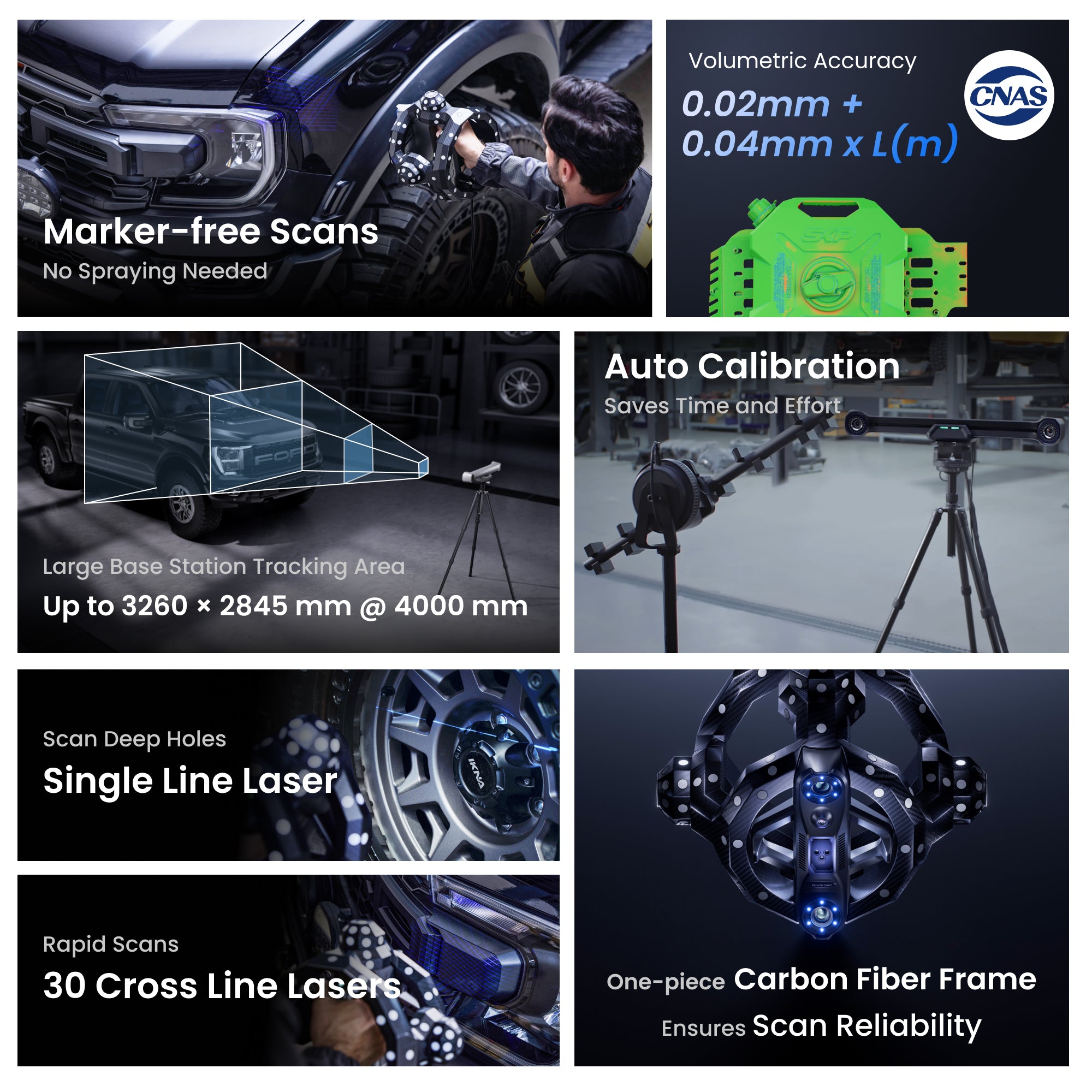
Rapid Scans: 30 Blue
Cross Line Lasers

Volumetric Accuracy
0.02mm + 0.04mm x L(m)

Capture Small (10 mm) to
Big Objects (6 m)

Marker-free Scans

Base Station
Repositioning

Fully Automated
Calibration Process
📩 Activation code is sent via email after purchasing the software bundle.📬
Geomagic Business Orders: Add company name and address at checkout. Software non-refundable.


Usually, free shipping for most 3D scanners, 3-5 working days fast receipt. Software is non-refundable, fast digital delivery via email.


Take a Closer Look


Fast Scans: 30 Cross Lines
Efficiently scan surface areas, including dark or shiny ones,
without using scanning spray.


Deep Hole Scans:
Single Line Laser
Fully capture fine details like gear teeth, deep holes, crevices, and recessed areas.


Standalone Handheld Scans
Switching from tracking scans to standalone handheld 3D scans to capture
hidden or interior areas unseen by the base station.


High Accuracy
Small to Big Scans
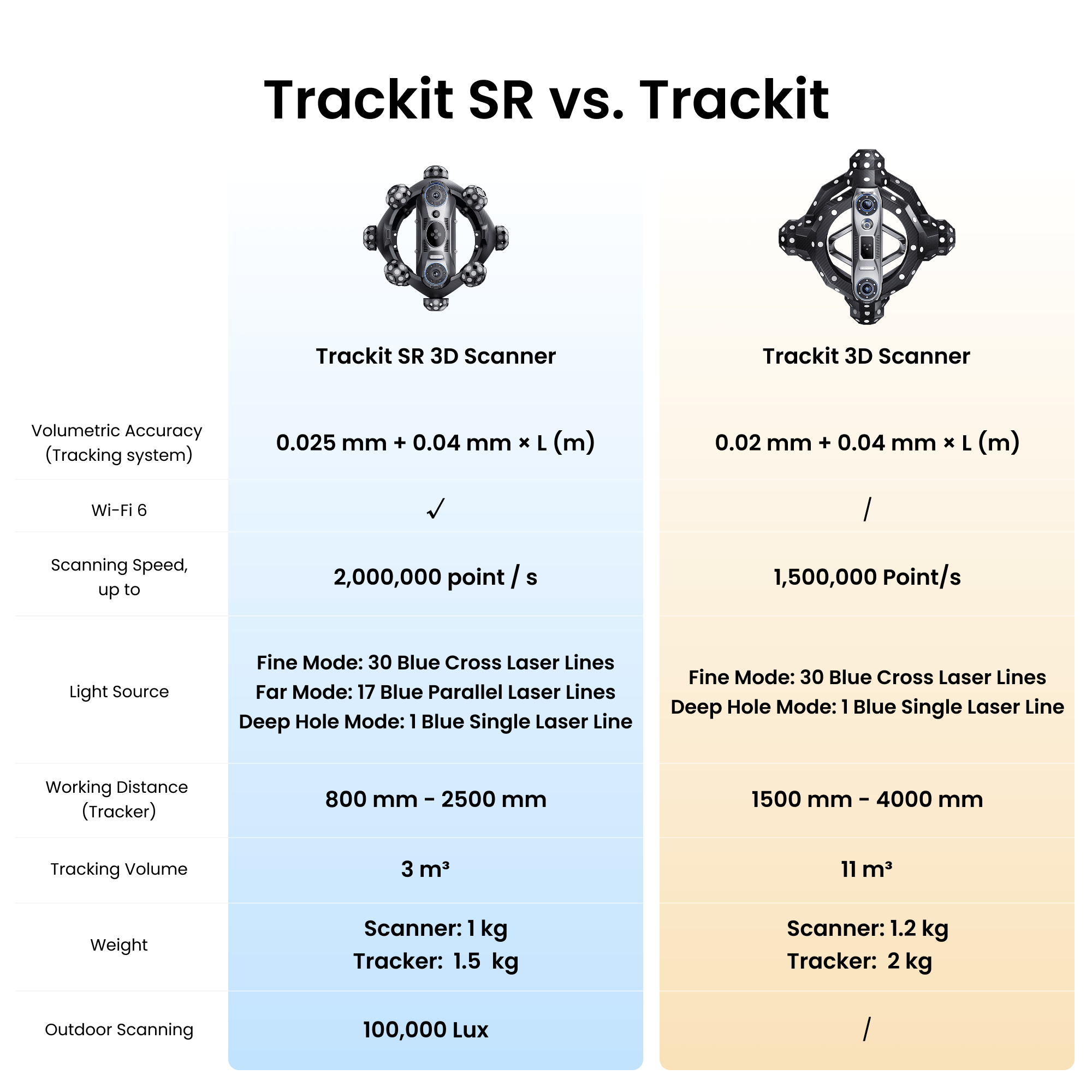
Volumetric Accuracy: 0.02 + 0.04 mm × L (M)
Scanner Accuracy: Up to 0.02 mm


Marker-free Scans
Perform marker-free laser scans of feature-rich and featureless objects using Trackit's optical tracking to track the Scanner's location in real time.


Easily Scan Large Workpieces
Maximum Tracking Frame Area: 3260 × 2845 mm @ 4000 mm
Easily Maneuver: 6-meter cable
Tracker Working Distance: 1.5 to 4 m


Auto Calibration
Ensuring accuracy and reliability while skipping complex calibration processes with Trackit's auto-calibration system.


Robust Carbon Fiber Frame
Eliminate accuracy errors caused by frame deformation and marker shifting with Trackit's durable one-piece carbon fiber frame.


Professional Carry Cases
Transport and store the Trackit and Tracker using the included protective portable case.


Realistic Texture Mapping
Capture an object's surface texture and create vivid 3D models with Trackit's high-resolution RGB camera.


Free Post-processing Software:
Revo Track
Revo Track is easy-to-use, free software for
scanning, editing, processing, and calibration.
Output Formats: PLY, OBJ, STL, ASC, 3MF, GLTF, FBX


Real-time Intelligent Temperature Monitoring
Ensures optimal operation and prevents temperature-related accuracy drift to maintain high accuracy.


Automated Metrohub 3D Scans
Boost productivity with Metrohub, its robot and Trackit combo enables automated batch 3D scanning and measurement in labs and production lines.


Revo Measure: Powerful Tools for Accurate Measurement
Evaluate shape, dimensions, and quality by comparing point cloud or mesh data to CAD
models or drawings. Seamless one-click integration with Revo Track ensures a smooth
and efficient quality control workflow.
Reviews on YouTube

Trackit's Models Gallery
What’s in the Box
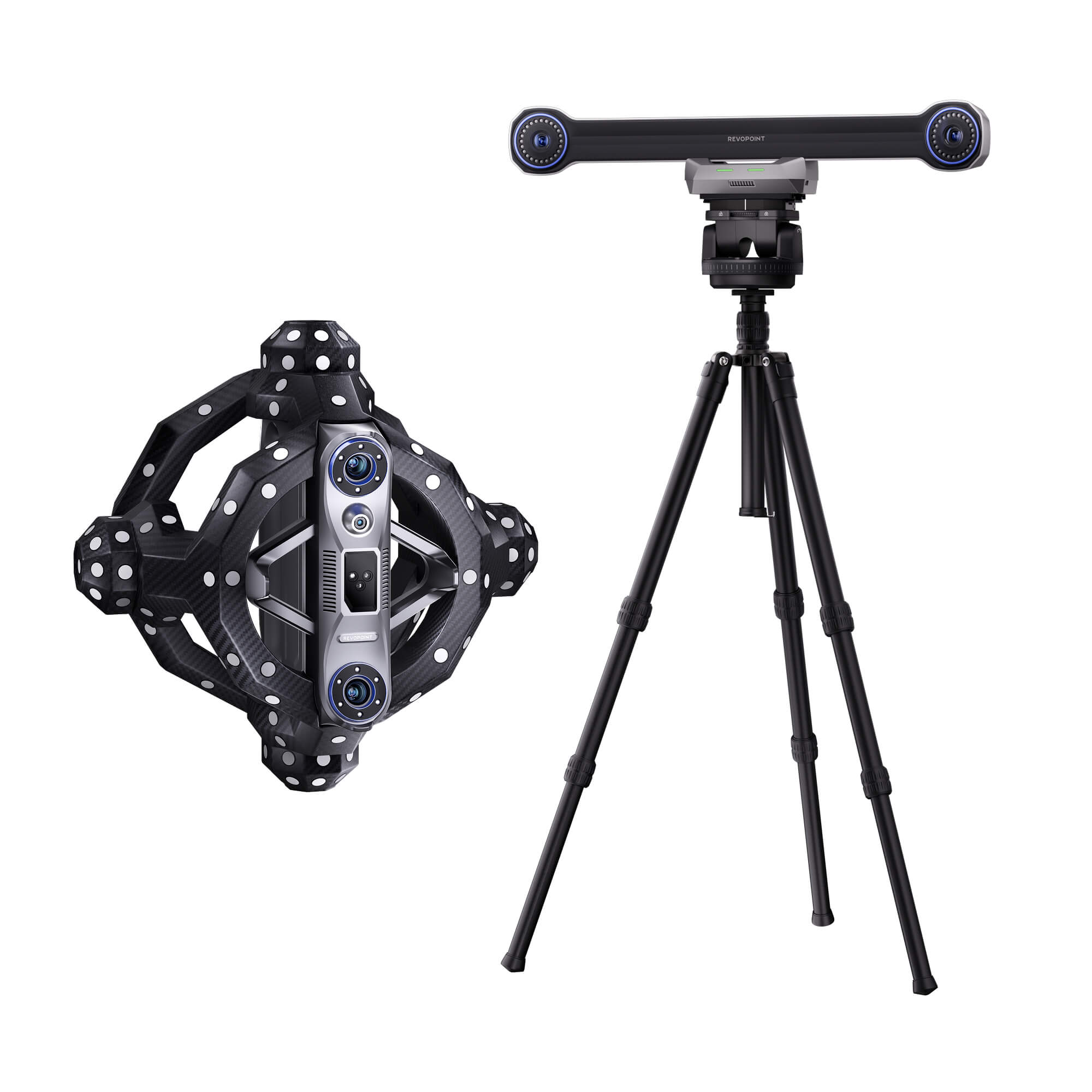
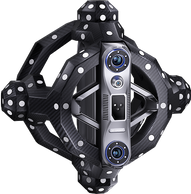
Trackit Tracking 3D Scanner
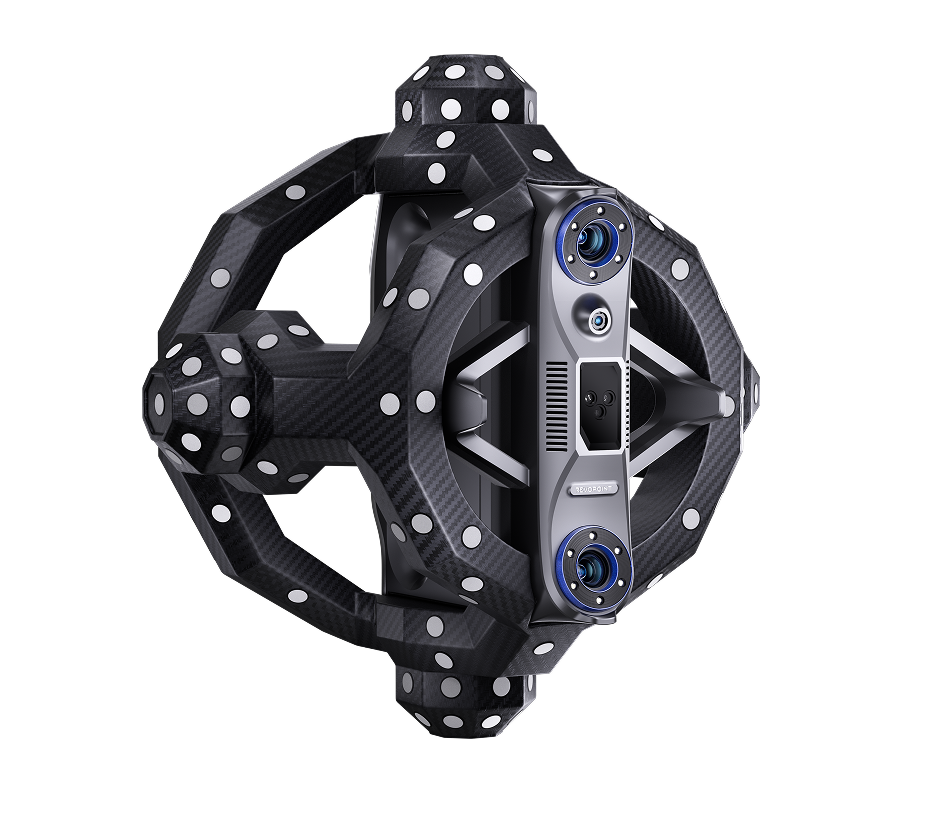
Scanner
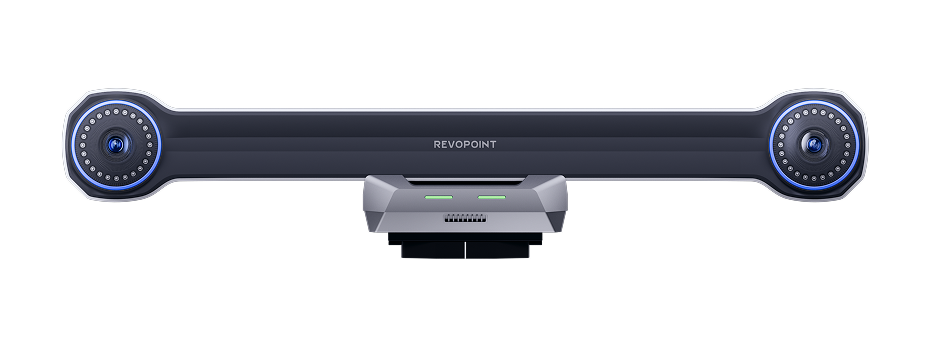
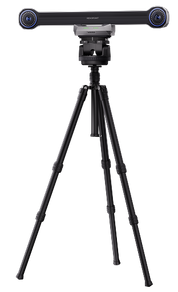
Tracker
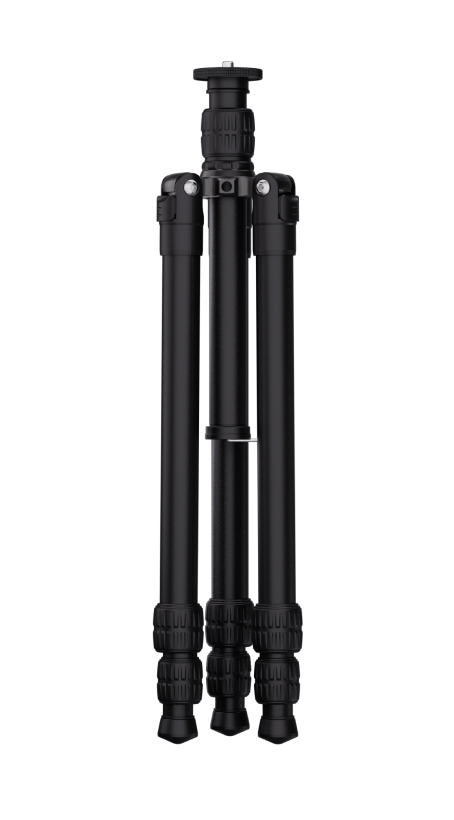
Tracker Tripod
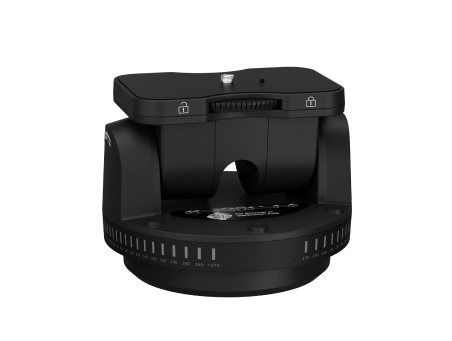
Scanner Auto Calibration
Dual-axis Gimbal
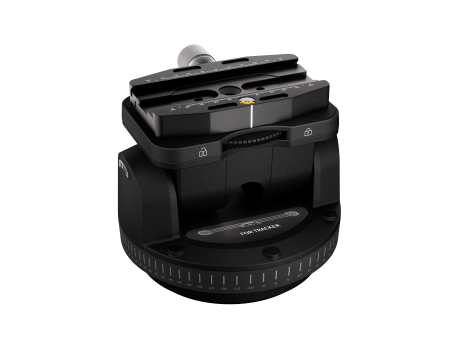
Tracker Auto Calibration
Dual-axis Gimbal
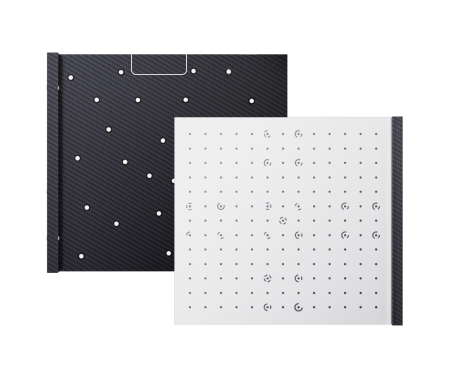
Calibration Board × 1
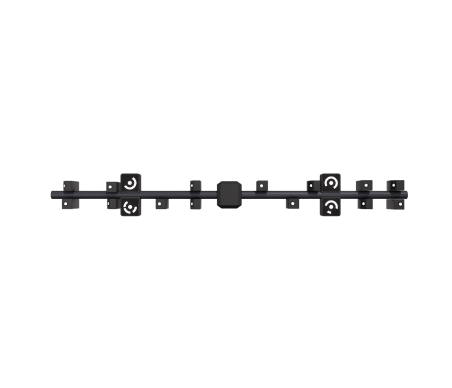
Calibration Pole
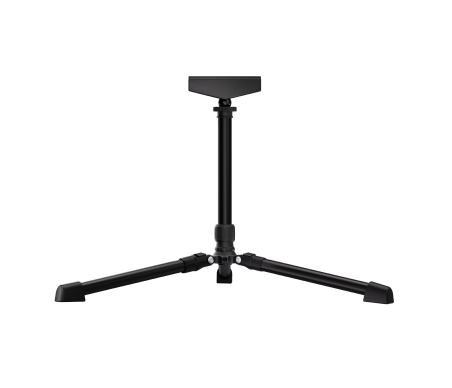
Calibration Board Tripod
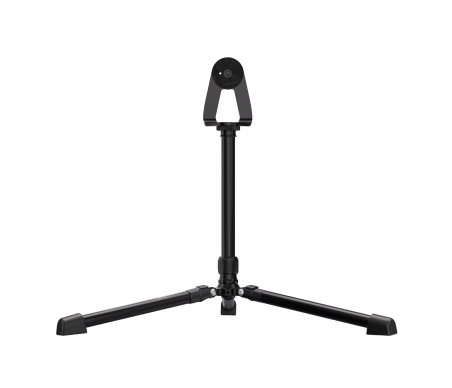
Scanner Tripod
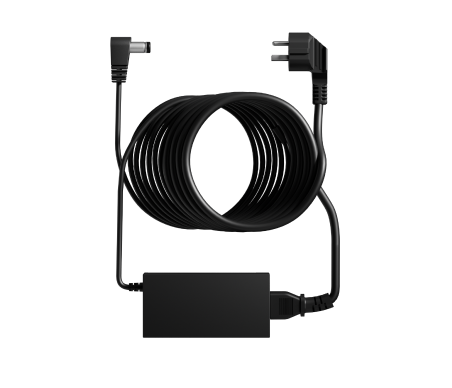
Power Adapter
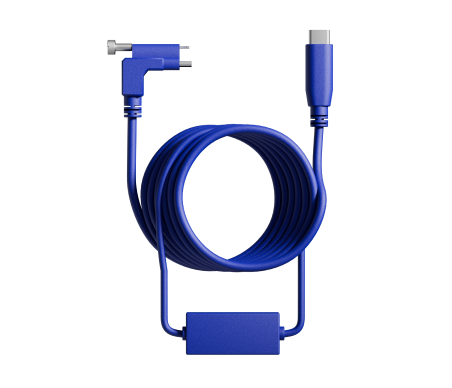
PC Cable
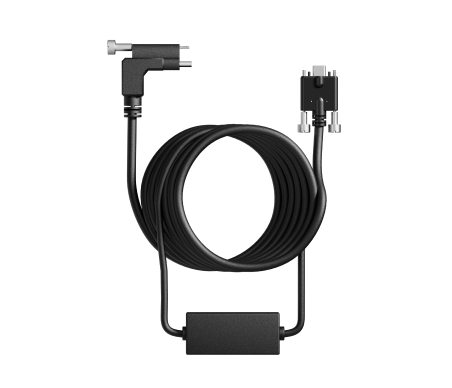
Scanner Cable
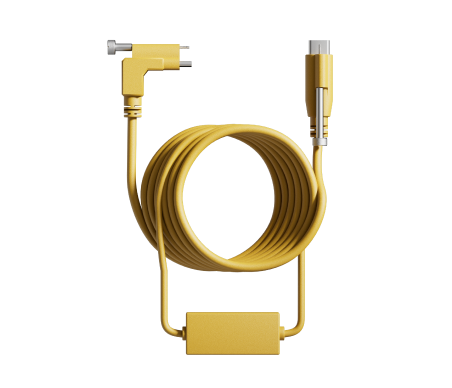
Scanner Gimbal Cable
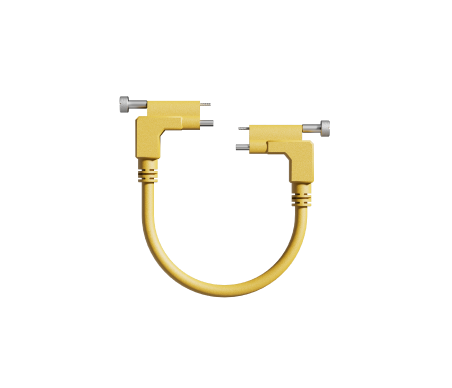
Tracker Gimbal Cable
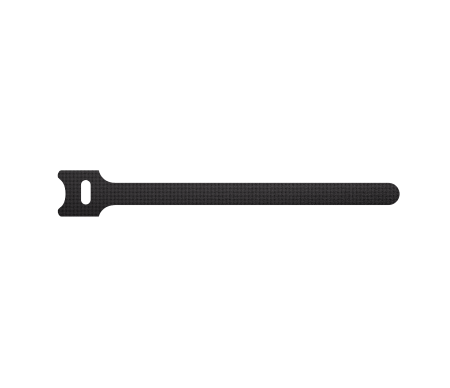
Cable Ties
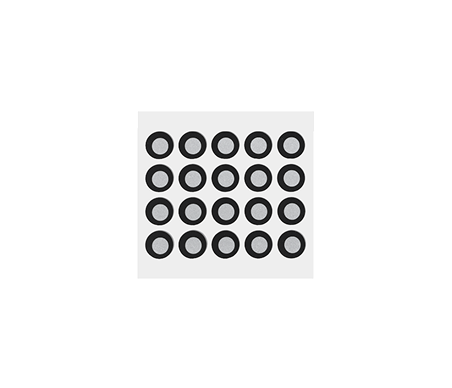
Marker × 20
(Magnetic)
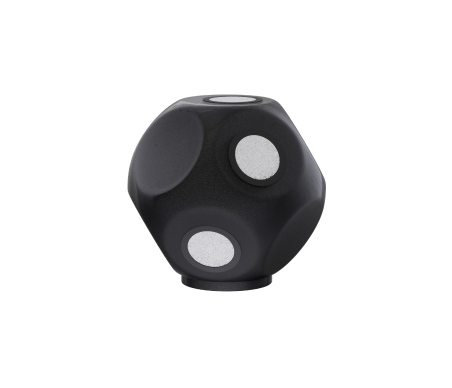
Anchor Block × 8
(Magnetic)
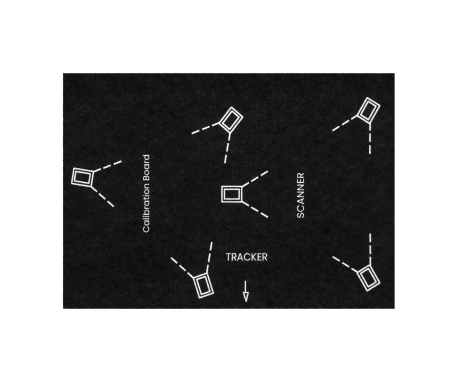
Positioning Pad
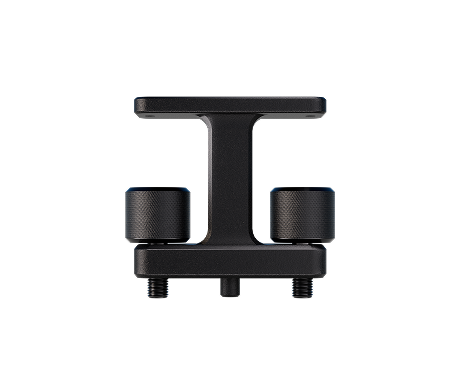
Scanner Adapter
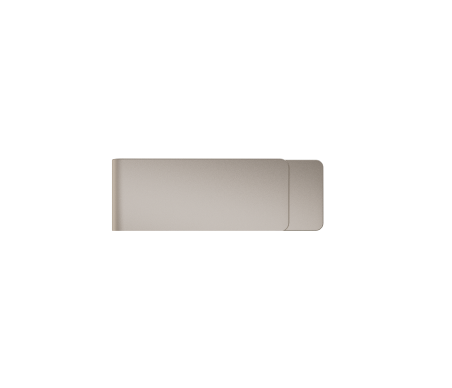
USB Flash Drive

Tracker Case With Wheels

Scanner Case With Wheels

Suction Cup Cable Holder
Notes:
1. The Power Adapter may vary depending on the country or region.
2. Please store the product and all the accessories properly.
3. Damaged components need to be sent back to Revopoint for repair.

Sample Test Service
Not sure if a Revopoint 3D scanner suits your project?
Send us your sample, we'll scan it with your selected
scanner, then send you a high-precision STL/OBJ
model and a scan-suitability report.
Specifications
3D Scanner
Tracker
FAQ
What’s special about Trackit?
Trackit is Revopoint's latest Tracking 3D Scanner. It features a high-accuracy 3D scanner and an optical tracker unit tailored for fine-detail scanning and measurement in industrial applications. The Trackit system enables rapid acquisition of 3D point clouds for both small and large objects, all without the need for marker preparation.
What’s the difference between Trackit's two scanning modes?
Trackit offers two scanning modes: 30 Blue Cross Laser Lines and 1 Blue Single Laser Line.
(1) 30 Blue Cross Laser Lines: Provides high-precision and high-efficiency scanning of surface areas, including direct scanning of black, reflective, and metallic ones.
(2) 1 Blue Single Laser Line: Projects single high-quality blue laser line, making it suitable for fine scanning of narrow areas, such as deep holes and grooves, to ensure complete capture of complex structures.
Does Trackit have a built-in battery?Can Trackit's Scanner connect to a PC via Wi-Fi?
No, Trackit's 3D Scanner and Tracker optical tracking base station do not have built-in batteries and require a power adapter for power supply.
No, the Scanner can only connect to a PC via a USB 3.0 cable.
Does temperature affect use and scanning accuracy?
Trackit has built-in high-sensitivity temperature sensors that monitor fluctuations in real time. The software features a temperature visualization interface, displaying the current status of the Tracker and Scanner. It provides indicators to show if the devices are operating optimally, preventing temperature-induced accuracy drift and ensuring high 3D scanning precision.
Can the 3D models be imported into design software?
Yes, Revo Track offers various file formats compatible with most design software, such as QUICKSURFACE, Geomagic, PolyWorks, Blender, Maya, Rhino, ZBrush, Fusion 360, etc.
Point Cloud model: PLY, OBJ, ASC
Mesh model: PLY, OBJ, STL, FBX, GLTF, 3MF
Texture model: PLY, OBJ, FBX, GLTF
What are Trackit’ s PC requirements?
Minimum PC Requirements:
System Version: Windows 10/11 (64-bit)
RAM: ≥ 32 GB
CPU: Intel i7 13th Gen or better/AMD Ryzen 7 above the 7000 series
GPU: NVIDIA GeForce RTX 3060 (8 GB)
Recommended PC Requirements
System Version: Windows 10/11 (64-bit)
RAM: ≥ 64 GB
CPU: Intel i9 12th Gen or better
GPU: NVIDIA RTX 4060 (8 GB) or better
Can Trackit's Scanner be used independently?
The Trackit's Scanner can solely perform high-accuracy scans of small and medium-sized objects. This mode requires attaching markers. It should be noted that when using the scanner independently, it still requires power supply and data transmission through the Tracker.
Can Trackit safely scan people or animals?
Short exposure of class 1 lasers are generally safe for human eye ; however, Trackit is still not recommended to scan human faces in any mode, as direct laser exposure to the eyes may cause discomfort and potential risks. Scanning other parts of the body (excluding the face) within the normal working distance is safe, and the software provides real-time distance guidance.
To perfectly scan a face or body, Revopoint INSPIRE 2, MIRACO Pro, or POP 3 Plus is the best option.
Class 1 lasers are generally safe for human eye observation. Trackit can be used to scan animals, but avoid direct exposure to the animal's face and eyes to prevent any adverse reactions.
Can Trackit scan the object with electronic components? Will the laser damage the component?
Yes. Sensitive electronic components will not be harmed if they are kept at least 200 mm away. It is important to ensure that the components are not positioned directly next to the scanner's laser outlet, as this area has a high energy density from laser emissions.
What is Trackit’s operating temperature range?
For optimal accuracy, we recommend operating the device in a temperature range of 20°C and 25°C (68°F to 77°F).
How do you calibrate Trackit?
Calibration is divided into two parts: the tracking system and the scanner. Users can perform fully automatic calibration of the tracking system using the software provided with the device and the dual-axis gimbal. The scanner requires manual calibration. Please refer to the Trackit Quick Start Guide or visit our official YouTube account, “Revopoint 3D,” to watch the calibration tutorial video.
What languages does Revo Track support?
Chinese, Traditional Chinese, Japanese, Korean, English, French, German, Italian, Spanish, Russian, Portuguese, and Turkish