








- Photos
- Videos
- Models


Entry-Level Pro
Multi-Line Infrared Lasers
Outdoor Scanning
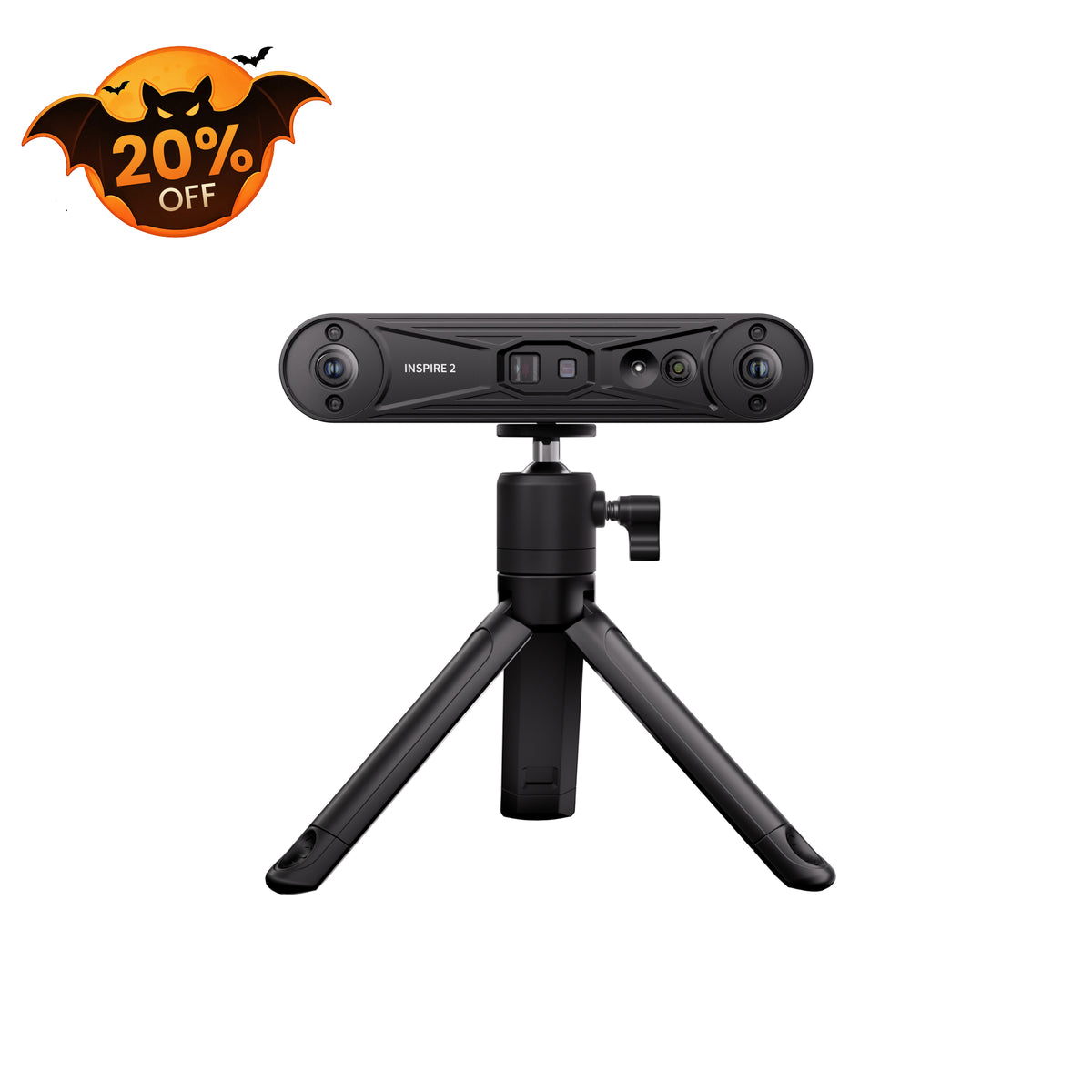
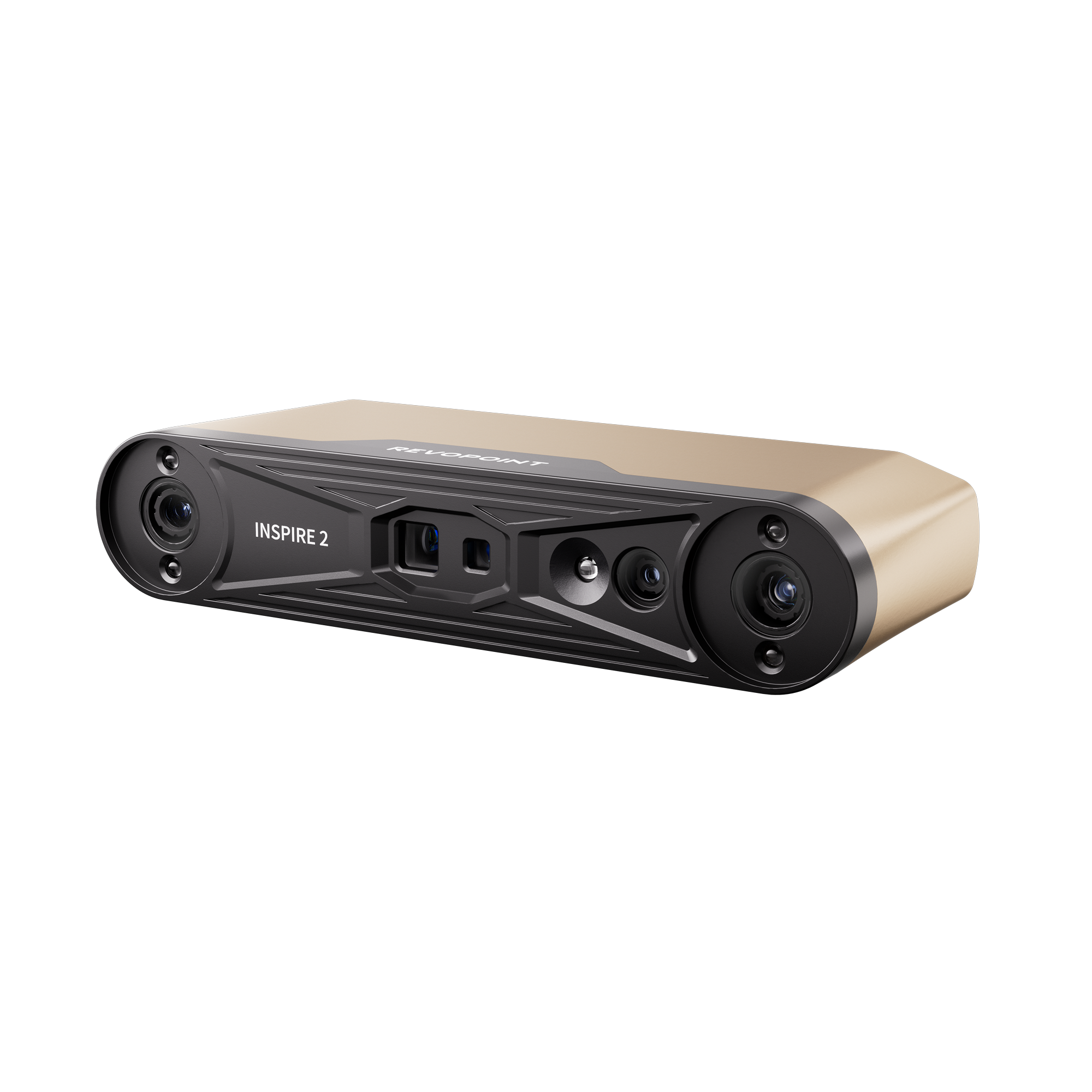
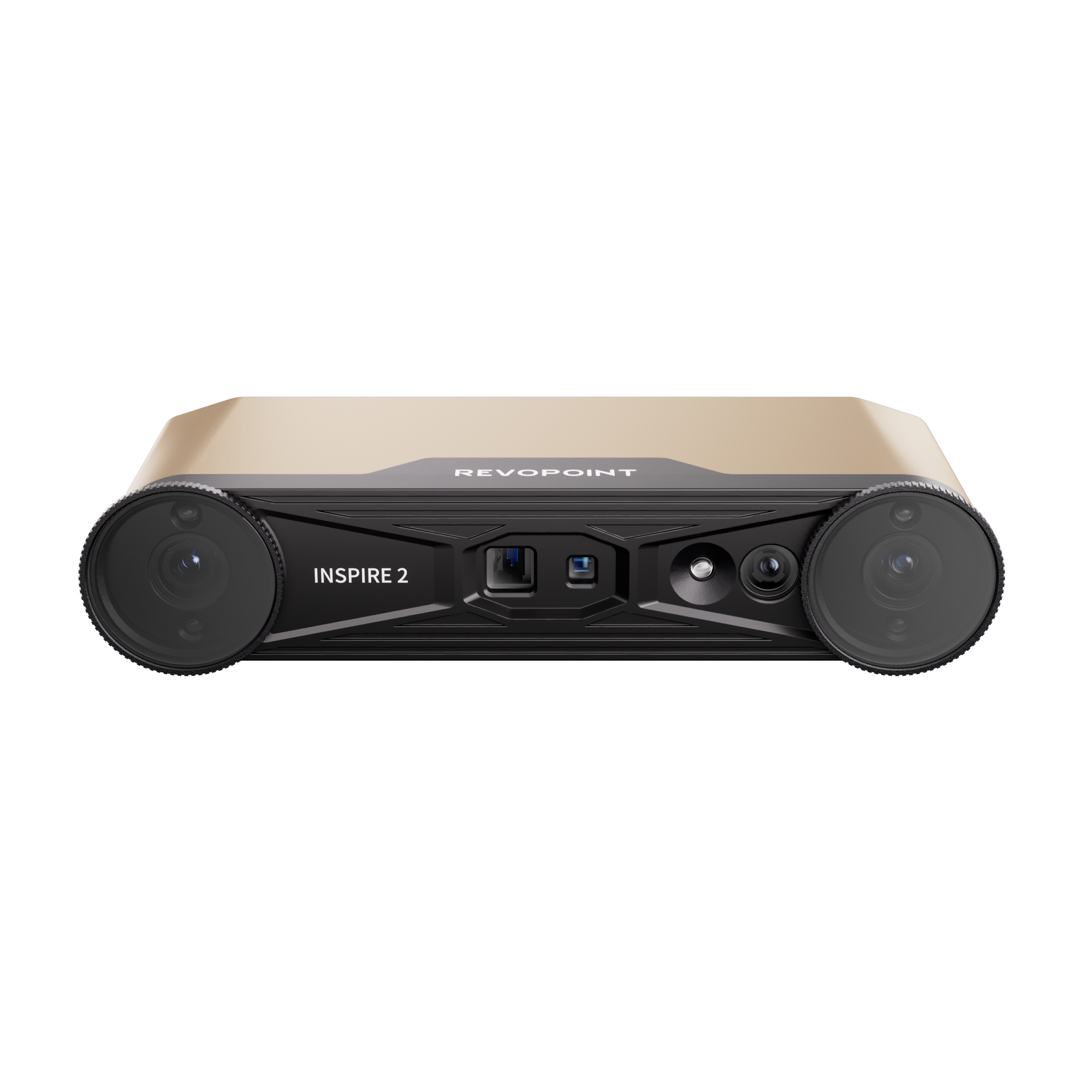
Revopoint INSPIRE 2: Wireless Infrared Laser and Structured Light 3D Scanner
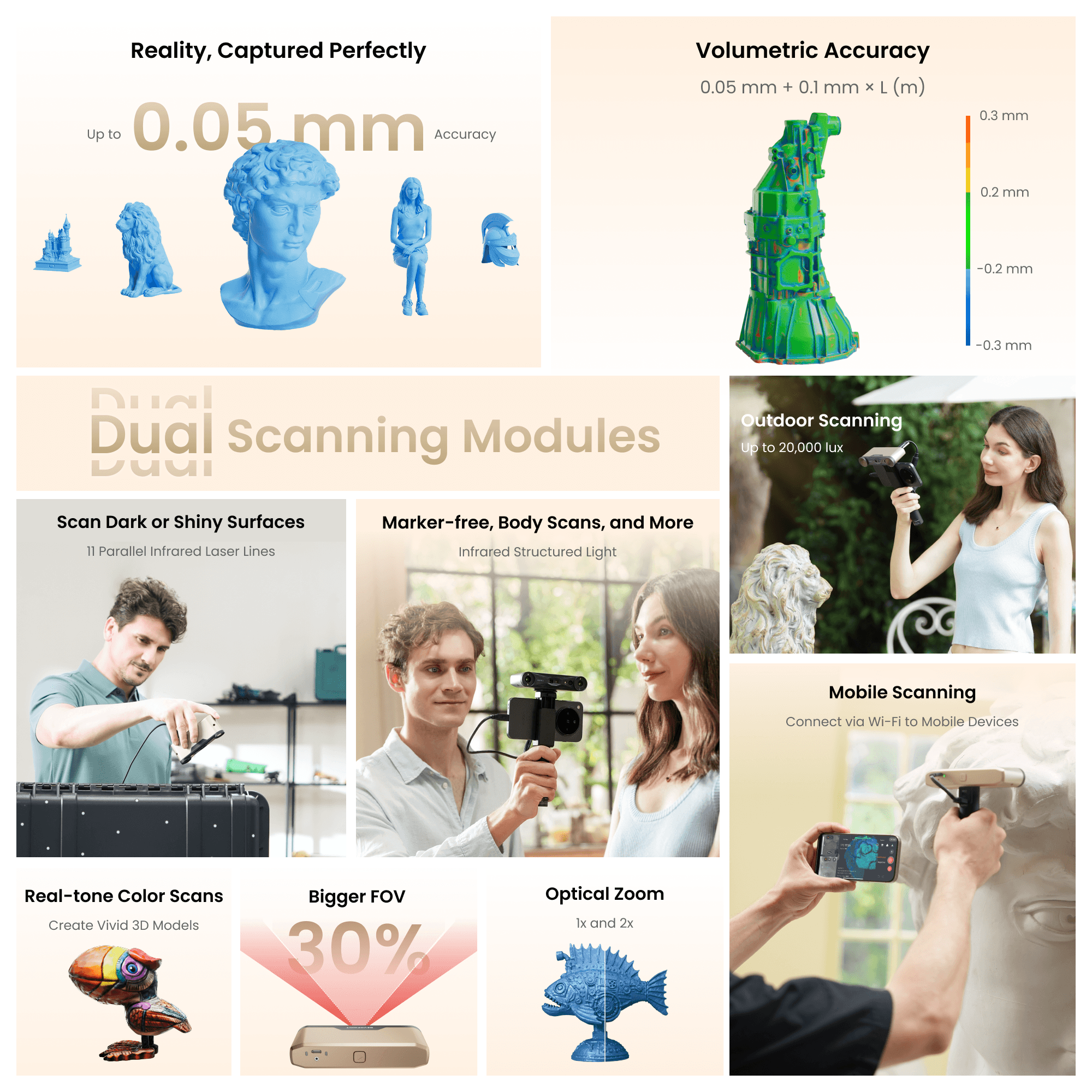
· High Accuracy Up to 0.05 mm
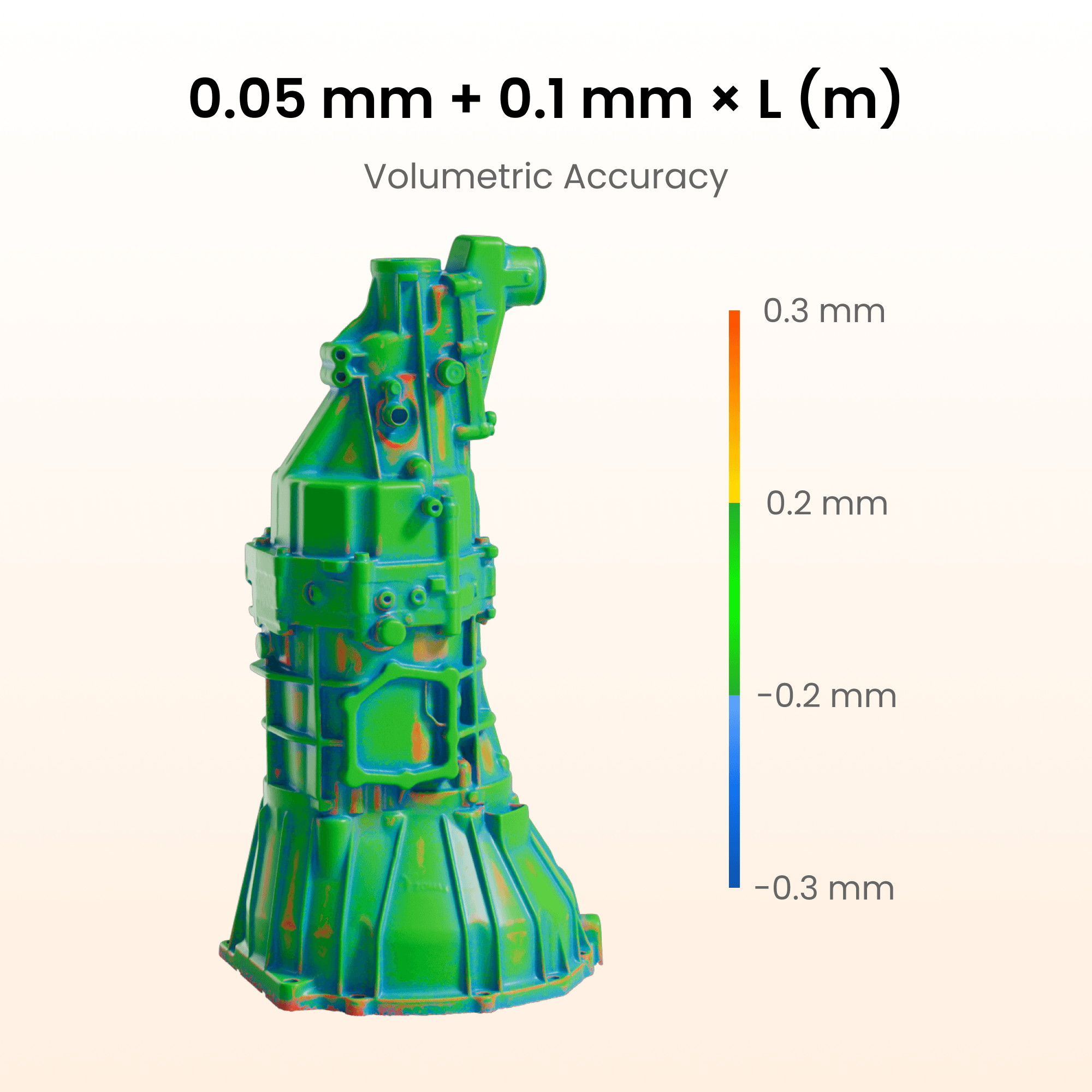
· Volumetric Accuracy 0.05 mm + 0.1 mm × L (m)
· 1.5x and 2x Optical Zoom
· Marker-free Face, Body, & Feature-rich Object Scans
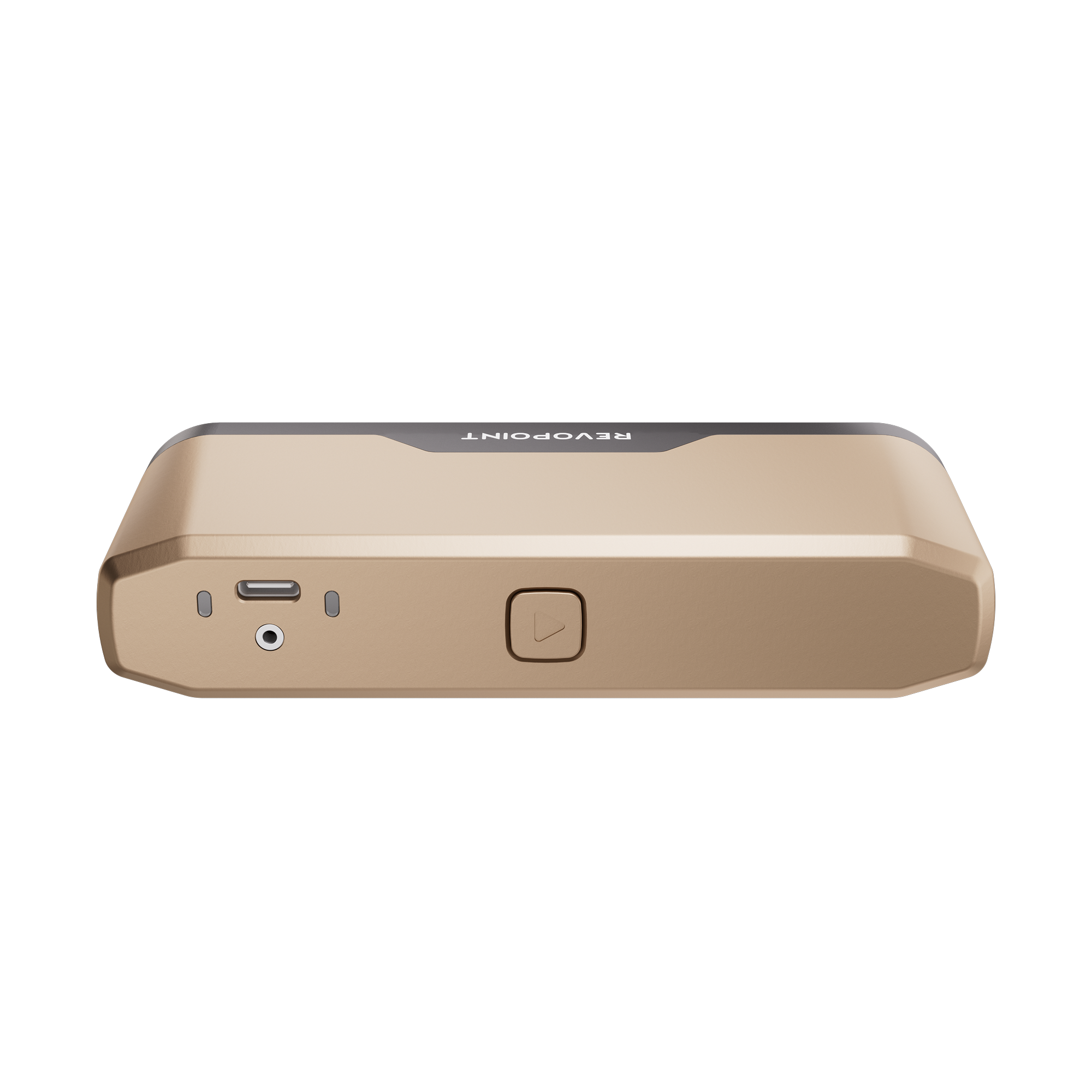
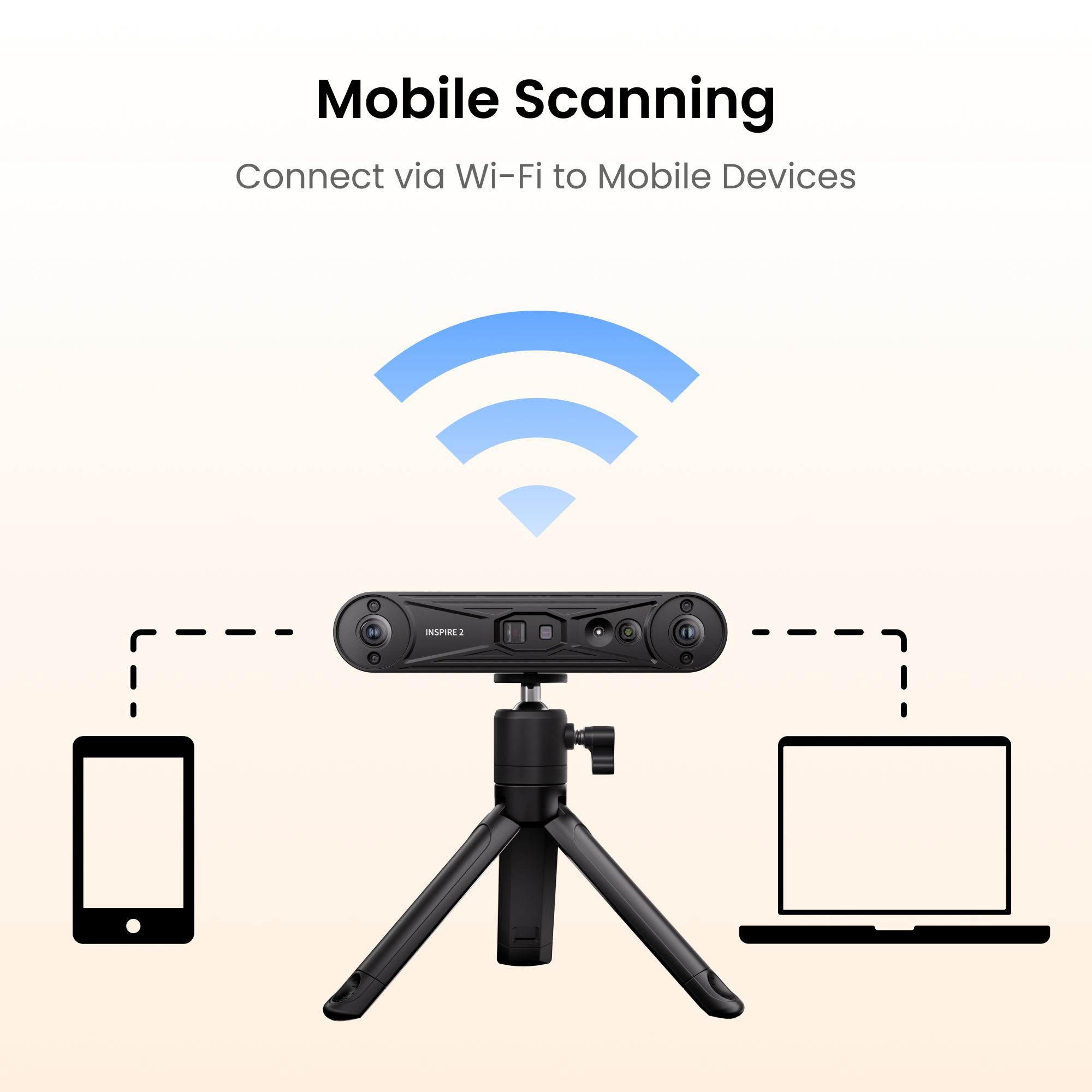
· On-the-Go Scanning, Wi-Fi 6 Connectivity
· Full Color Scanning
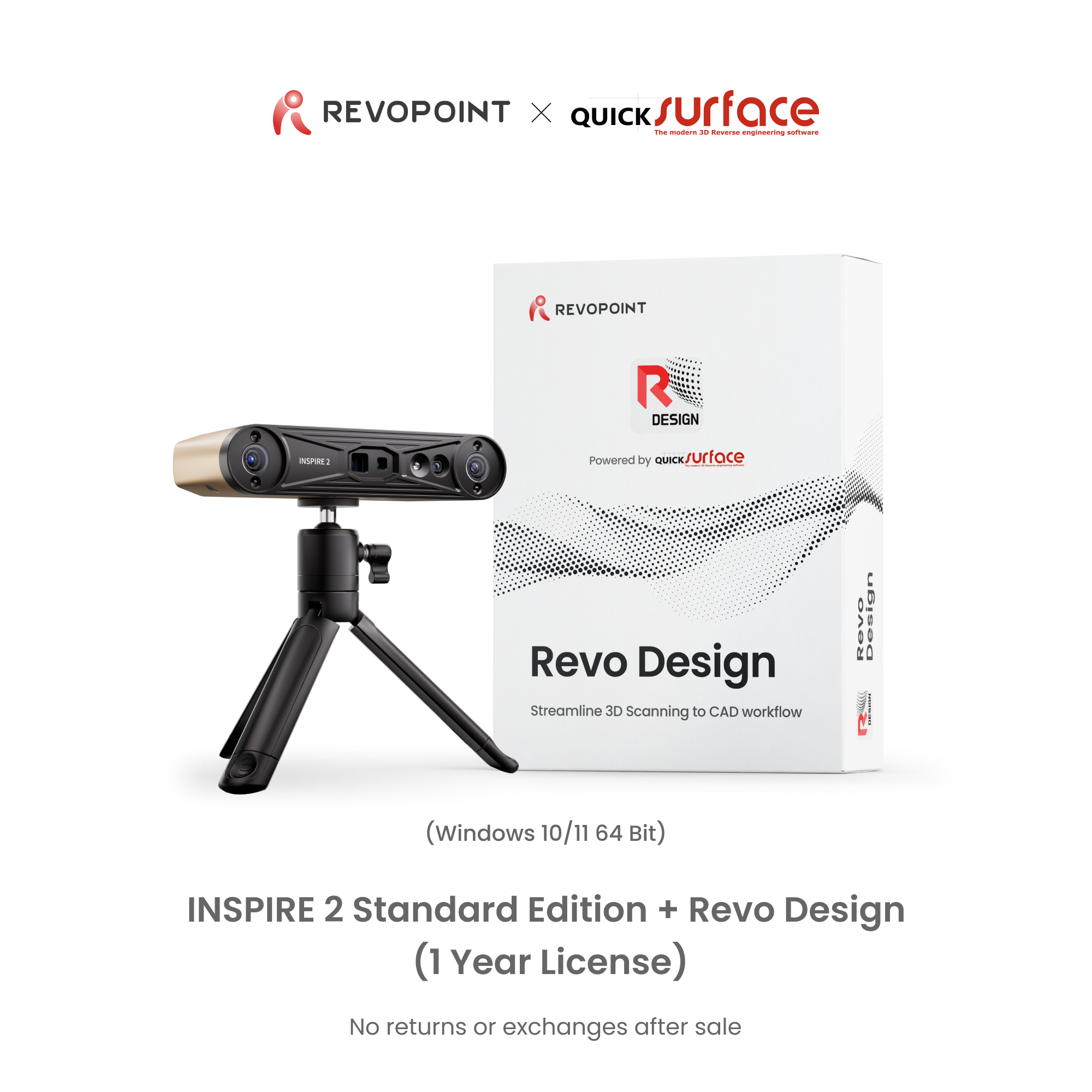
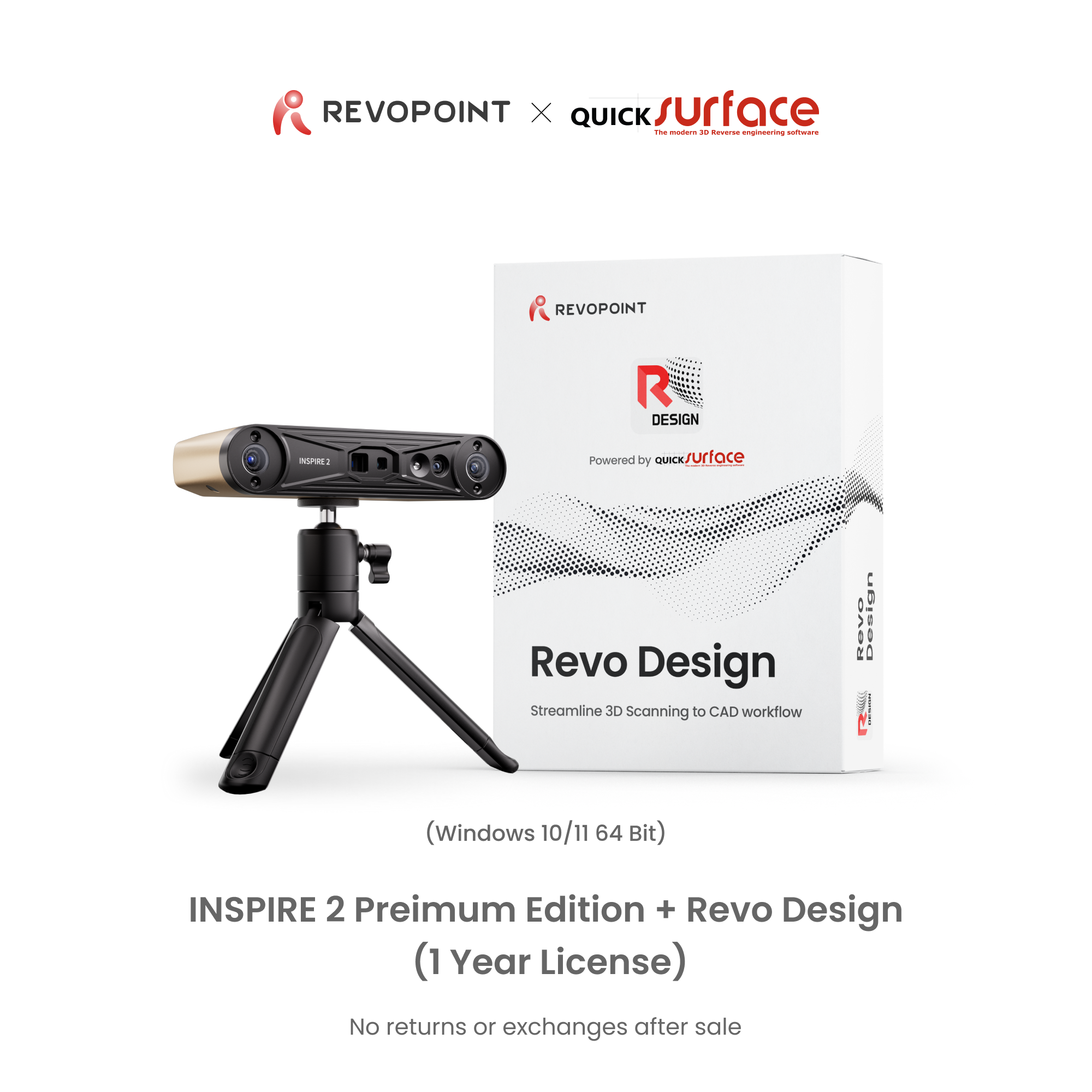
📩 Activation code is sent via email after purchasing the software bundle.📬


Usually, free shipping for most 3D scanners, 3-5 working days fast receipt. Software is non-refundable, fast digital delivery via email.


Take a Closer Look

0.05 mm + 0.1 mm x L (m)




11 Parallel Infrared Laser Lines
Capture detailed, dark, or shiny surfaces without scanning spray at up to 90 fps.


Scanning Modes


Infrared Structured Light
Perform marker-free scans of feature-rich small to medium items at up to 18 fps.


Amazing Scanning Results

Amazing Scanning Results
0.05 mm + 0.1mm × L (m)
Up to 0.03 mm


Easy Tracking
Adapt to any scanning workflow with INSPIRE 2's Feature, Marker, and Global Marker tracking modes.


Optical Zooming
Capture mixed-geometry surfaces without missing any details, using the projector's optical 1.5x and 2x zoom functions.


Even Scan Outdoors
Scans outdoors in up to 20,000 lux, ensuring reliable performance in shaded or semi-bright conditions.

Lightweight and Portable
Fits in Your Pocket, Weighs Only 190g


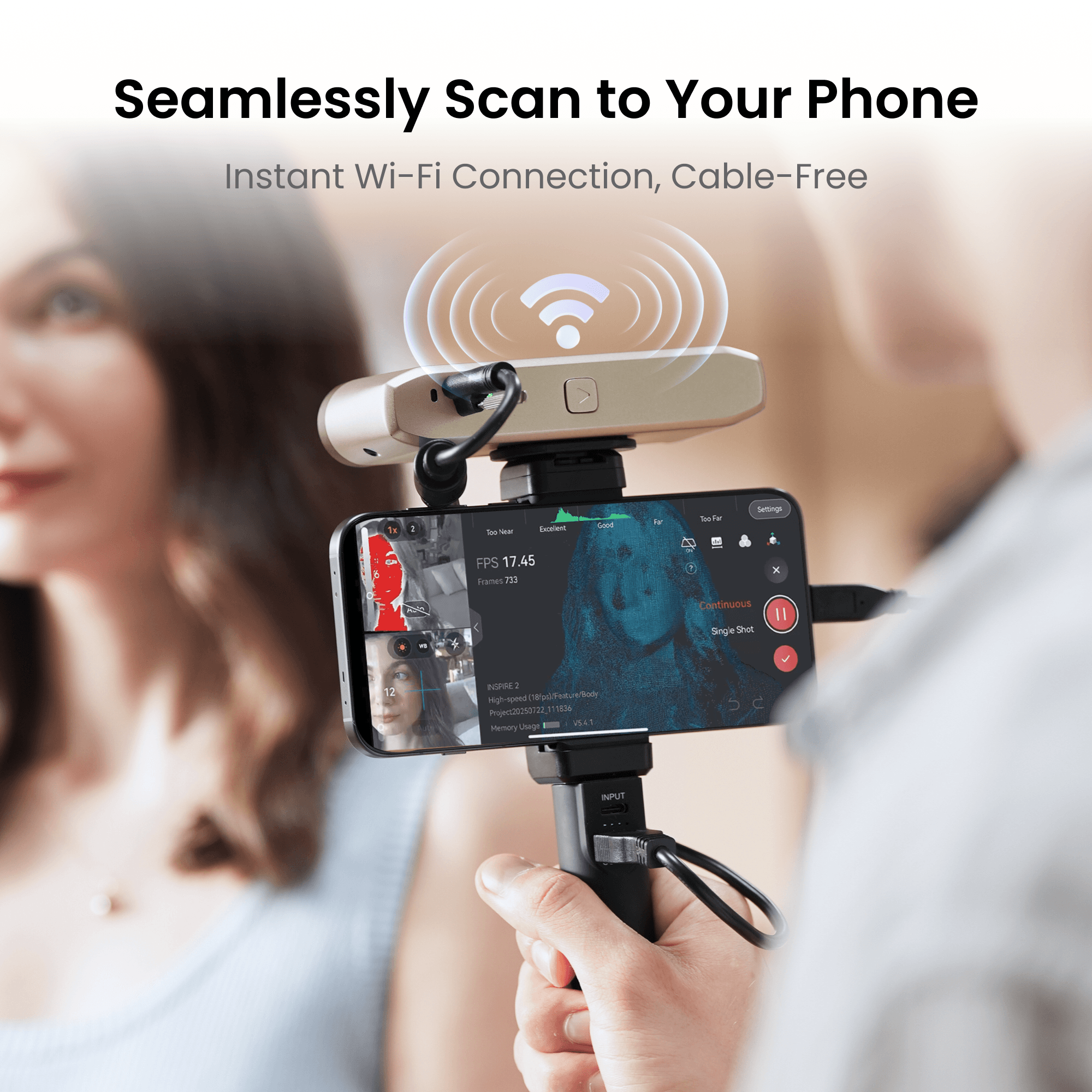
PC-to-Mobile Scan Streaming
Stream scans from your PC to your phone using Revo Mirror, combining desktop power with mobile flexibility.


Connect Via Wi-Fi to Mobile Devices


Bigger FOV 30%

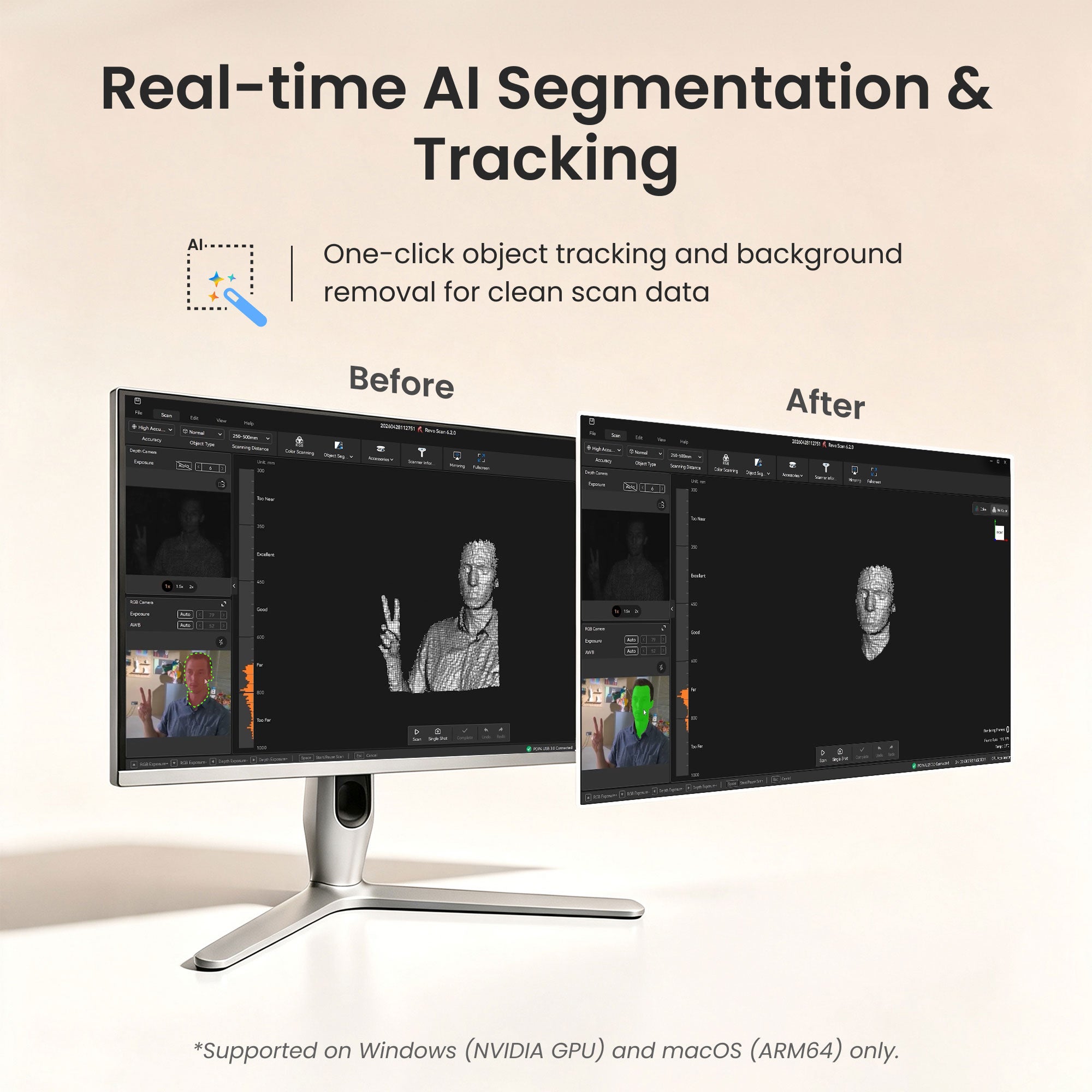
Real-Time Object Segmentation & Tracking
One-click AI tracking isolates your target and auto-filters clutter for clean, ready-to-use output.

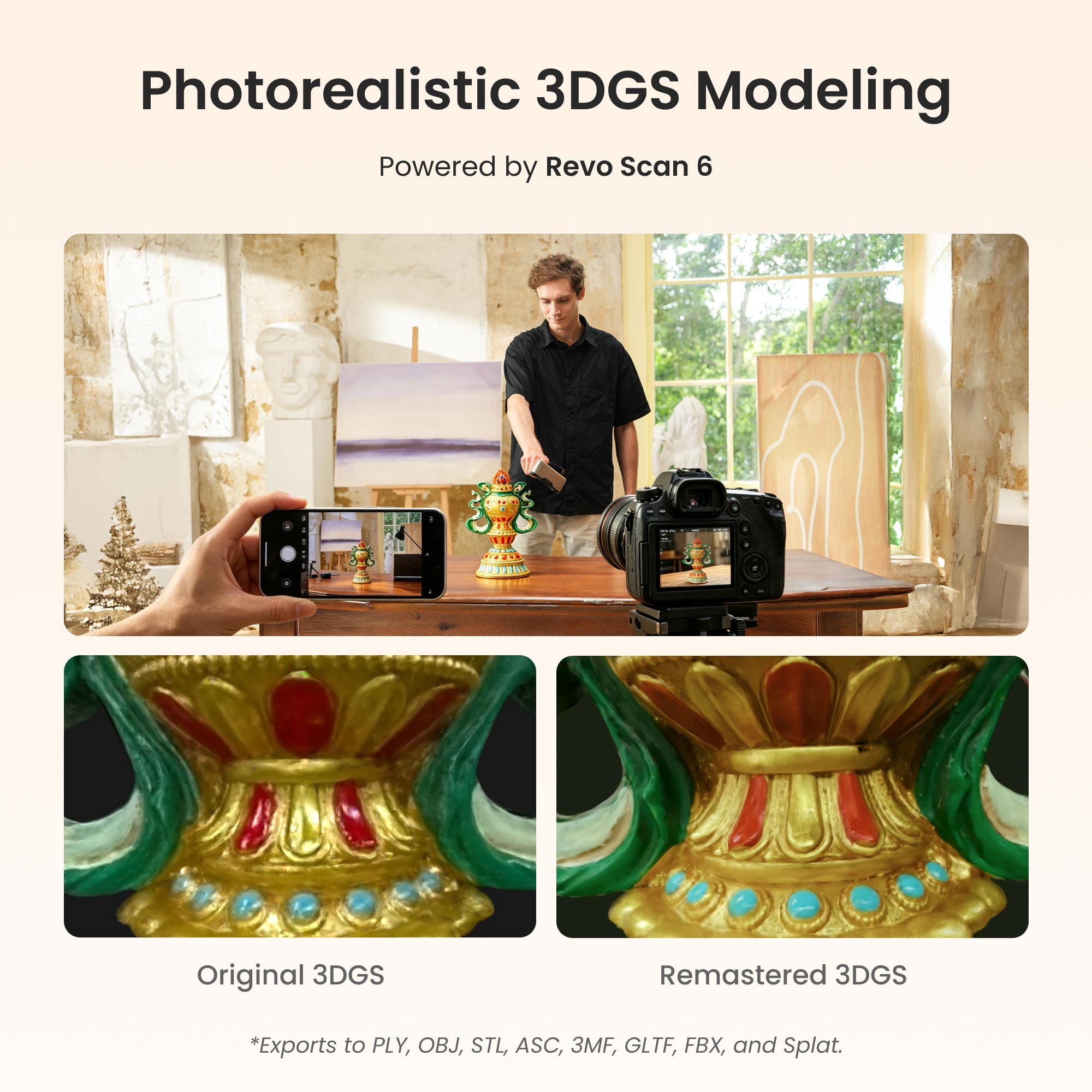
Photorealistic 3DGS Modeling
Convert scan data into true-to-life 1:1 Gaussian models with Revo Scan 6, exportable in .splat format for gaming, animation, and VR.


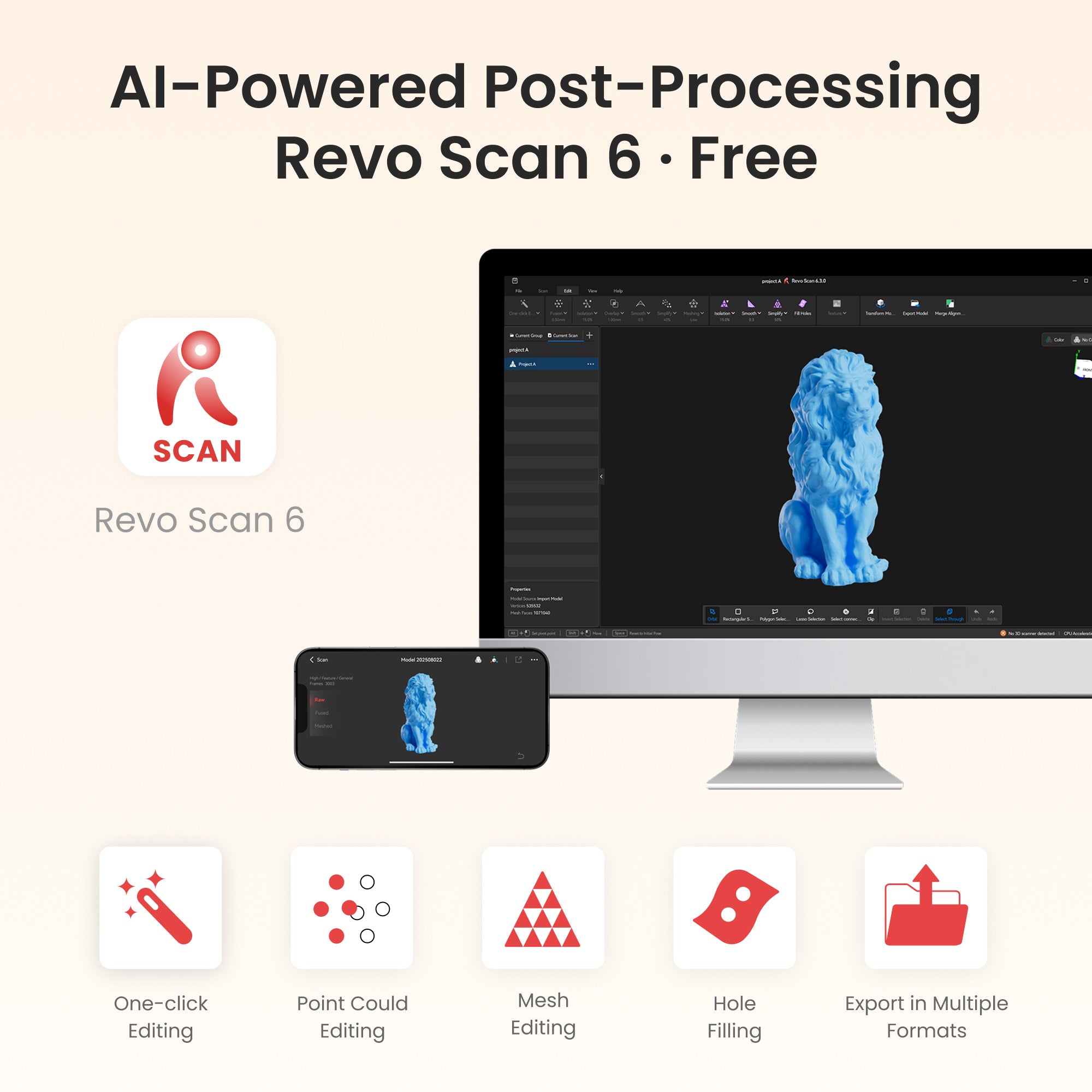
AI-Powered Post-Processing Revo Scan 6 · Free
Intuitively perform scans using the Revo Scan 6 PC software's powerful scanning, processing, and editing tools.
Works On: Windows, macOS, Android, iOS
Output Formats: PLY, OBJ, STL, ASC, 3MF, GLTF, FBX , Splat


Ensure Scanning Stability
Ensure reliable and consistent scanning data with the high-precision photolithography calibration board.


True-to-Life Color-RGB Camera
Capture vibrant color scans that reproduce color with stunning accuracy.
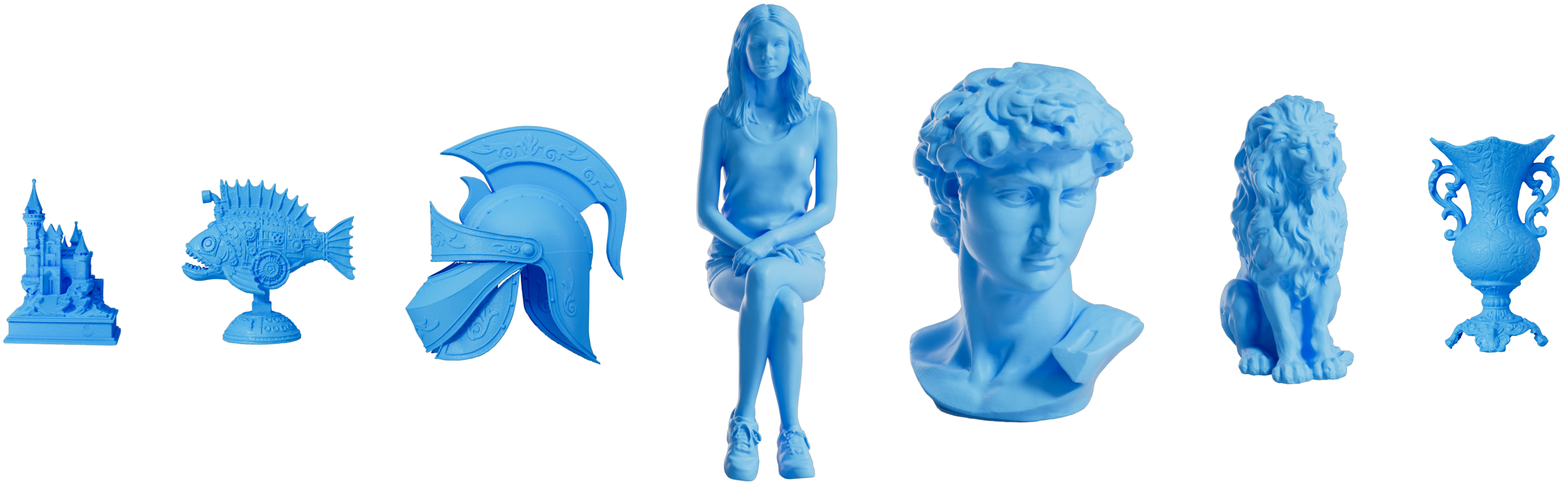
Captured with INSPIRE 2
Sitting Woman
Sitting woman captured with the Revopoint INSPIRE 2's full-field structured light mode.
David Bust
Plaster David bust captured with the Revopoint INSPIRE 2.
Gearbox
Car's gearbox captured with the Revopoint INSPIRE 2 infrared parallel lines.
Lion Statue
Stone lion sculpture captured with the Revopoint INSPIRE 2's full-field structured light mode.
Specifications
Light and Infrared Multi-line Laser
(Note: Using marker tracking mode)
Multi-line Laser Scan: 90 fps (GPU), 40 fps (CPU)
CPU: M1 Pro/Max/Ultra
RAM ≥ 16GB
Windows
CPU: Intel i7 13th Gen or AMD Ryzen 7 5800
RAM ≥ 16GB
GPU : NVIDIA GeForce RTX 3060 (8GB)
Note:
① If you're unsure about the CPU configuration, please ensure that the CPU has cores≥8, threads≥16, and a base frequency ≥2.4GHz.
② Only in Laser Line Scanning modes, a dedicated graphics card is required for acceleration.
CPU: M2 Pro/Max/Ultra, M3 Pro/Max/Ultra
RAM ≥ 24GB
Windows
CPU: Intel i9 12th Gen or better
RAM ≥ 64GB
GPU: NVIDIA RTX 4060 (8 GB) or better
CPU: Snapdragon 8 Gen1, Dimensity 9000, Kirin 9000S Equivalent performance or better
RAM: 12 GB or better
System Version: Android 11 or better
Storage: 128 GB or better
② iPhone
Models after iPhone X;
System Version: iOS 14.0 or better;
RAM > 4 GB; Storage ≥ 64 GB
③ iPad
10th Gen iPad or later
Note: Multi-line scanning mode does not support standalone mobile phone operation. It requires the scanner to connect to a PC via WiFi to work, with the screen being cast to the mobile phone in real-time. Full-field scanning mode can be used independently with a mobile phone.
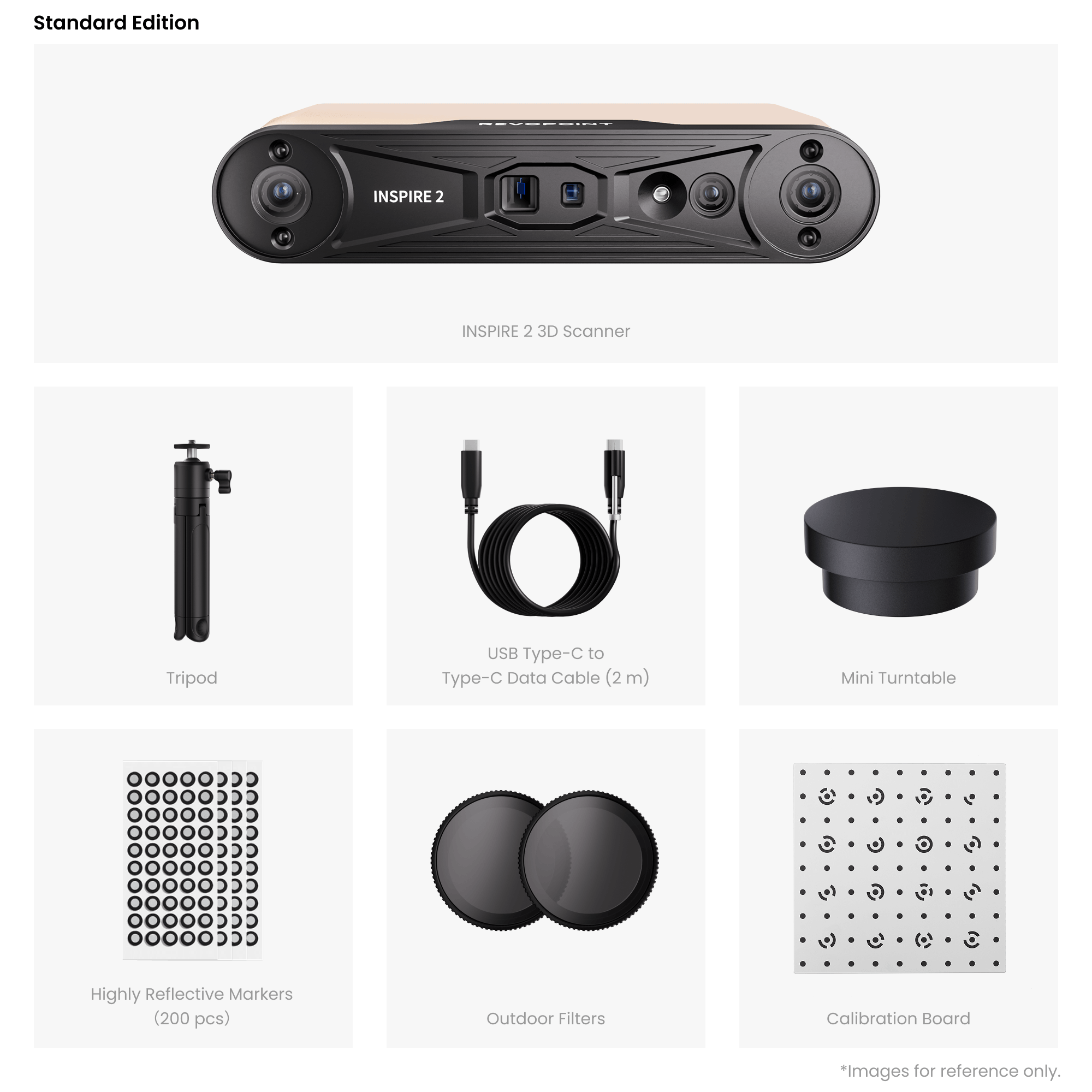
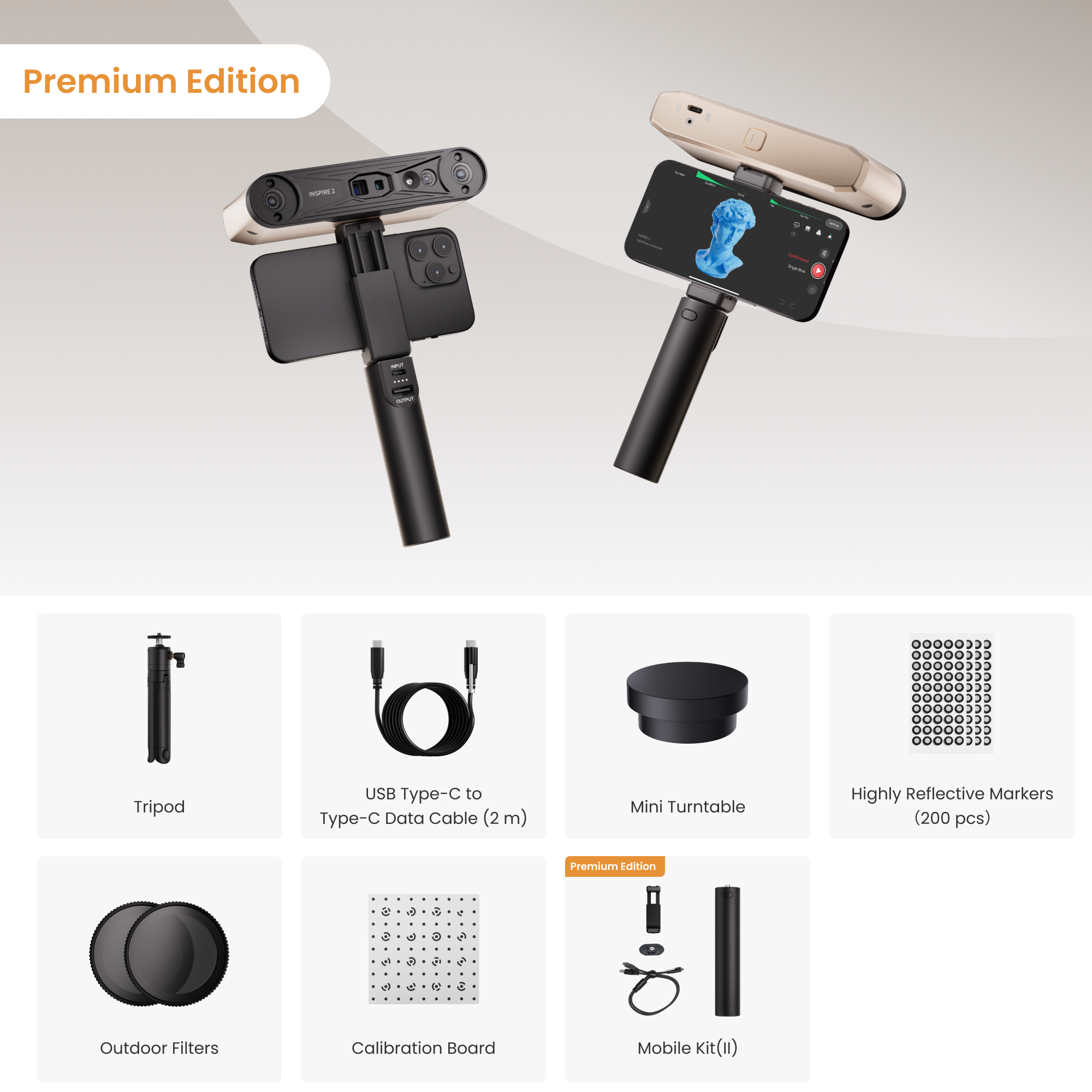
What’s in the Box?
Standard Edition

INSPIRE 2 3D Scanner
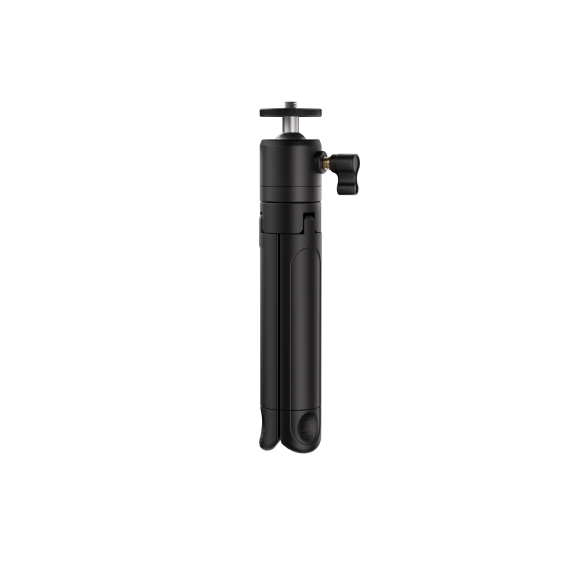
Tripod
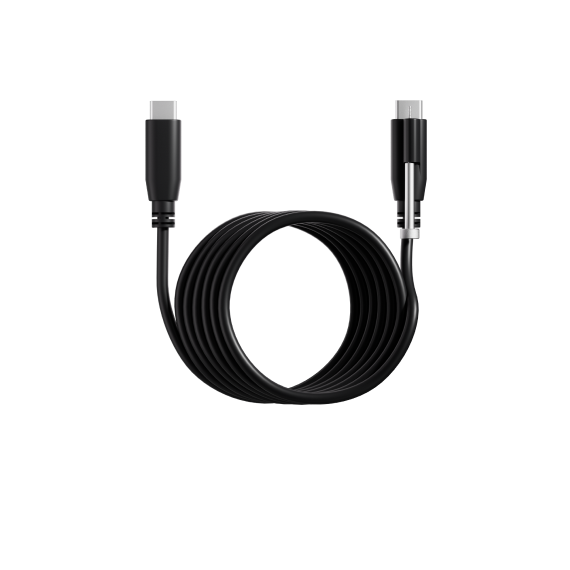
USB Type-C to Type-C Data Cable (2 m)
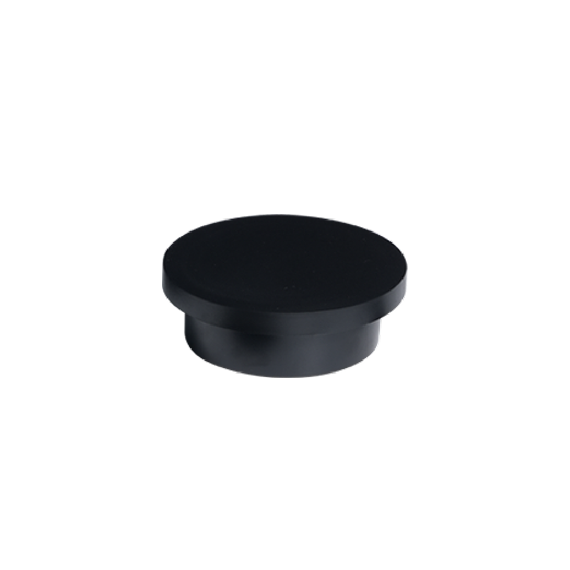
Mini Turntable
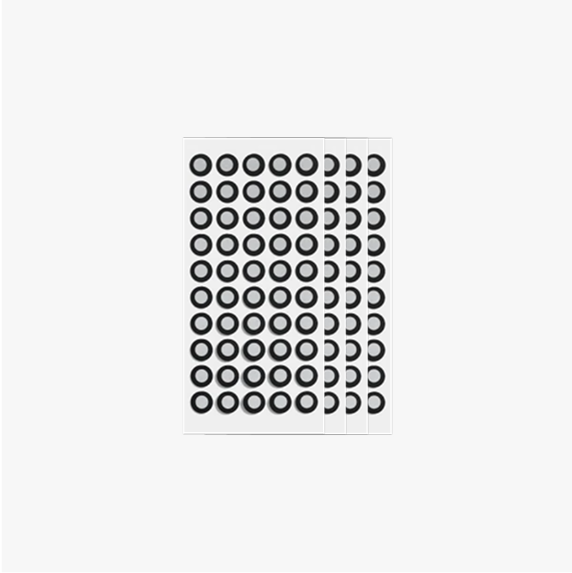
Highly Reflective Markers (200 pcs)
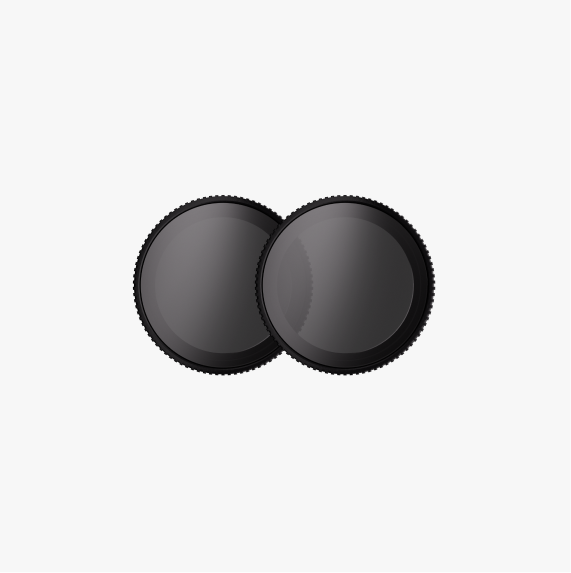
Outdoor Filters

Calibration Board
Premium Edition
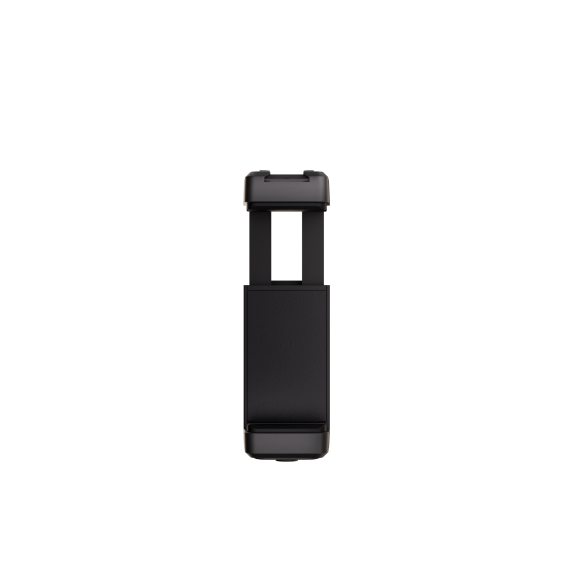
Phone Holder
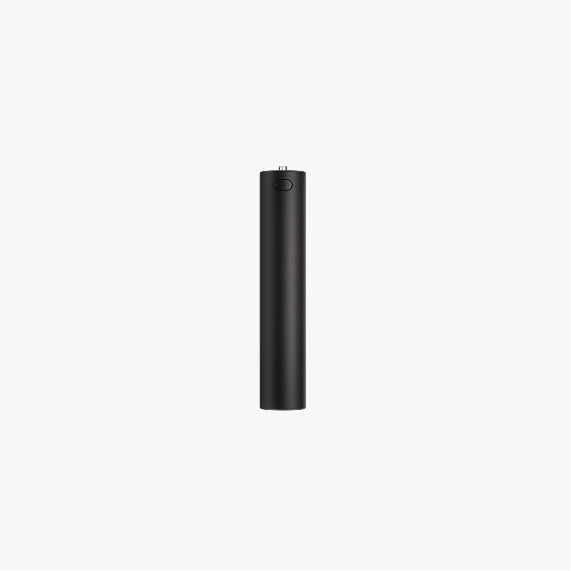
Power Bank (4000mAh)
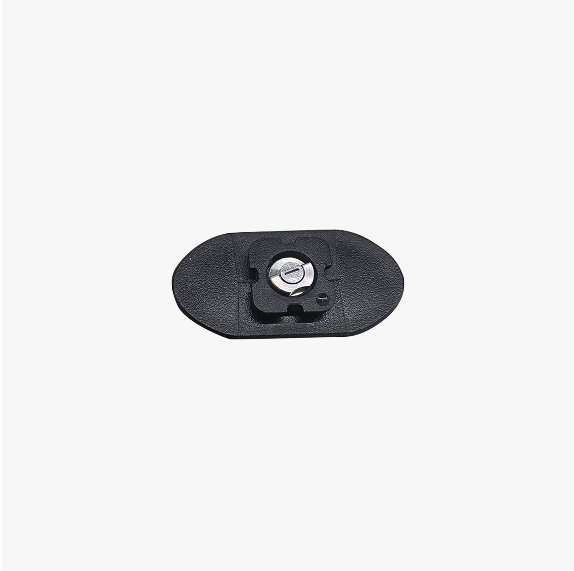
Quick Release Plate
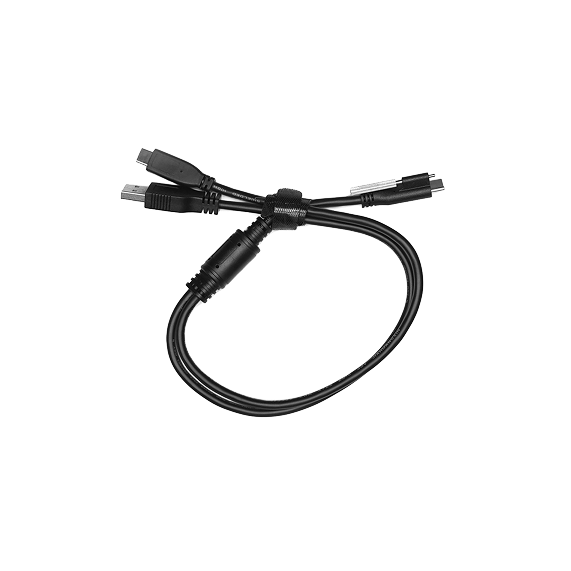
2-in-1 Mobile Cable
FAQ
Is INSPIRE 2 an affordable 3D scanner for beginners or hobbyists?
Yes. INSPIRE 2 is considered an affordable 3D scanner compared to traditional industrial systems, while still offering high accuracy, infrared laser scanning, and structured light technology. It is designed for beginners, makers, and professionals who want reliable scanning performance at an affordable price without sacrificing essential features for 3D printing, reverse engineering, or product design.
What are INSPIRE 2's scanning modes and how are they used?
INSPIRE 2 has two scanning modes: Full-field Structured Light and 11 Infrared Multi-line Lasers, designed to handle different materials, object sizes, and working conditions.
- Full-field Structured Light: Captures detailed, high-density point clouds of small-to-medium objects, ideal for geometry-rich models, efficient modeling, and animation assets. Works outdoors or under complex lighting.
- 11 Infrared Parallel Lines: Tackles reflective metal, dark, or low-texture surfaces with stability and accuracy, eliminating the need for scanning spray.
Can INSPIRE 2 be used outdoors?
Yes, INSPIRE 2 operates in outdoor lighting of up to 20,000 lux, suitable for operation in shaded areas on bright days. Avoid direct sunlight for optimal performance.
How does INSPIRE 2 connect to devices?
INSPIRE 2 supports USB Type-C for data and power, Wi-Fi 6 for fast, stable connections to PCs and devices. In Full-field scanning mode, it can be connected to a PC or mobile phone via USB data cable or Wi-Fi. In Multi-line scanning mode it does not support the mobile version of Revo Scan. You can use the Revo Mirror screen casting software to wirelessly mirror the scanning display from the PC to phone for additional scanning operations.
How should I scan transparent or highly reflective objects?
For transparent or mirror-like reflective objects, we recommend applying scanning spray or developer to the surface to improve data stability and accuracy. Scanning spray can be purchased from Revopoint at revopoint3d.com/products/3d-scanning-spray.
What are the differences between the INSPIRE 2 and the INSPIRE 3D scanners?
- Technology: INSPIRE 2 uses Dual-camera Infrared Structured Light and Infrared Multi-line Laser technology, while INSPIRE uses Dual-camera Infrared Structured Light technology.
- Accuracy: INSPIRE 2’s single-frame accuracy can reach 0.05 mm, and its volumetric accuracy can reach 0.05 mm + 0.1 mm × L (m). In comparison, the INSPIRE’s single-frame accuracy is up to 0.2 mm.
- Object Size: INSPIRE 2 is designed to scan small to medium-sized objects with a recommended scan volume of 20 × 20 × 20 mm to 2 × 2 × 2 m. The INSPIRE is specially designed for small objects, with a recommended scan volume of 50 × 50 × 50 mm to 1 × 1 × 1 m.
- Special object scanning: The INSPIRE 2 can scan highly reflective or black surfaces in multi-line laser mode without scanning spray. For the INSPIRE, using a scanning spray is a must.
- Scanning mode: INSPIRE 2 supports both structured light scanning and parallel line scanning modes, covering a variety of indoor and outdoor application scenarios; INSPIRE supports structured light scanning mode, which can be used for indoor scanning.
What’s the difference between the INSPIRE 2 Standard Edition and the Mobile Scanning Kit Edition?
The INSPIRE 2 Standard Edition is ideal for fixed setups and PC operation; the Mobile Scanning Kit Edition adds a phone holder, 2-in-1 mobile cable, power bank, and quick release plate for flexible mobile device use.
Do I need to use markers during scans?
Markers are required for laser scanning. When placing marker points, organize them in an irregular pattern. Always ensure at least five marker points are visible in the frame during scans. For optimal accuracy, attach the markers to flat surfaces rather than curved ones. Also, avoid using soft pads or cloths with markers. INSPIRE 2's structured light mode does not require markers when scanning feature-rich items. However, markers are needed when scanning featureless items, i.e., objects with flat, plain surfaces or repeating patterns.
What software is compatible with the INSPIRE 2?
The INSPIRE 2 is compatible with two scanning software: Revo Scan 6 and Revo Metro.
Both software applications provide identical core scanning functions, but differ in the following ways:
(1)Only Revo Scan 6 supports 3DGS and AI-powered intelligent segmentation.
(2)Revo Scan 6 runs on both PC and mobile platforms, while Revo Metro is limited to PC.
(3)Revo Metro software does not currently support GPU acceleration for AMD and Mac GPUs;
Recommendations:
Choose Revo Scan 6 if you need 3DGS, AI intelligent segmentation, or mobile device support.
Select Revo Metro if you only require basic scanning functionality and work exclusively on PC.
Both software can be switched flexibly according to your requirements.
Can I wirelessly cast the scanning screen to my phone?
Yes. Revo Mirror screen casting software enables real-time casting of the PC scanning interface to your phone, allowing operation from mobile devices.
What formats does Revo Scan 6 support exporting?
Revo Scan 6 supports exporting files in the following formats:
- Point Cloud model: PLY, OBJ, ASC
- Mesh model: PLY, OBJ, STL, FBX, GLTF, 3MF
- Texture model: PLY, OBJ, FBX, GLTF
- 3DGS (3D Gaussian Splatting): PLY, Splat
What file formats does INSPIRE 2 support?
It supports a wide range of 3D formats including PLY, OBJ, STL, ASC, 3MF, GLTF, FBX, and Splat compatible with most CAD/CAM, 3D printing, and animation modeling software.