




- Photos
- Videos
- Models


Multi-line Blue Laser
Small to Medium
Versatility
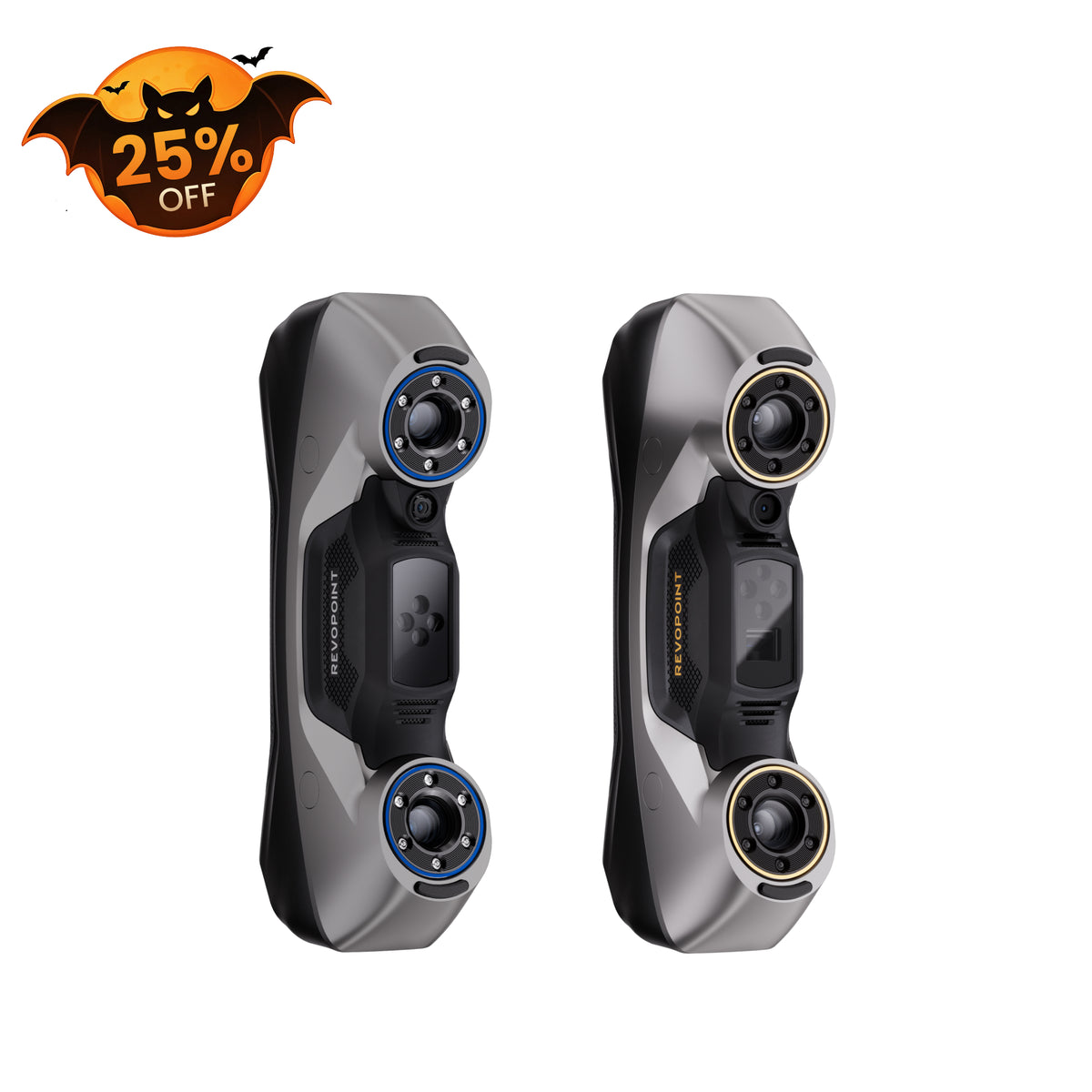
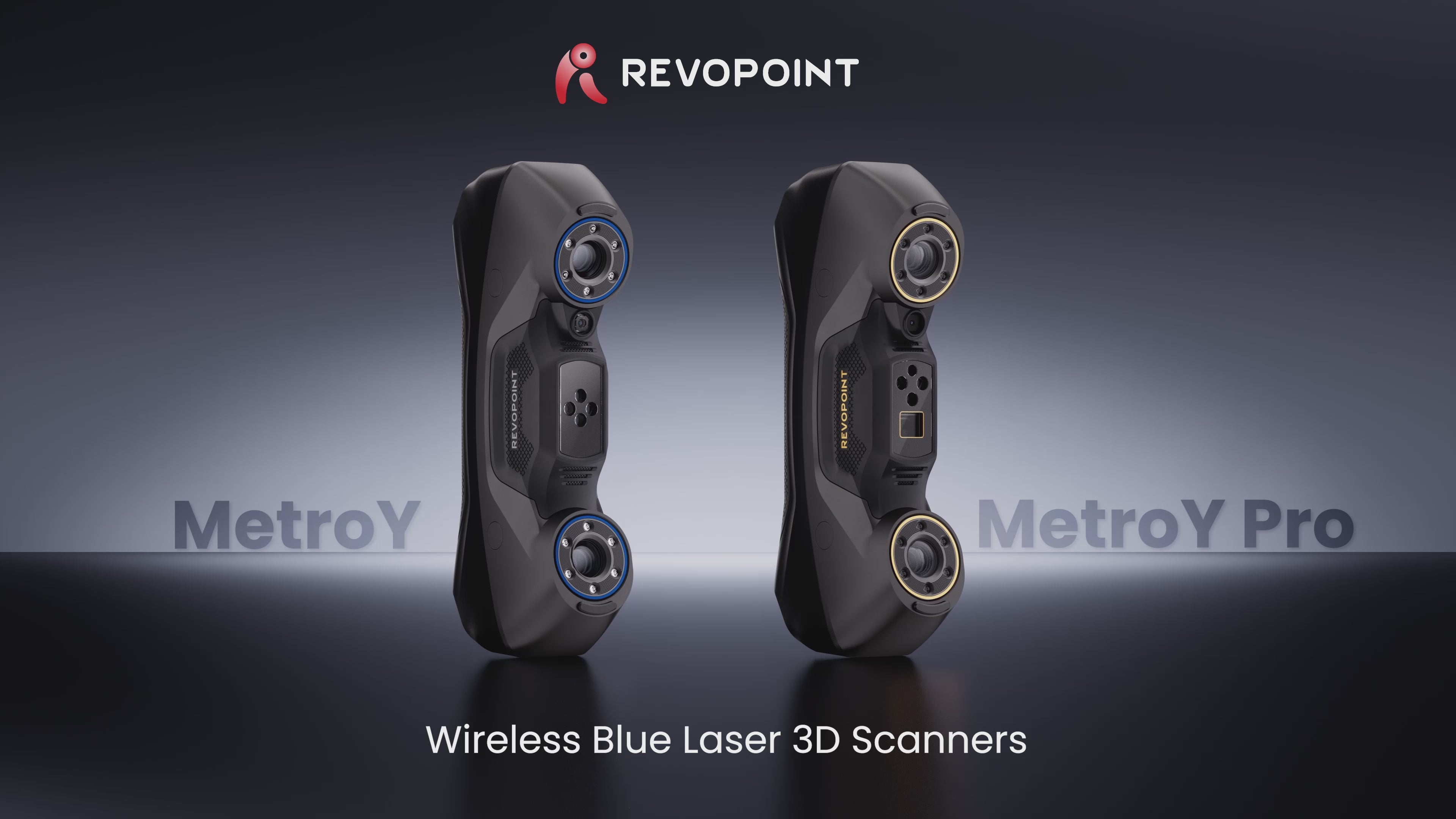
Revopoint MetroY & MetroY Pro: Wireless Blue Laser 3D Scanners for Small to Medium Workpieces

5 Blue Light Scanning
Modes

Rapid Scans:
Up to 34 Cross-lines

Volumetric Accuracy:
0.02 + 0.04 mm x L (m)

Scanning Volume
Small to Medium

Fast Laser Scans:
Up to 2,000,000 Points/s

Fused Point Distance
Up to 0.05 mm

No Scanning Spray Needed
Scan Shiny or Dark Surfaces

Connectivity:
USB-C-to-PC & Wi-Fi 6
📩 Activation code is sent via email after purchasing the software bundle.📬
Geomagic Business Orders: Add company name and address at checkout. Software non-refundable.


Usually, free shipping for most 3D scanners, 3-5 working days fast receipt. Software is non-refundable, fast digital delivery via email.


Take a Closer Look


5
Blue Light Scanning Modes


Fast Scans - Up to 34 Cross-lines
Capture flat surfaces and shiny or black areas without using scanning spray.


Capture Details - Up to 15 Parallel Lines
Capture edges and complex surfaces.


Scan Holes - Single Line Mode
Flawlessly capture deep holes, crevices, and grills.


62-Line Full-field Structured Blue Light (Pro Only)
Scan feature-rich workpieces marker-free at up to 7,000,000 Points/s.


Auto Turntable Mode (Pro Only)
Create ultra-accurate models with one click using MetroY Pro, Revo Metro, and the Dual-axis Turntable to automate the scan.


Accuracy That Delivers
Volumetric Accuracy: 0.02 + 0.04 mm x L (m)
Fused Point Distance: Up to 0.05 mm


Fast Laser Scans
Up to 2,000,000 Points/s


No Scanning Spray Needed
Scan Shiny or Dark Surfaces


PC-to-Mobile Scan Streaming
Untether your 3D scanner and move freely with MetroY's Wi-Fi and Revo Mirror to stream your scans.


Revo Measure - From 3D Scans to 3D Measurement
Import models created in Revo Metro directly into Revo Measure. Evaluate their
shape, dimensions, and quality by comparing point cloud or mesh data to CAD models or drawings.


Revo Design - Scans-to-CADs
Features powerful mesh editing, freeform and parametric modeling, and
scan-to-CAD workflows, ideal for reverse engineering, product development,
and industrial design.


Real-time Temperature Monitoring
Temperature sensors monitor and display the scanner's temperature in real time to help maintain accuracy.


HD RGB Camera
Create Vibrant 3D Models
Reviews on YouTube

Captured with MetroY & MetroY Pro
Explore More >
What’s in the Box
MetroY

MetroY 3D Scanner
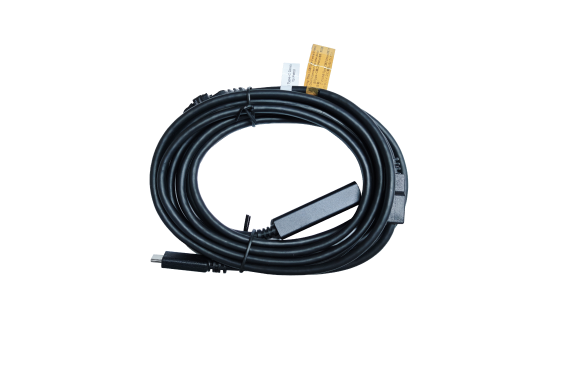
USB Type-C to Type-C Cable
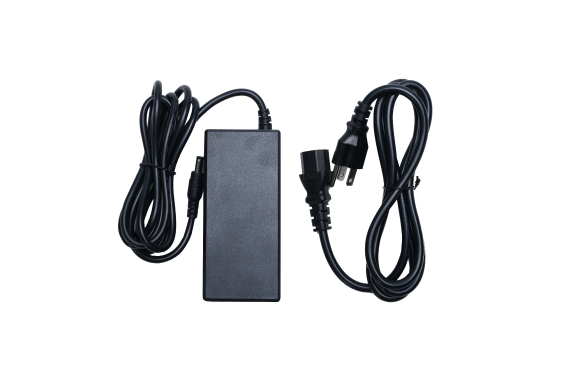
Power Adapter*
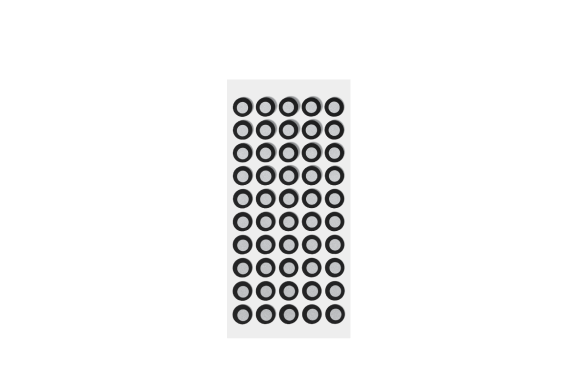
Markers
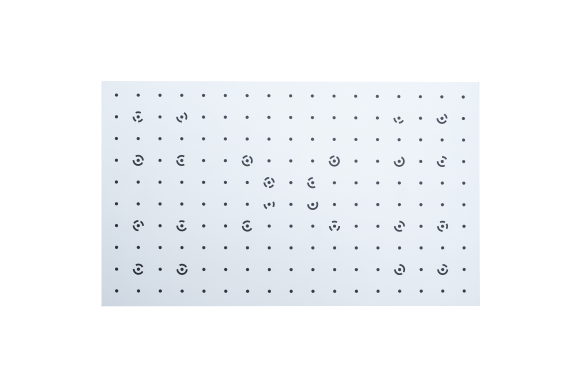
Calibration Board
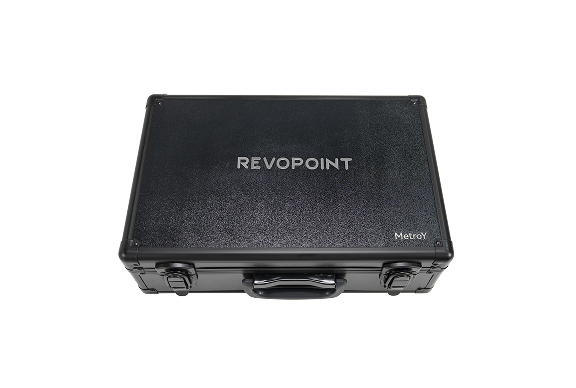
Carrying Case
MetroY Pro

MetroY Pro 3D Scanner
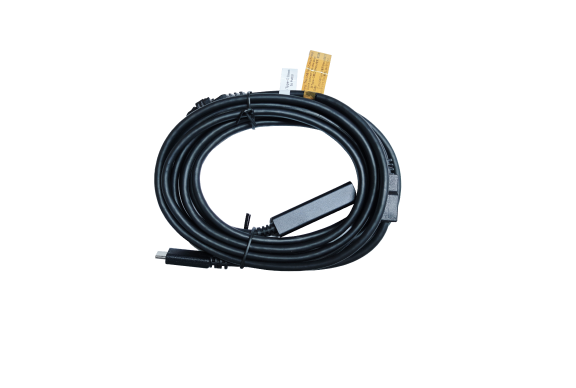
USB Type-C to Type-C Cable
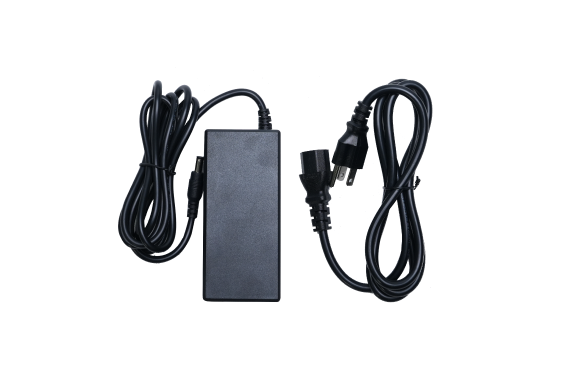
Power Adapter*
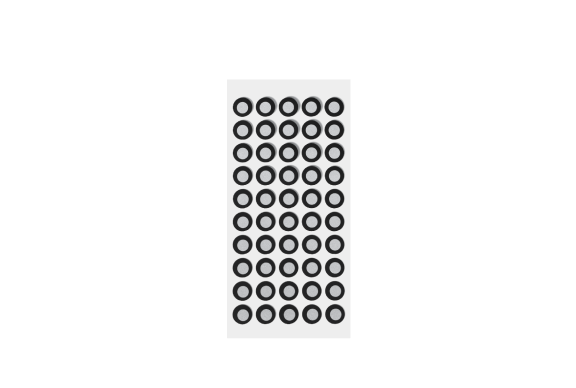
Markers
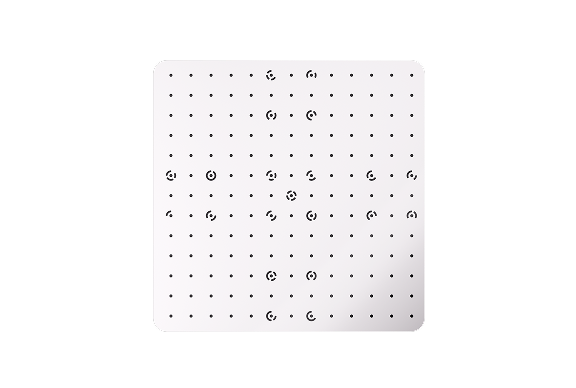
Calibration Board
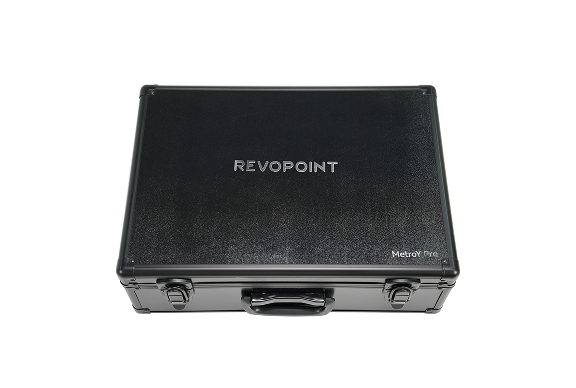
Carrying Case
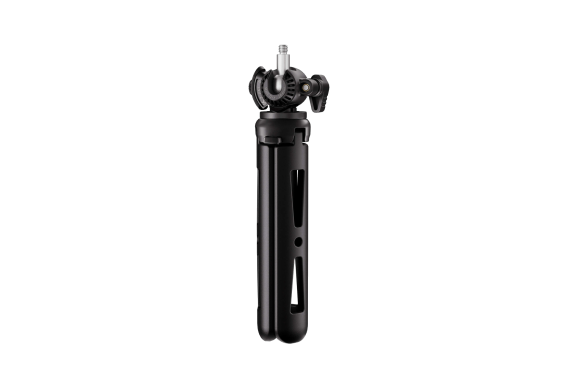
Tripod
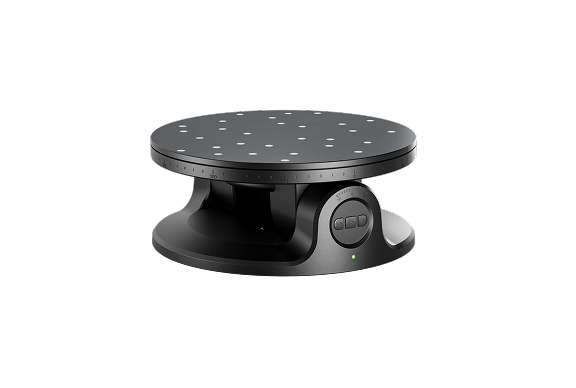
Dual-axis Turntable
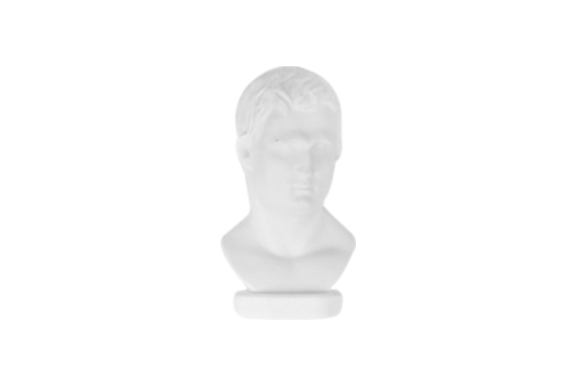
Sample Bust
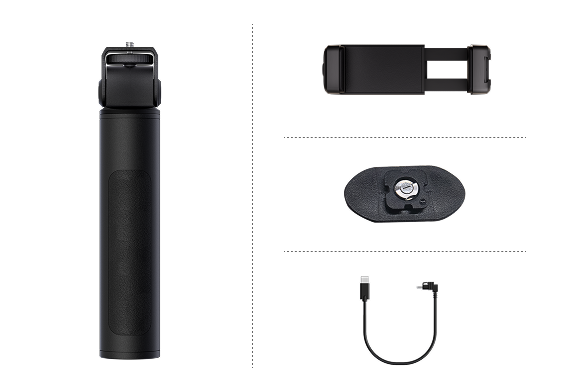
Mobile Kit (3rd Gen)
MetroY vs. MetroY Pro
|
Name
|
MetroY
|
MetroY Pro
|
|
Scanning Type
|
Handheld
|
Handheld and Desktop
|
|
Technology
|
Multi-line Laser Scan
|
Multi-line Laser Scan and Full-field
Structured Light Scan
|
|
Scannable Object Size
|
Small to Medium
|
Small to Medium
|
|
Single-frame Precision, up to
|
0.01 mm
|
0.01 mm
|
|
Single-frame Accuracy, up to
|
0.02 mm
|
0.02 mm
|
|
Volumetric Accuracy
|
0.02 mm + 0.04 mm × L (m),
L is the length of the object.
|
0.02 mm + 0.04 mm × L (m),
L is the length of the object.
|
|
Fused Point Distance, up to
|
0.05 mm
|
0.05 mm
|
|
Working Distance
|
200 ~ 400 mm
|
200 ~ 400 mm
|
|
Single Capture Area at Nearest Distance
|
123 × 130 mm at 200 mm
|
152 × 138 mm at 200 mm
|
|
Single Capture Area at Furthest Distance
|
290 × 260 mm at 400 mm
|
332 × 276 mm at 400 mm
|
|
Minimum Scan Volume
|
10 × 10 × 10 mm
|
10 × 10 × 10 mm
|
|
Maximum Scan Volume
|
1 × 1 × 1 m
|
1 × 1 × 1 m
|
|
Scanning Speed, up to
|
Multi-line Laser Scan:
1, 500, 000 Points/s
|
Multi-line Laser Scan: 2,000,000 Points/s
Full-field Structured Light Scan:
7,000,000 Points/s
|
|
RGB Camera Resolution
|
2 Megapixels
|
2 Megapixels
|
|
Color Scanning
|
No
|
Only in Auto Turntable Mode
|
|
Tracking Methods
|
Marker, Global Marker
|
Marker, Global Marker, Feature
|
|
Outdoor Scanning
|
No
|
No
|
|
3D Light Source
|
30 Blue Cross Laser Lines
15 Blue Parallel Laser Lines
1 Blue Single Laser Line
|
34 Blue Cross Laser Lines
15 Blue Parallel Laser Lines
1 Blue Single Laser Line
62 Line Blue Full-field Structured Light
|
|
Fill Lights
|
12 Blue LEDs
|
12 Blue LEDs
|
|
CPU
|
4 core ARM, 2.0 GHz
|
4 core ARM, 2.0 GHz
|
|
Built-in Chip Computing
|
Depth Computing
|
Depth Computing
|
|
Buttons
|
4
|
4
|
|
Minimum PC Requirements
|
macOS
CPU: M2 Pro
RAM ≥ 16GB
Windows
CPU: Intel i7 13th Gen or AMD Ryzen 7 5800
RAM ≥ 32GB
GPU: NVIDIA GeForce RTX 3060 (8GB)
Note:
① If you're unsure about the CPU configuration, please ensure that the CPU has cores≥8, threads≥16, and a base frequency ≥2.4GHz.
② Only in Laser Line Scanning modes, a dedicated graphics card is required for acceleration. AMD and MAC GPUs do not currently support acceleration.
|
macOS
CPU: M2 Pro
RAM ≥ 16GB
Windows
CPU: Intel i7 13th Gen or AMD Ryzen 7 5800
RAM ≥ 32GB
GPU: NVIDIA GeForce RTX 3060 (8GB)
Note:
①If you're unsure about the CPU configuration, please ensure that the CPU has cores≥8, threads≥16, and a base frequency ≥2.4GHz.
② Only in Laser Line Scanning modes, a dedicated graphics card is required for acceleration. AMD and MAC GPUs do not currently support acceleration.
|
|
Recommended PC Requirements
|
macOS
CPU: M4 Pro or better
RAM ≥ 24GB
Windows
CPU: Intel i9 12th Gen or better
RAM ≥ 64GB
GPU: NVIDIA RTX 4060 (8 GB) or better
|
macOS
CPU: M4 Pro or better
RAM ≥ 24GB
Windows
CPU: Intel i9 12th Gen or better
RAM ≥ 64GB
GPU: NVIDIA RTX 4060 (8 GB) or better
|
|
Compatible Operating Systems
|
Windows 10/11 (64-bit), macOS 11.0(coming soon) or better
|
Windows 10/11 (64-bit), macOS 11.0(coming soon) or better
|
|
Output File Formats
|
PLY, OBJ, STL, ASC, 3MF, GLTF, FBX
|
PLY, OBJ, STL, ASC, 3MF, GLTF, FBX
|
|
Ready to Print 3D Models
|
✔
|
✔
|
|
Wi-Fi
|
6
|
6
|
|
Connector Type
|
USB Type-C to Type-C
|
USB Type-C to Type-C
|
|
Power Requirements
|
DC 12V, 3A
|
DC 12V, 3A
|
|
Scanner Weight
|
447 g
|
450 g
|
|
Dimensions (L x W x H)
|
211 × 94 × 47 mm
|
211 × 94 × 47 mm
|
|
Special Object Scanning
|
Please use scanning spray when scanning
transparent or specular surfaces.
|
Please use scanning spray when scanning
transparent or specular surfaces.
|
|
User Recalibration
|
Yes
|
Yes
|
|
Supported Accessories
|
Marker Block Kit, Mobile Kit (3rd Gen)
|
Marker Block Kit, Mobile Kit (3rd Gen),Dual-axis Turntable
|
|
Notes
|
1. Precision is how close repeated measurements of the same object at a single angle are to each other. Accuracy is how close a measured value at a single angle is to the actual (true) value. They were both acquired in a controlled lab environment. Actual results might vary, subject to the operation environment.
2. Class 1 Laser Safety Tips:
1) The product uses a Class 1 laser projector. Avoid looking directly at it at close range! Please refer to the Class 1 laser standard document for details.
2) To prevent laser reflection, avoid placing reflective surfaces like mirrors or glass in the path of the laser beam.
3. This product has flashing lights, which may not be suitable for people with photosensitive epilepsy.
4. If you're unsure about the CPU configuration, please ensure that the CPU has cores≥8, threads≥16, and a base frequency ≥2.4GHz.
|
1. Precision is how close repeated measurements of the same object at a single angle are to each other. Accuracy is how close a measured value at a single angle is to the actual (true) value. They were both acquired in a controlled lab environment. Actual results might vary, subject to the operation environment.
2. Class 2M Laser Safety Tips:
(1) The product uses a Class 2M laser projector. Avoid looking directly at it at close range! Please refer to the Class 2M laser standard document for details.
(2) To avoid retina damage, don't look directly into the laser beam through optical instruments capable of magnifying it (e.g., telescopes, and camera lenses).
(3) To prevent laser reflection, avoid placing reflective surfaces like mirrors or glass in the path of the laser beam.
3. This product has flashing lights, which may not be suitable for people with photosensitive epilepsy.
4. If you're unsure about the CPU configuration, please ensure that the CPU has cores≥8, threads≥16, and a base frequency ≥2.4GHz.
|
FAQ
What is an industrial 3D model and object scanner?
An industrial 3D model and object scanner is a high precision device used to capture detailed 3D digital models of physical parts for manufacturing, inspection, and product development. These scanners are commonly applied in reverse engineering, quality inspection, and industrial design workflows, where consistent geometry capture and reliable scan data are required. Industrial 3D scanners typically use advanced optical systems, stable calibration, and dedicated software to support accurate modeling and downstream CAD or inspection processes.
How does the MetroY & MetroY Pro function as an industrial 3D scanner?
The MetroY & MetroY Pro functions as an industrial 3D scanner by using multi line blue laser technology to capture high density point cloud data from small to medium workpieces. Its cross line, parallel line, and single line laser modes allow users to handle complex geometry, fine details, and deep features with stable tracking. MetroY Pro further expands industrial capability with full field blue structured light scanning and automatic turntable mode, supporting efficient data capture for inspection, reverse engineering, and scan to CAD workflows.
Does the MetroY industrial 3D scanner require a PC to operate?
Yes. MetroY and MetroY Pro require a PC for data processing and visualization, with scanning data streamed in real time via USB or Wi Fi. This setup allows users to leverage PC computing power for handling dense point clouds, model processing, and export to CAD compatible formats such as STL, OBJ, or PLY. Combined with Revo Metro and optional measurement or design software, MetroY integrates smoothly into industrial scanning and engineering workflows.
What technology does the MetroY and MetroY Pro use?
MetroY uses multi-line blue lasers to perform scans. MetroY Pro uses multi-line blue laser or full-field blue structured light to perform scans.
What’s the MetroY / MetroY Pro recommended scanning size?
The Recommended scanning size of the MetroY & MetroY Pro range from 10 × 10 × 10 mm to 1 × 1 × 1 m, covering tiny parts to medium industrial components.
Does MetroY / MetroY Pro have a built-in battery?
No, MetroY / MetroY Pro requires the supplied power adapter or power bank supply to power the scanner.
Does MetroY / MetroY Pro have cooling to maintain accuracy over extended scans?
Yes, MetroY / MetroY Pro 's fans dissipate heat, keeping its temperature stable. Both the image sensor and CPU have real-time temperature sensors to compensate for small drifts and ensure accuracy.
Will multiple scans of the same surface area be more accurate than a single scan?
When using laser scanning modes, repeatedly scanning the same surface area is essential because scanning multiple times from different angles helps the model go green, which means a higher-quality model.
Can MetroY / MetroY Pro be used to scan people's faces or bodies in any available mode?
It is not advisable to scan the face using MetroY / MetroY Pro in any mode, as direct laser exposure to the eyes poses a risk. However, scanning other body parts (excluding the face) at a normal working distance is considered safe. The software offers a real-time distance prompt to assist with this.
For scanning faces or bodies, the Revopoint INSPIRE 2, MIRACO Pro, or POP 3 Plus is the best option.
Can I switch scanning modes during a scan?
Yes, but only within the same tracking mode. To do it, click the Finish button, select "Continue", switch to a different mode, and resume scanning.For complex or large objects, use different scanning modes to capture data from various sections, then merge it with Revo Metro software for a more accurate 3D model.
What is the difference between MetroY and MetroY Pro?
(1) Technical: MetroY uses multi-line laser technology; MetroY Pro uses multi-line laser and full-field blue light structured light technology.
(2) Scanning Modes: MetroY supports three handheld multi-line laser scanning modes: 30 cross-line lasers, 15 parallel laser lines, and a single-line laser mode. In comparison, MetroY Pro supports five scanning modes: 34 cross-line lasers, 15 parallel laser lines, and a single-line laser, as well as a handheld full-field structured light mode and an Automatic Turntable scanning mode.
(3) Scanning Speed: MetroY multi-line laser scanning supports up to 1,500,000 points per second. Meanwhile, MetroY Pro multi-line laser scanning can reach up to 2,000,000 points per second, and its full-field structured light scanning supports up to 7,000,000 points per second.
What is the difference between MetroX and MetroY Pro?
(1) Scanning mode: MetroX supports 4 scanning modes, including 2 handheld multi-line laser scanning modes, namely 14 laser cross-line mode and 7laser parallel line mode, 1 handheld full-field structured light scanning mode and automatic turntable scanning mode; MetroY Pro supports 5 scanning modes, including 3 handheld multi-line laser scanning modes, namely 34 laser cross-line mode, 15 laser parallel line mode and single-line laser mode, 1 handheld full-field structured light scanning mode and automatic turntable scanning mode.
(2) Scanning Speed: MetroX has a maximum scanning speed of 800,000 points/second for multi-line laser scanning and 7,000,000 points/second for full-field structured light scanning. In comparison, MetroY Pro has a maximum speed of 2,000,000 points/second for multi-line laser scanning and 7,000,000 points/second for full-field structured light scanning.
(3) Connection Method: MetroX only has a USB connection. In comparison, MetroY Pro can connect via USB and Wi-Fi and can be powered by a power bank.
Do I need to use markers during scans?
Markers are crucial for laser scanning mode. When placing marker points, arrange them in an irregular pattern. Always have at least five marker points visible in the frame while scanning. For best accuracy, attach the markers to flat surfaces rather than curved ones. Also, please avoid using soft pads or cloths with markers.
Do I need to purchase the software separately?
No, MetroY / MetroY Pro comes with free software called Revo Metro. It is compatible with Windows and macOS and allows you to scan, edit, merge, and import/export models offline.
What formats can Revo Metro export?
Revo Metro can export your models in PLY, OBJ, STL, ASC, 3MF, GLTF, and FBX for compatibility with most 3D modeling, slicer, and CAD software.
Point Cloud model: PLY, OBJ, ASC
Mesh model: PLY, OBJ, STL, FBX, GLTF, 3MF
Texture model: PLY, OBJ, FBX, GLTF